Windows系统安装SageAttention详细教程:Wheel文件安装指南
Windows系统安装SageAttention详细教程:Wheel文件安装指南
目录
Windows系统安装SageAttention详细教程:Wheel文件安装指南
1. Hugging Face Hub - Kijai/PrecompiledWheels
thu-ml/SageAttention: [ICLR2025, ICML2025, NeurIPS2025 Spotlight] Quantized Attention achieves speedup of 2-5x compared to FlashAttention, without losing end-to-end metrics across language, image, and video models.
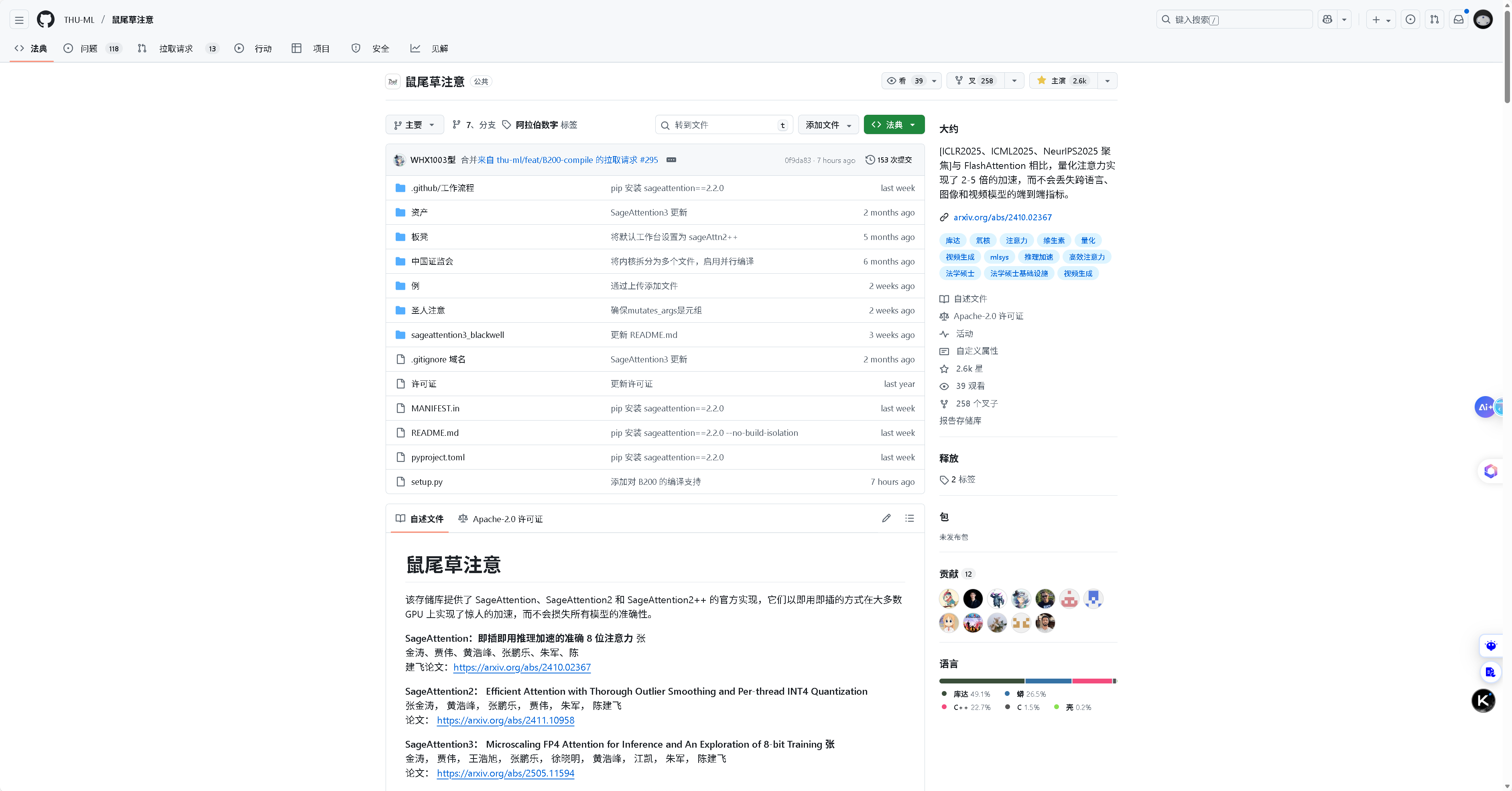
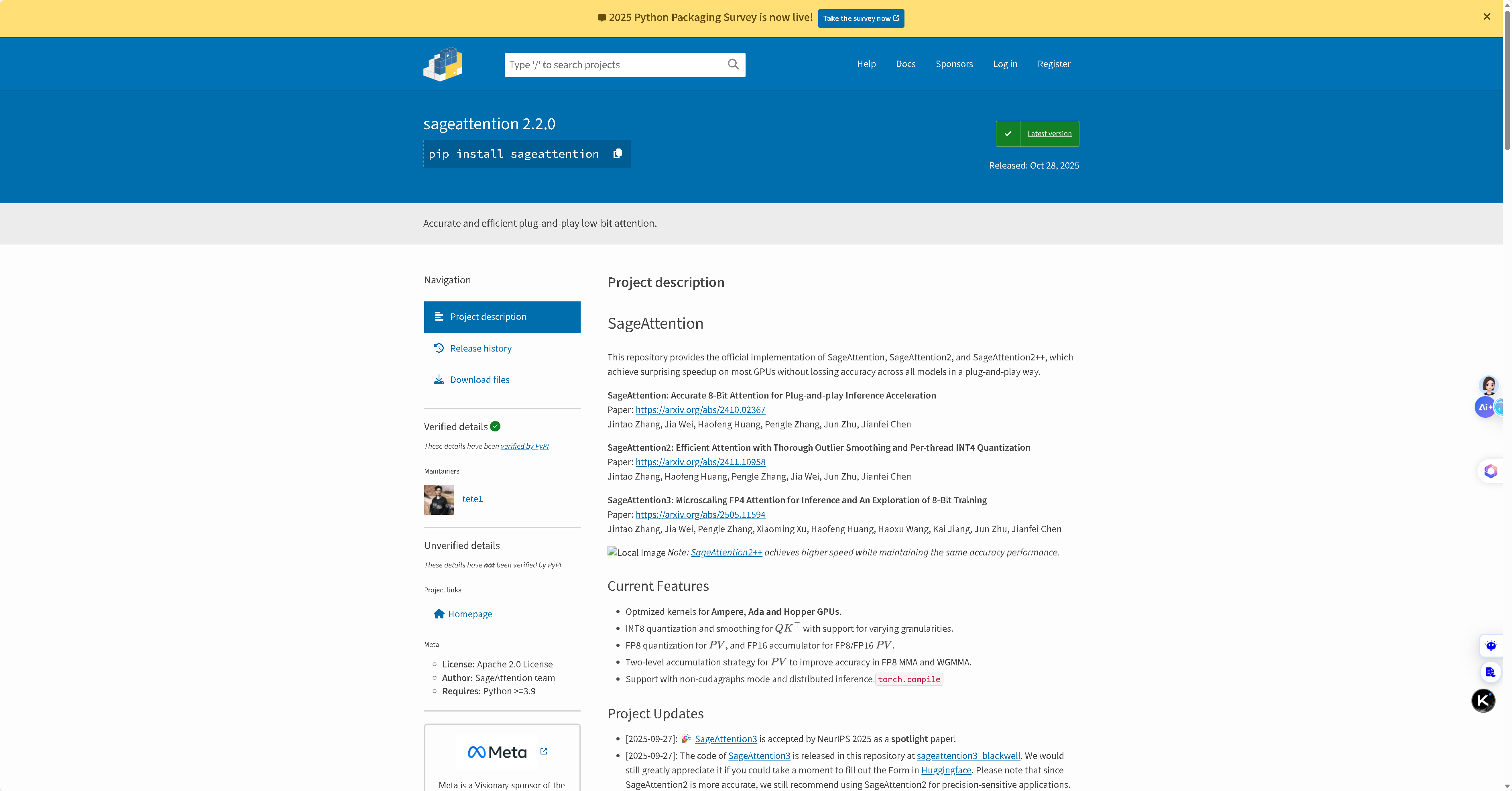
前言
SageAttention是清华大学机器学习团队开发的一个高效注意力机制库,在各种深度学习任务中都有出色的表现。然而,在Windows系统上安装SageAttention可能会遇到CUDA编译等挑战。本文将重点介绍使用预编译Wheel文件安装SageAttention的方法,这是成功率最高、最简便的安装方式。
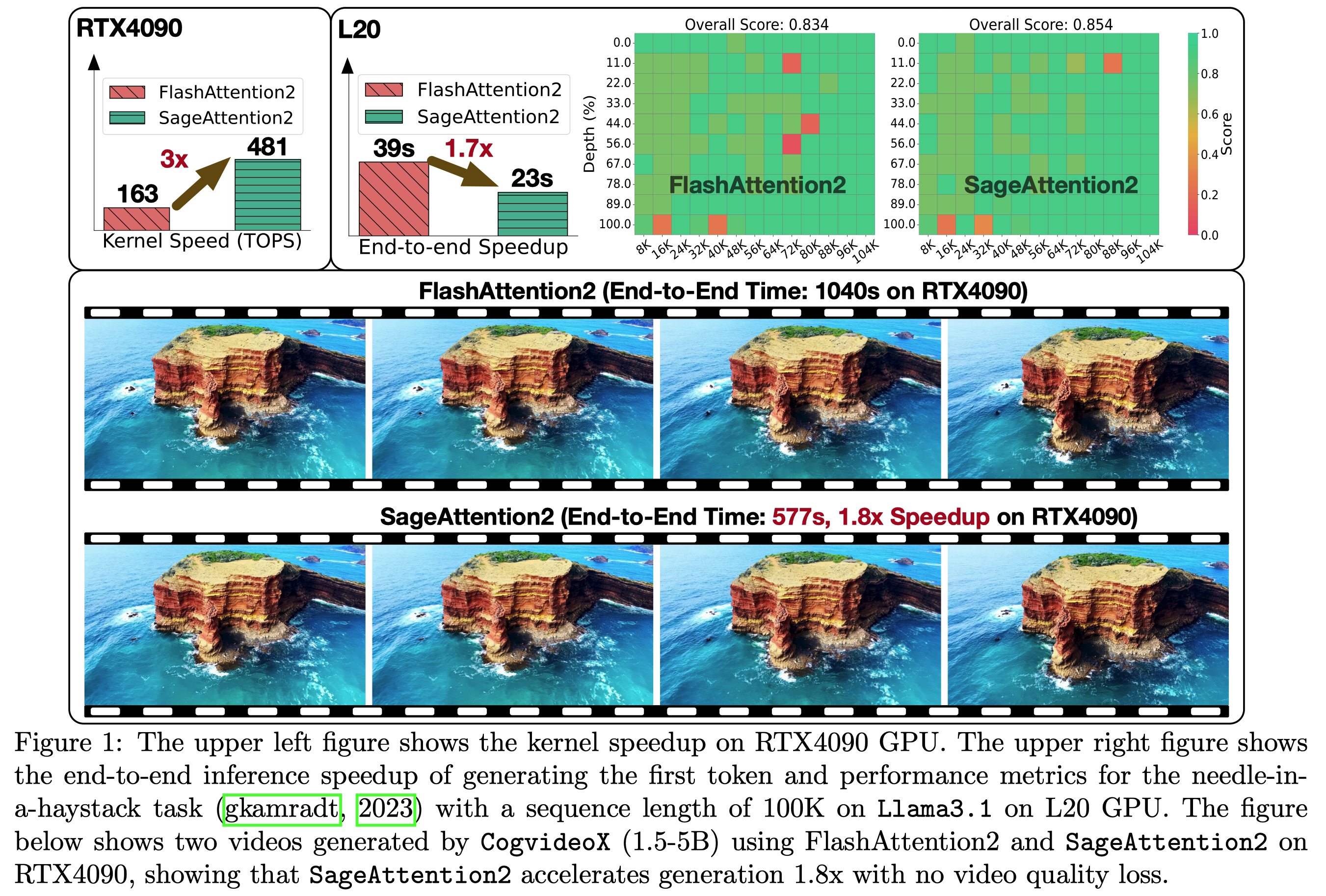
参考安装教程
Windows下安装SageAttention-No module named‘sageattention‘_no module named 'sageattention-CSDN博客
为什么推荐Wheel文件安装
- 避免编译问题:无需在本地编译,避免CUDA版本不匹配、编译器缺失等问题
- 安装速度快:预编译文件直接安装,无需等待编译过程
- 版本稳定:官方或可信来源的wheel文件经过测试,稳定性有保障
- 操作简单:只需一条pip命令即可完成安装
Wheel文件下载地址大全
主要可信来源
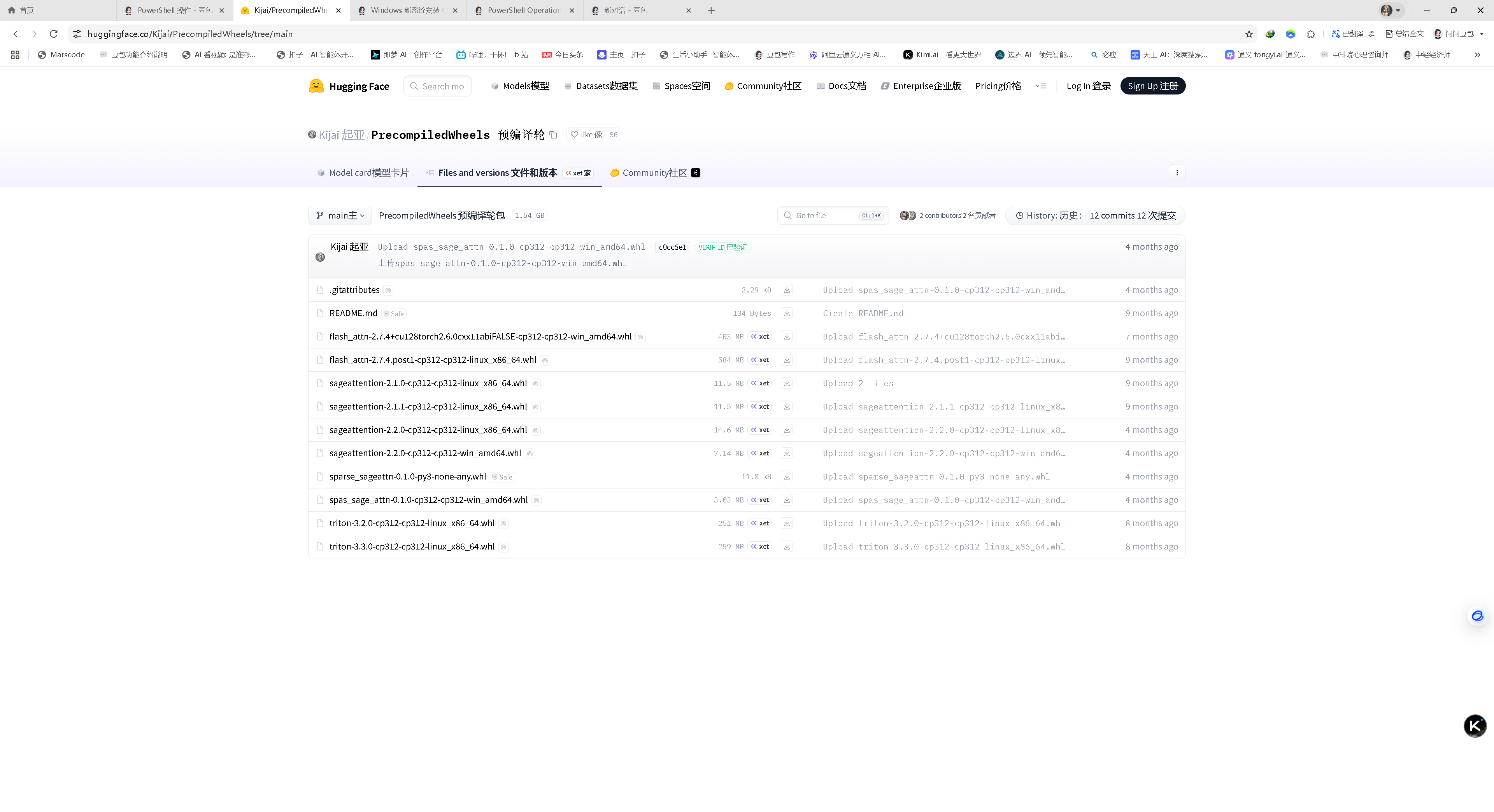
1. Hugging Face Hub - Kijai/PrecompiledWheels
地址:
支持的版本:
- Windows: sageattention-2.2.0-cp312-cp312-win_amd64.whl (Python 3.12)
- Linux: 多个版本可选
2. GitHub Releases
地址:
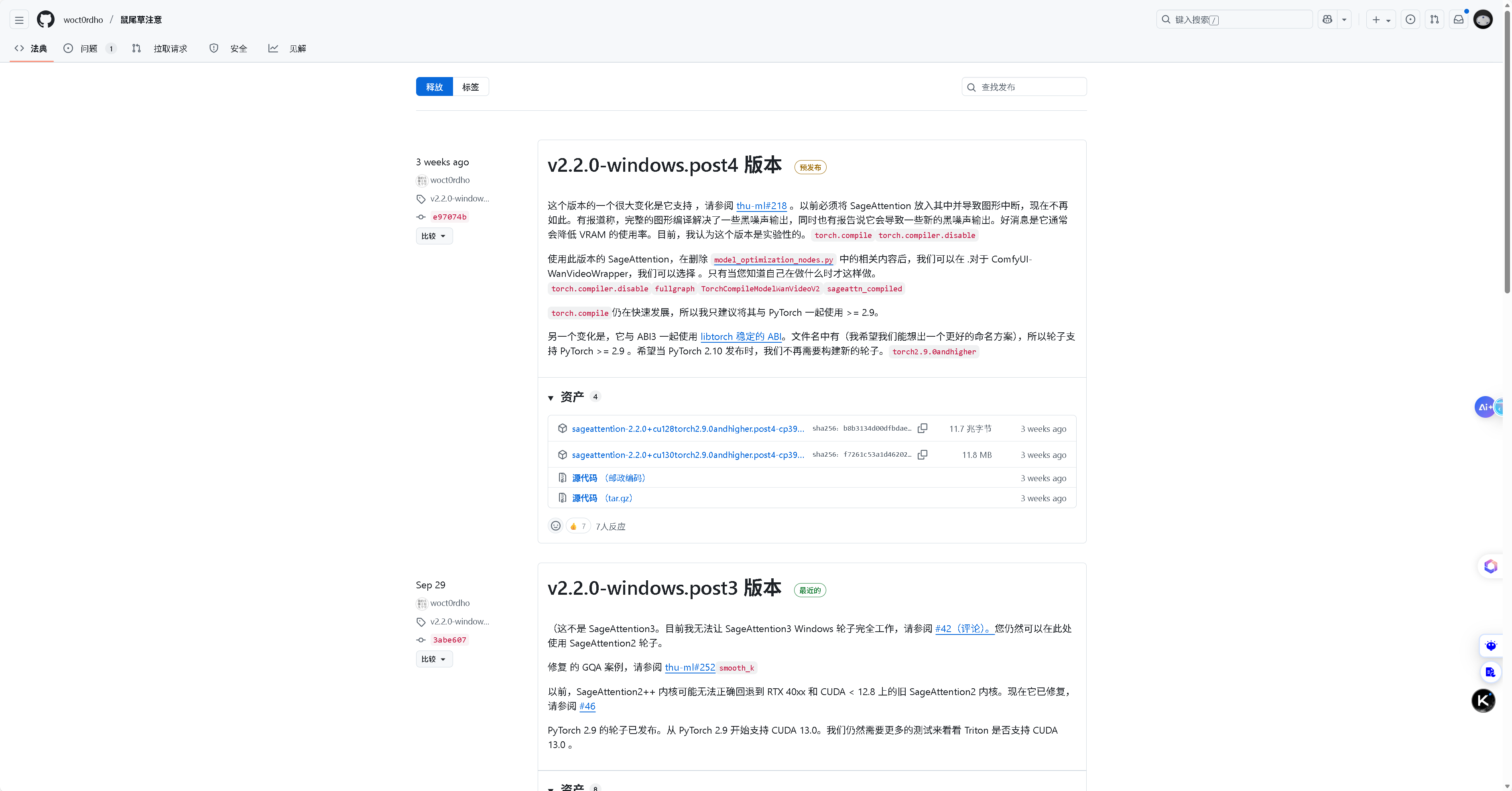
3. PyPI仓库
地址:
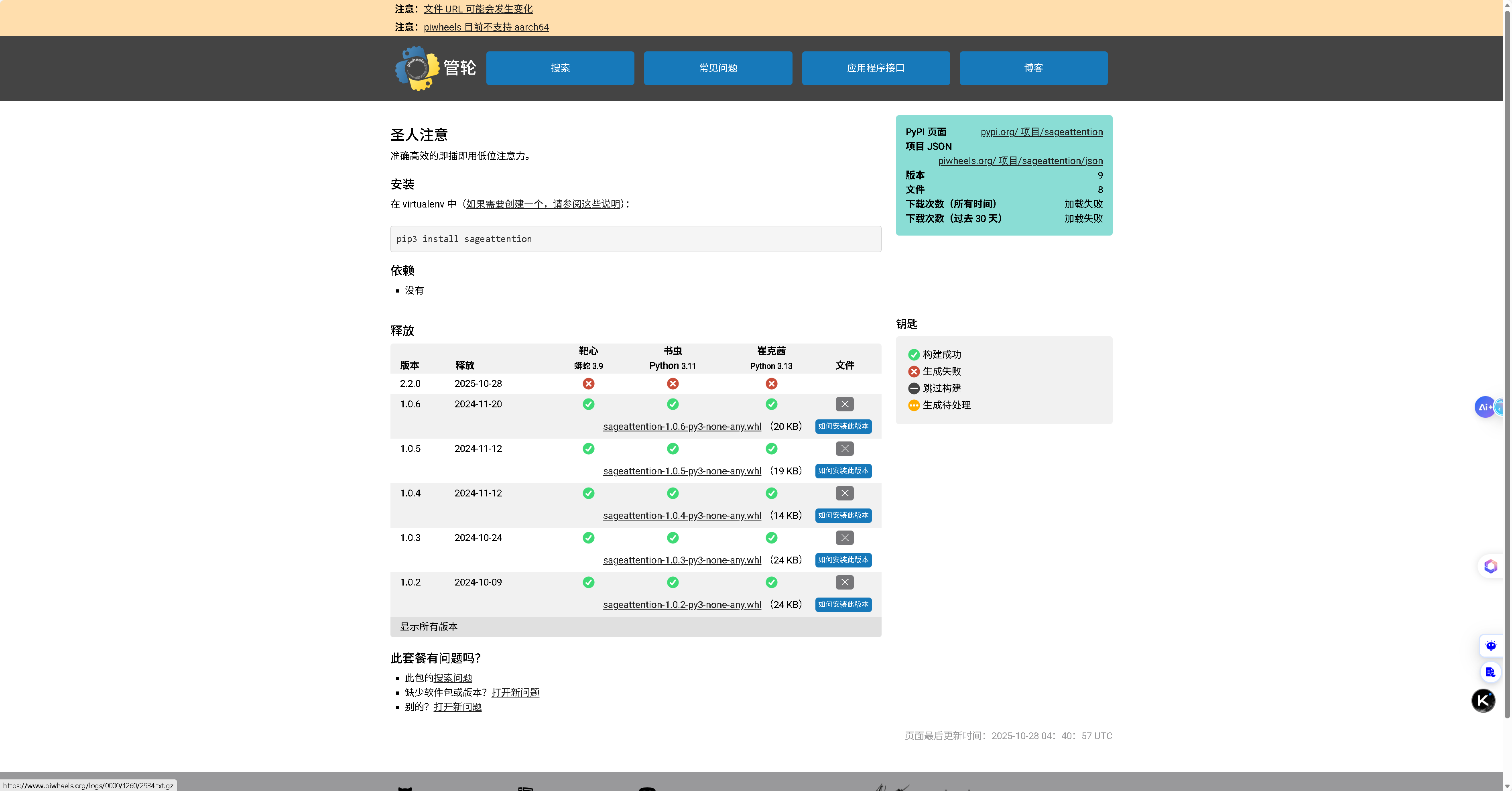
PyPI上可能有其他发布的wheel文件。
4. 其他社区贡献来源
地址:
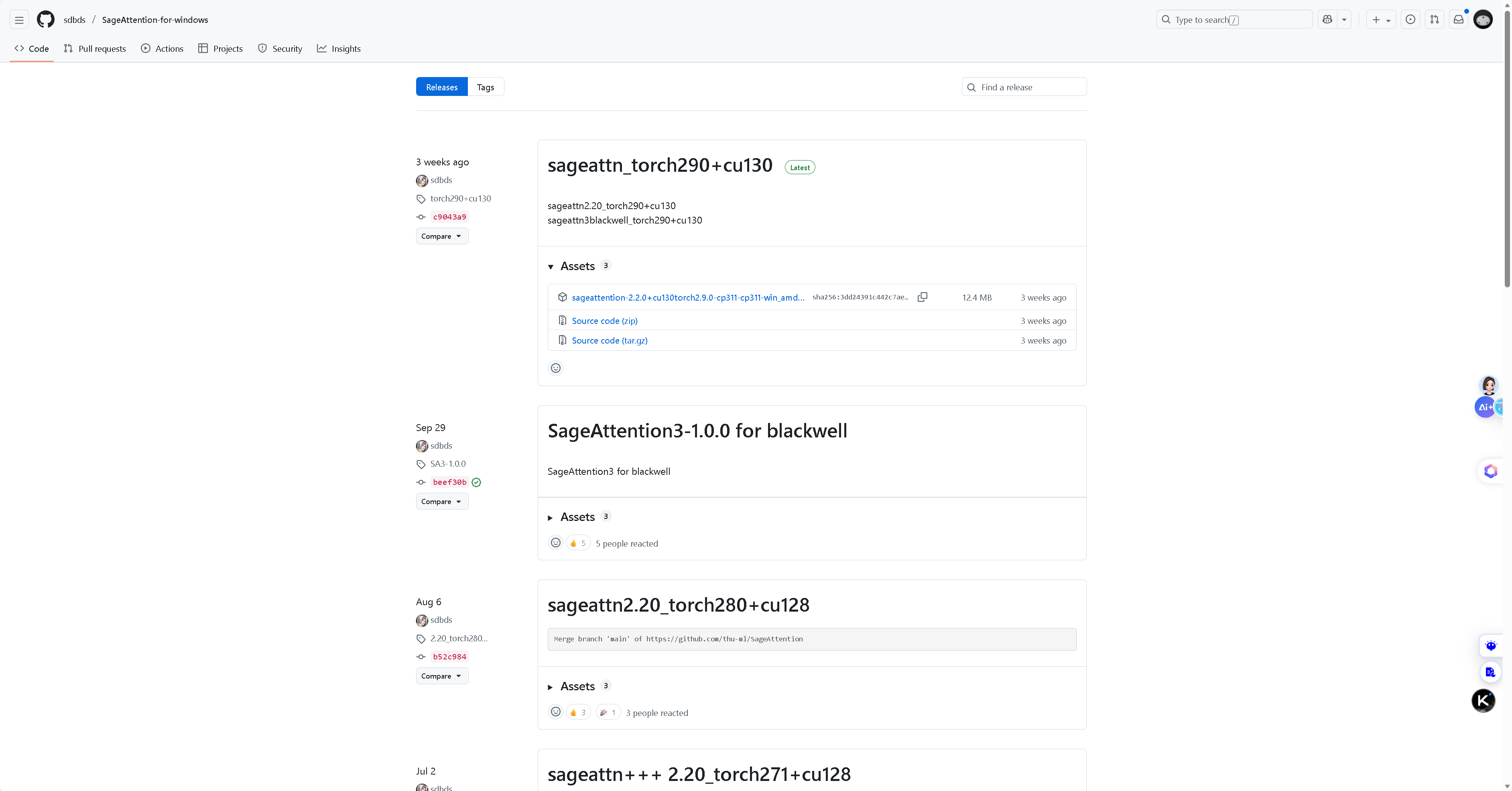
5. 其他Hugging Face Hub源
地址:
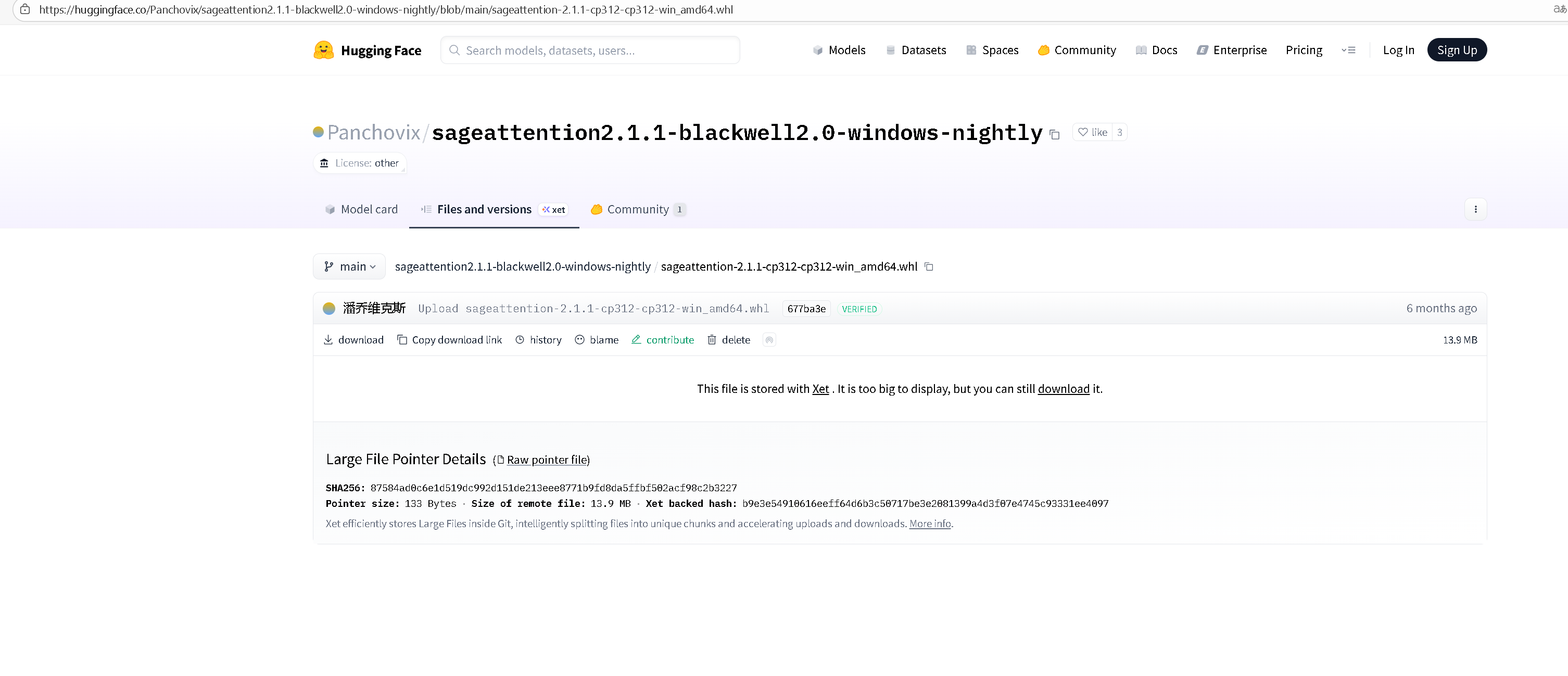
6. 其他GitHub源
地址:
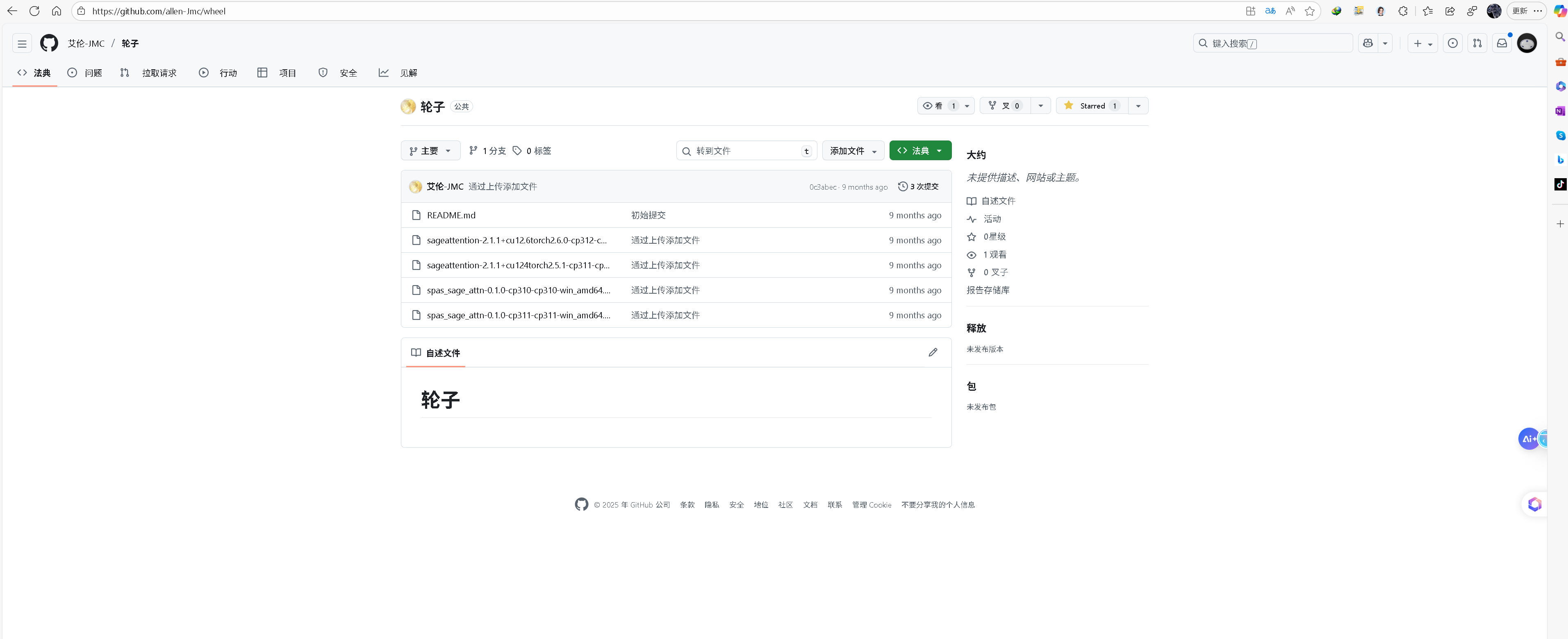
7. 其他Hugging Face Hub源
地址:
sageattention-2.1.1+cu12.6torch2.6.0-cp311-cp311-win_amd64.whl ·基隆劳/SageAttention-Window at Main
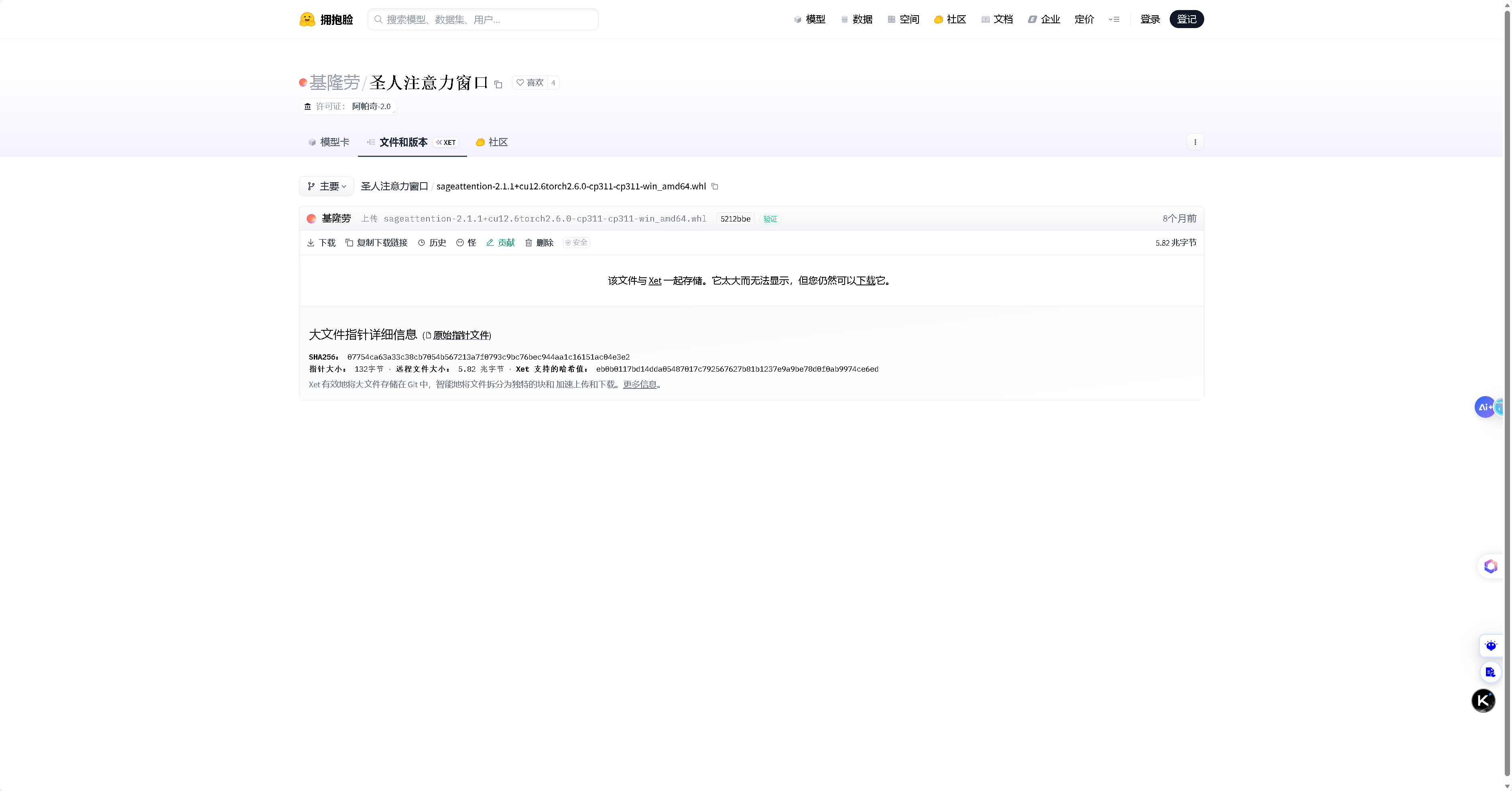
8. 其他源
地址:
欢迎补充……
版本选择指南
| Python版本 | Windows (64位) | Linux (64位) | 备注 |
|---|---|---|---|
| Python 3.12 | sageattention-2.2.0-cp312-cp312-win_amd64.whl | sageattention-2.2.0-cp312-cp312-linux_x86_64.whl | 推荐版本 |
| Python 3.11 | [xxx-cp311-cp311-win_amd64.whl] | [xxx-cp311-cp311-linux_x86_64.whl] | 如有需要可自行编译 |
| Python 3.10 | [xxx-cp310-cp310-win_amd64.whl] | [xxx-cp310-cp310-linux_x86_64.whl] | 如有需要可自行编译 |
环境准备
基础环境(ComfyUI 场景为例)
- 操作系统: Windows 10/11 (64位)
- Python版本: 3.12 (目前预编译wheel文件暂仅支持Python 3.11/3.12版本)
- CUDA版本: 12.0 及以上 (需要与PyTorch版本匹配)
- PyTorch版本: 2.3.0 及以上
- triton版本:3.0.0 及以上(Windows 系统安装:pip install triton-windows==xx.xx)
- flash-attn:用于基准测试
- 其他
检查当前环境
# 检查Python版本
python -V

# 检查CUDA版本
nvcc -V
# 或者
nvidia-smi

# 检查PyTorch版本
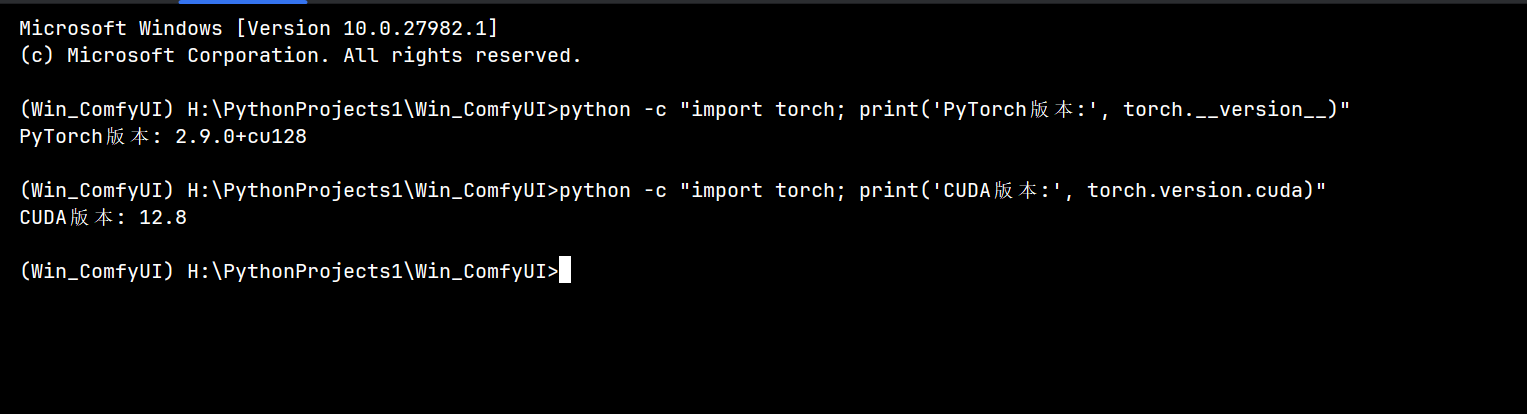
python -c "import torch; print('PyTorch版本:', torch.__version__)"
python -c "import torch; print('CUDA版本:', torch.version.cuda)"
详细安装步骤
步骤1:选择合适的Wheel文件
根据你的Python版本和操作系统选择对应的wheel文件:
- 确认Python版本:例如Python 3.12.x对应
cp312版本 - 确认操作系统:Windows选择包含
win_amd64的文件 - 确认SageAttention版本:建议选择最新的稳定版本
步骤2:下载Wheel文件
从上述地址中选择合适的文件下载到本地,例如:
- 文件名:
sageattention-2.2.0-cp312-cp312-win_amd64.whl - 保存路径:
D:\Downloads\sageattention-2.2.0-cp312-cp312-win_amd64.whl - 或移动下项目目录下安装,避免因安装命令过长导致的安装失败
步骤3:安装Wheel文件
打开命令提示符或PowerShell,执行以下命令:
# 方法1:使用完整路径安装
pip install D:\Downloads\sageattention-2.2.0-cp312-cp312-win_amd64.whl

# 方法2:先进入文件所在目录,再安装
cd D:\Downloads
pip install sageattention-2.2.0-cp312-cp312-win_amd64.whl

# 方法3:如果遇到权限问题,可以使用--user参数
pip install --user sageattention-2.2.0-cp312-cp312-win_amd64.whl

步骤4:验证安装
安装完成后,验证是否安装成功:
方法 1:使用简单的命令
# 最基本的导入测试
python -c "import sageattention; print('OK')"

# 如果成功会输出"OK",否则会显示错误信息

方法 2:使用完整的单行命令(推荐)
python -c "import sageattention; print('SageAttention导入成功!'); print('模块路径:', sageattention.__file__); print('可用功能:', [f for f in dir(sageattention) if not f.startswith('_')][:5])"
方法 3:先进入 Python 环境,再测试
步骤 1:输入python并按回车进入 Python 交互式环境
python
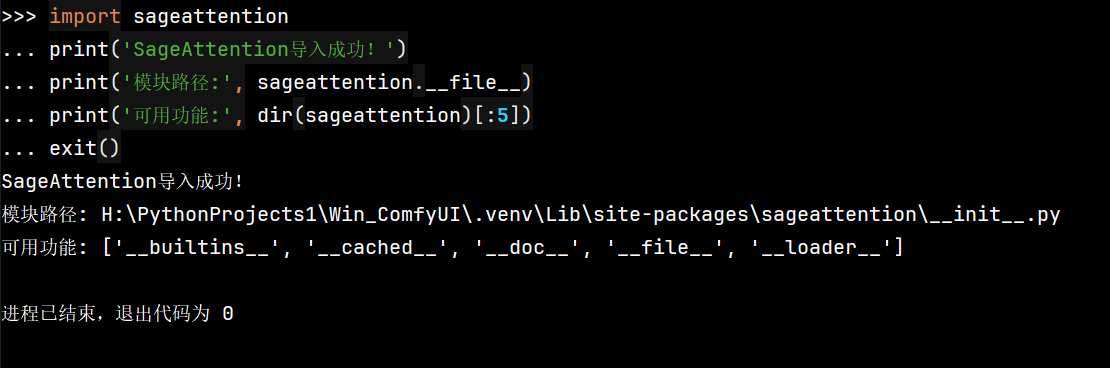
步骤 2:在 Python 环境中输入以下代码(每行按回车):
import sageattention
print('SageAttention导入成功!')
print('模块路径:', sageattention.__file__)
print('可用功能:', dir(sageattention)[:5])
exit()
方法 4:创建一个简单的测试文件
步骤 1:创建测试文件
notepad test_attention.py
步骤 2:在记事本中粘贴以下内容:
import sageattention
print("SageAttention安装成功!")
print("模块位置:", sageattention.__file__)
步骤 3:保存文件并关闭记事本
步骤 4:运行测试文件
python test_attention.py
选择其中一种方法,应该就能成功验证 SageAttention 的安装了。如果安装成功,你会看到类似以下的输出:
SageAttention导入成功!
模块路径: H:\PythonProjects1\Win_ComfyUI\.venv\Lib\site-packages\sageattention\__init__.py
可用功能: ['sage_attention', 'core', 'quant', ...]
常见问题及解决方案
问题1:版本不匹配
ERROR: sageattention-2.2.0-cp312-cp312-win_amd64.whl is not a supported wheel on this platform.
解决方案:
- 检查Python版本是否与wheel文件匹配
- 下载与你Python版本对应的wheel文件
- 例如:Python 3.12对应
cp312,Python 3.11对应cp311
问题2:CUDA版本不兼容
RuntimeError: CUDA version mismatch
解决方案:
- 检查PyTorch的CUDA版本:
torch.version.cuda - 确保系统安装的CUDA版本与PyTorch版本兼容
- 考虑使用CPU版本(如果不需要GPU加速)
问题3:网络下载速度慢
解决方案:
- 使用国内镜像源
- 先手动下载wheel文件,再本地安装
- 使用下载工具如 IDM 等加速下载
问题4:权限不足
PermissionError: [WinError 5] 拒绝访问
解决方案:
- 使用管理员权限运行命令提示符
- 添加
--user参数安装到用户目录:pip install --user xxx.whl - 检查文件是否被其他程序占用
如果找不到对应版本的Wheel文件
方法1:升级Python版本
升级到有预编译wheel文件的Python版本(如Python 3.12)。
方法2:自行构建Wheel文件(难度大,失败概率高)
# 安装构建工具
pip install setuptools wheel build

# 克隆SageAttention仓库
git clone https://github.com/thu-ml/SageAttention.git
cd SageAttention

# 构建wheel文件
python -m build --wheel

# 在dist目录下会生成wheel文件
ls dist/
方法3:使用pip直接安装(需要编译)
# 直接安装
pip install sageattention

# 如果遇到构建隔离问题
pip install --no-build-isolation sageattention
性能优化建议
- 使用合适的CUDA版本:确保CUDA版本与PyTorch版本匹配
- 更新显卡驱动:使用最新的NVIDIA显卡驱动
- 调整批处理大小:根据GPU内存调整合适的批次大小
- 使用混合精度训练:可以显著提升性能
总结
使用预编译Wheel文件是在Windows上安装SageAttention的最佳方法,可以避免大部分安装问题。本文提供了多个可能的下载来源,并预留了添加更多地址的位置。
安装流程总结:
- 确认系统环境(Python版本、CUDA版本)
- 从可信来源下载对应版本的wheel文件
- 使用pip命令安装wheel文件
- 验证安装是否成功
如果遇到问题,建议优先检查版本匹配性,或尝试从其他来源获取wheel文件。希望本文能帮助你顺利安装SageAttention!

AtomGit 是由开放原子开源基金会联合 CSDN 等生态伙伴共同推出的新一代开源与人工智能协作平台。平台坚持“开放、中立、公益”的理念,把代码托管、模型共享、数据集托管、智能体开发体验和算力服务整合在一起,为开发者提供从开发、训练到部署的一站式体验。
更多推荐


 26
26 0
0- 0


 已为社区贡献71条内容

所有评论(0)