使用Datawhale的AMD云平台搭建大模型环境
注册AMD的账号:AMD AI 开发者计划
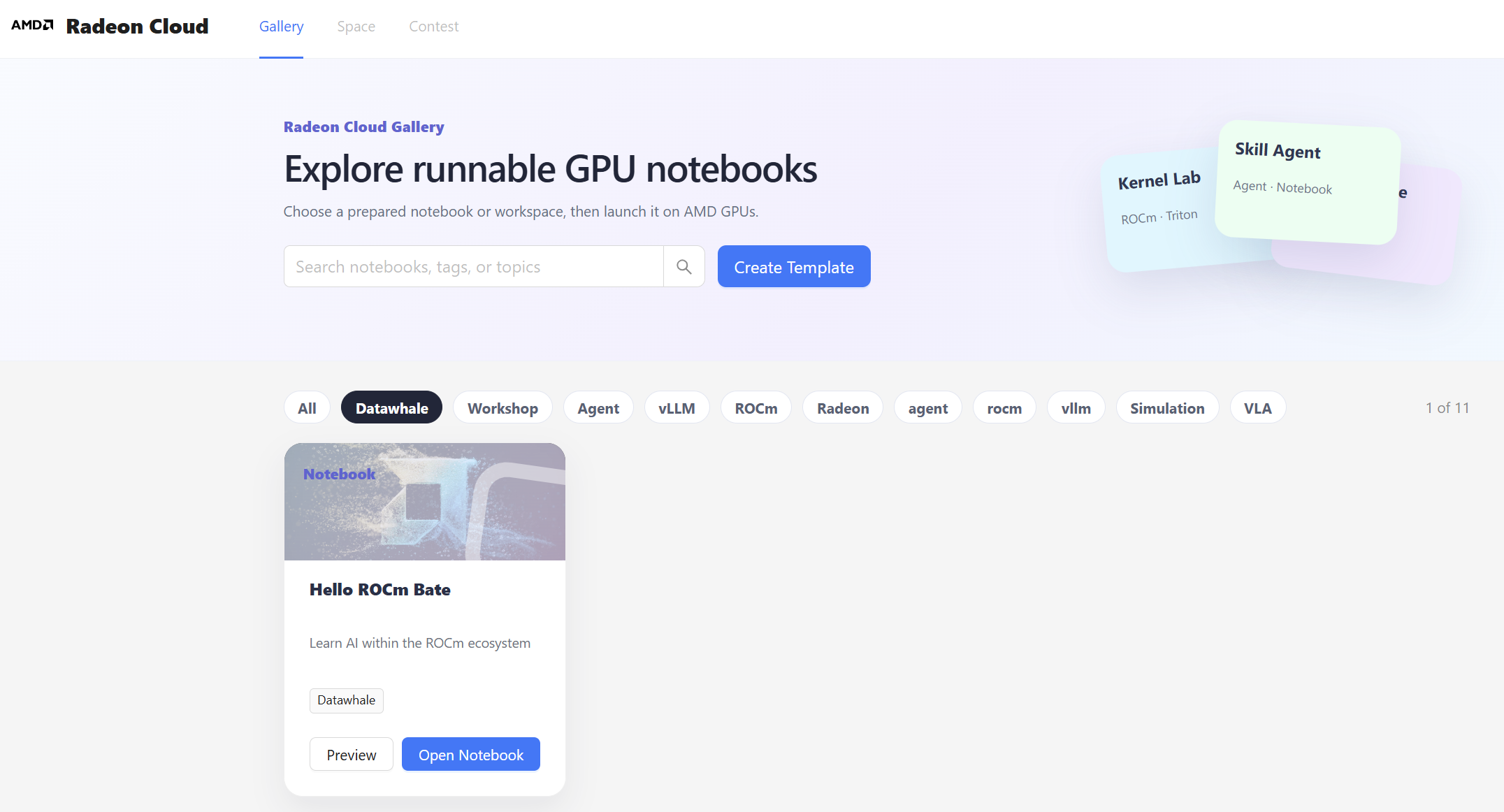
进入Datawhale的云平台:Radeon Cloud
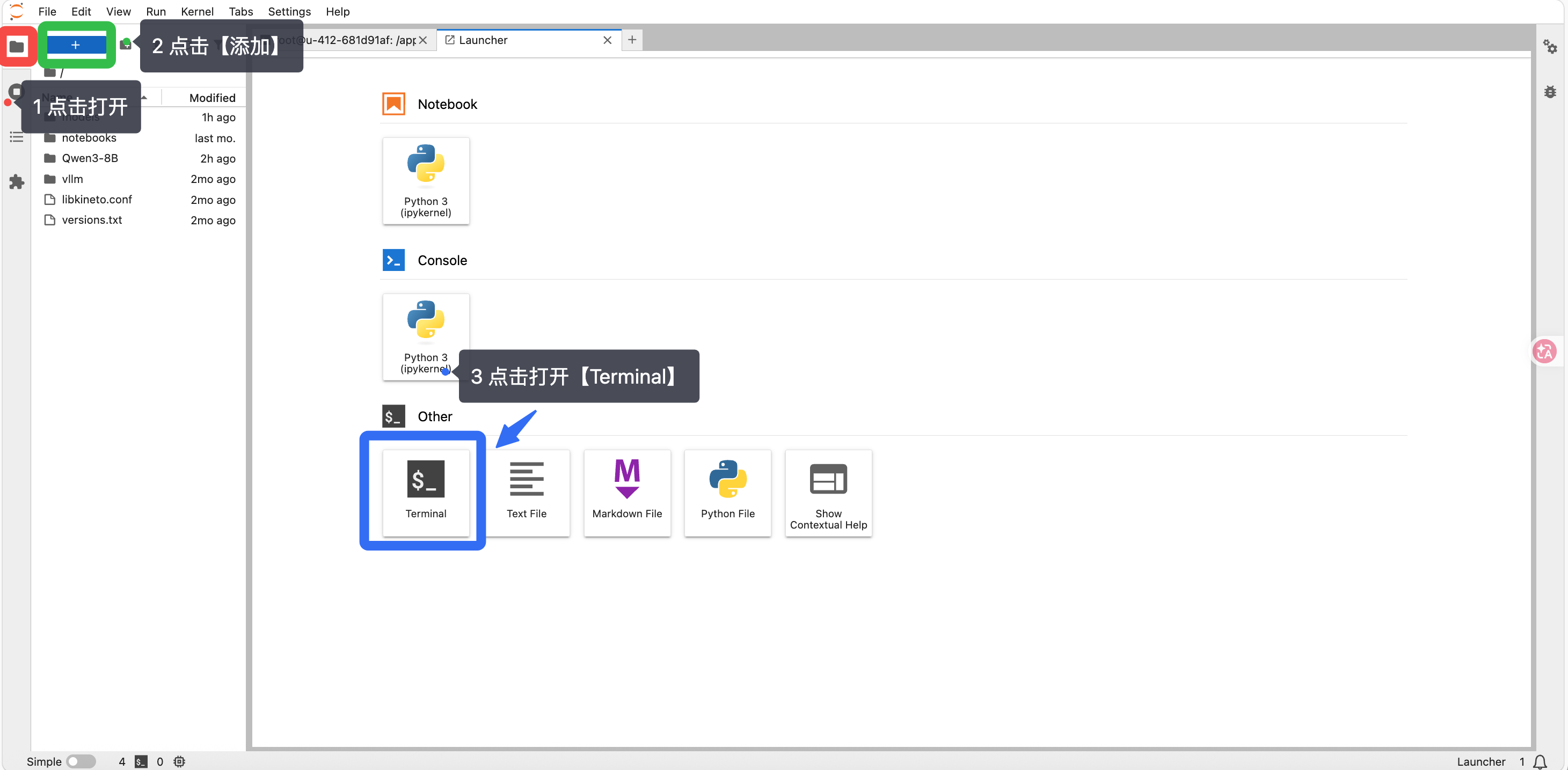
打开终端:
查看GPU情况:amd-smi
检测pytorch:python -c "import torch; print('PyTorch:', torch.__version__); print('ROCm available:', torch.cuda.is_available()); print('Device:', torch.cuda.get_device_name(0) if torch.cuda.is_available() else 'N/A')"
下载 Gemma4 模型
切换腾讯源:pip config set global.index-url https://mirrors.cloud.tencent.com/pypi/simple/
安装魔塔:pip install modelscope
下载Gemma4模型:modelscope download --model google/gemma-4-E4B-it --cache_dir "./models"
确认模型下载成功:ls -lh ./models/google/gemma-4-E4B-it/
安装vllm:
uv pip uninstall torchvision torchaudio # 在该云环境中,需卸载重新安装这个库才能正常使用
uv pip install 'vllm==0.23.0+rocm723' torchvision torchaudio 'fastapi[standard]==0.136.0' \
--no-cache \
--index-url https://mirrors.aliyun.com/pypi/simple/ \
--extra-index-url https://wheels.vllm.ai/rocm/ \
-U
启动模型:vllm serve ./models/google/gemma-4-E4B-it/ --served-model-name gemma-4-E4B-it
打开新终端:vllm chat --url http://localhost:8000/v1 --model gemma-4-E4B-it
测试大模型回答效果,在windows可使用ctrl+C终止
参考:

AtomGit 是由开放原子开源基金会联合 CSDN 等生态伙伴共同推出的新一代开源与人工智能协作平台。平台坚持“开放、中立、公益”的理念,把代码托管、模型共享、数据集托管、智能体开发体验和算力服务整合在一起,为开发者提供从开发、训练到部署的一站式体验。
更多推荐


 4
4 0
0- 0


 已为社区贡献2条内容

所有评论(0)