LLMFetch|首发平替LLMfit、Fastfetch和Neofetch,我花3 小时用 Codex 做了一个本地大模型推荐工具
·
🚀 我做了一个小工具:LLMFetch
一个面向本地大模型用户的终端工具,目标很简单:
打开终端,就能快速知道这台机器适合跑什么模型。
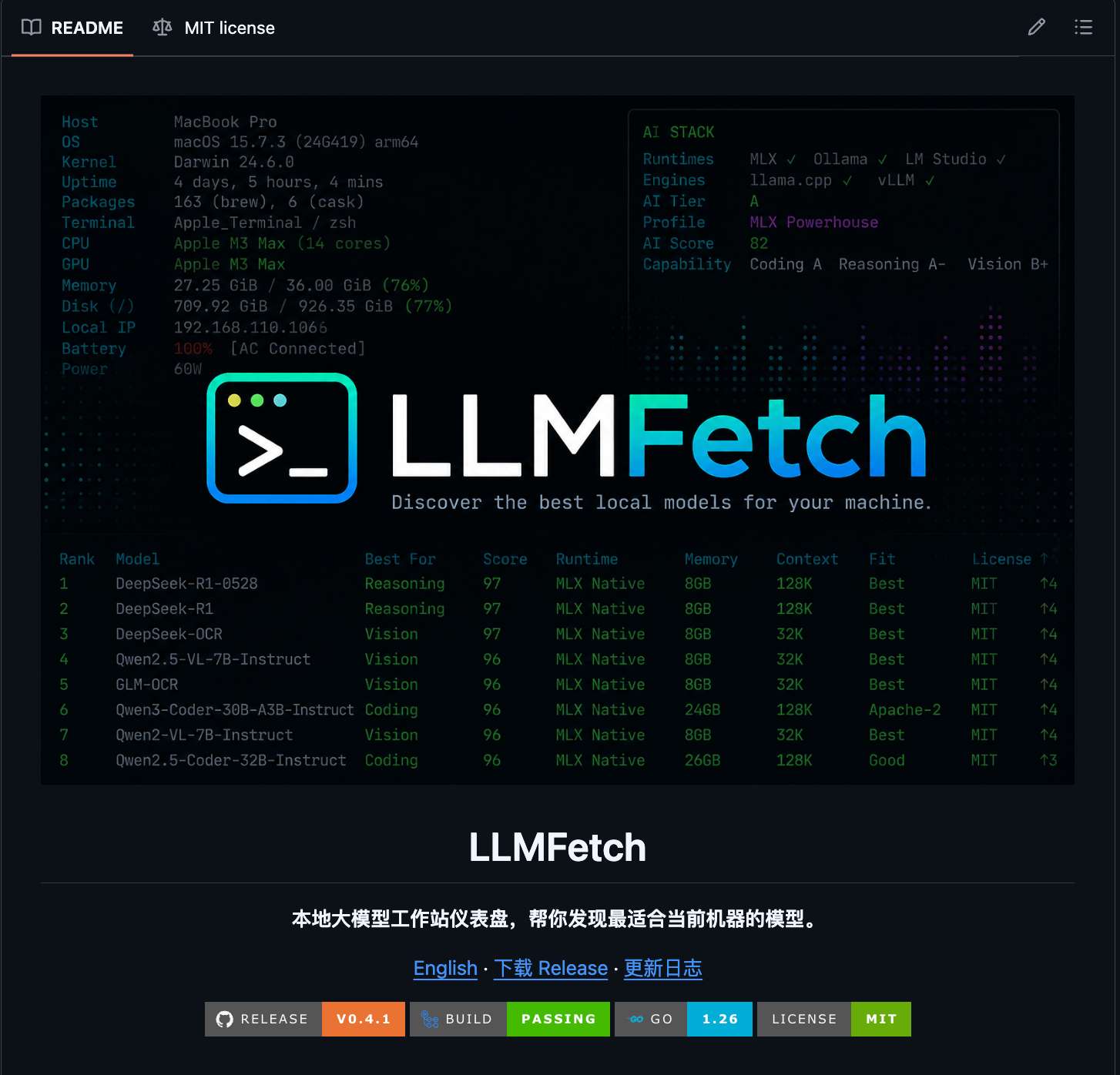
GitHub:https://github.com/T-Zevin/llmfetch
LLMFetch 有点像:
fastfetch:展示你的系统、芯片、内存、屏幕、运行环境htop:在终端里交互式浏览、搜索、筛选模型- 本地 LLM 排行榜:按速度、内存、上下文、适配度、许可证等指标排序
截图
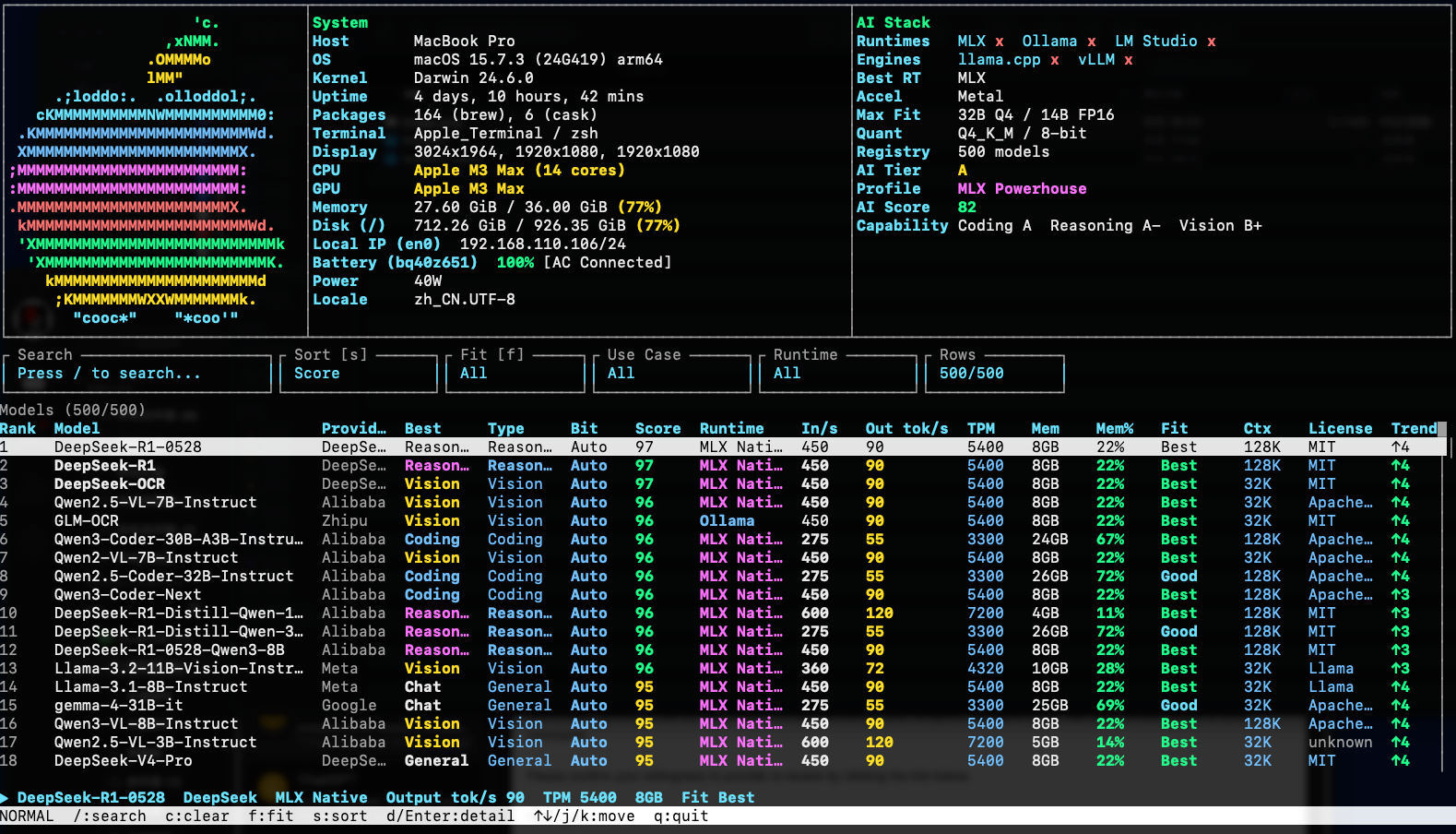
目前支持
- macOS / Linux / Windows
- Apple Silicon / x86_64 / arm64
- MLX / Ollama / LM Studio / llama.cpp / vLLM 检测
- 10000 条模型 registry
- 交互式 TUI
- 快照模式
- JSON 输出
- Homebrew 安装
安装
macOS 用户可以直接:
brew install T-Zevin/tap/llmfetch
如果 GitHub HTTPS clone 被 reset,可以用 SSH:
brew tap T-Zevin/tap git@github.com:T-Zevin/homebrew-tap.git
brew install T-Zevin/tap/llmfetch
macOS / Linux 也可以一行安装:
curl -fsSL https://raw.githubusercontent.com/T-Zevin/llmfetch/main/install.sh | sh
使用
llmfetch
快照模式:
llmfetch --snapshot
JSON 输出:
llmfetch --json
查看 logo catalog:
llmfetch --logos
为什么做它
现在本地模型越来越多,但选择模型经常很混乱:
- 这个模型适合我的机器吗?
- 应该用 MLX、Ollama 还是 llama.cpp?
- 内存够不够?
- 速度大概多少?
- 哪些模型更适合 coding / reasoning / vision?
LLMFetch 想把这些信息收进一个终端界面里。
GitHub:https://github.com/T-Zevin/llmfetch
欢迎试用、提 issue、给建议。

AtomGit 是由开放原子开源基金会联合 CSDN 等生态伙伴共同推出的新一代开源与人工智能协作平台。平台坚持“开放、中立、公益”的理念,把代码托管、模型共享、数据集托管、智能体开发体验和算力服务整合在一起,为开发者提供从开发、训练到部署的一站式体验。
更多推荐
 5
5 0
0- 0


 已为社区贡献6条内容

所有评论(0)