hermes agent安装在Linux centos中
·
遇到问题:
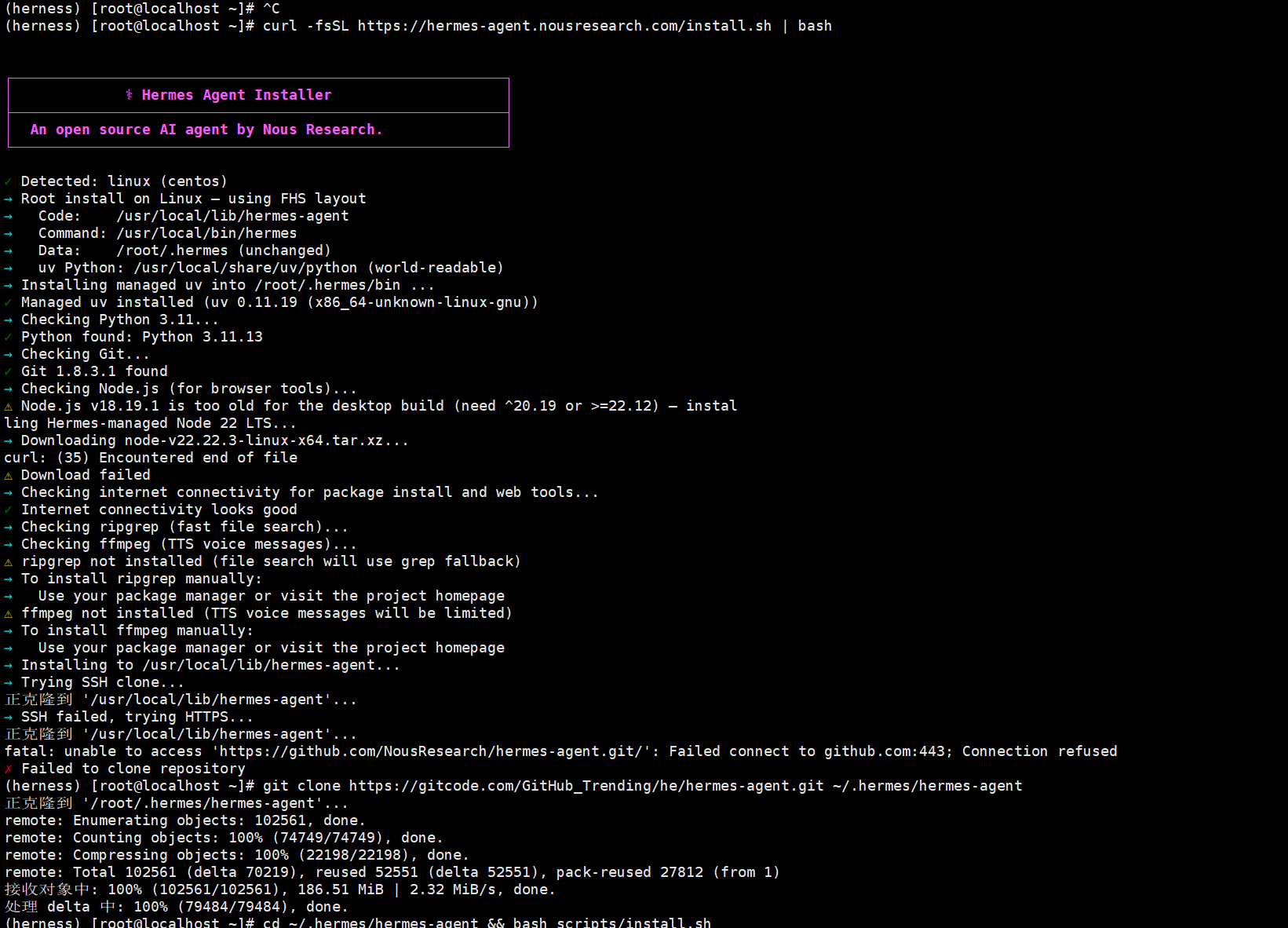
由于国内的网站访问不到github网站,所以需要换镜像源,即使我开了魔法也是一样的不清楚出了什么问题
最终解决方法:
首先我使用的Linux centos7进行安装,我在我的虚拟机中安装了miniconda 这个可以进行创建对应的python=3.11的包,同时安装node.js ,原因如下:
安装Hermes Agent前需要有如下环境:
- Python (>=3.11): Agent 逻辑运行的基础环境。
- Node.js (>=22): 主要用于支撑浏览器自动化(Playwright)和 WhatsApp 桥接等高级功能。
- Git: 用于版本控制和一键安装脚本的拉取。
- 系统工具:ripgrep / ffmpeg(非硬性依赖,缺失时会提示手动安装)
安装了miniconda以后可以创建一个虚拟环境
conda create -n hermes python=3.112.安装node.js工具
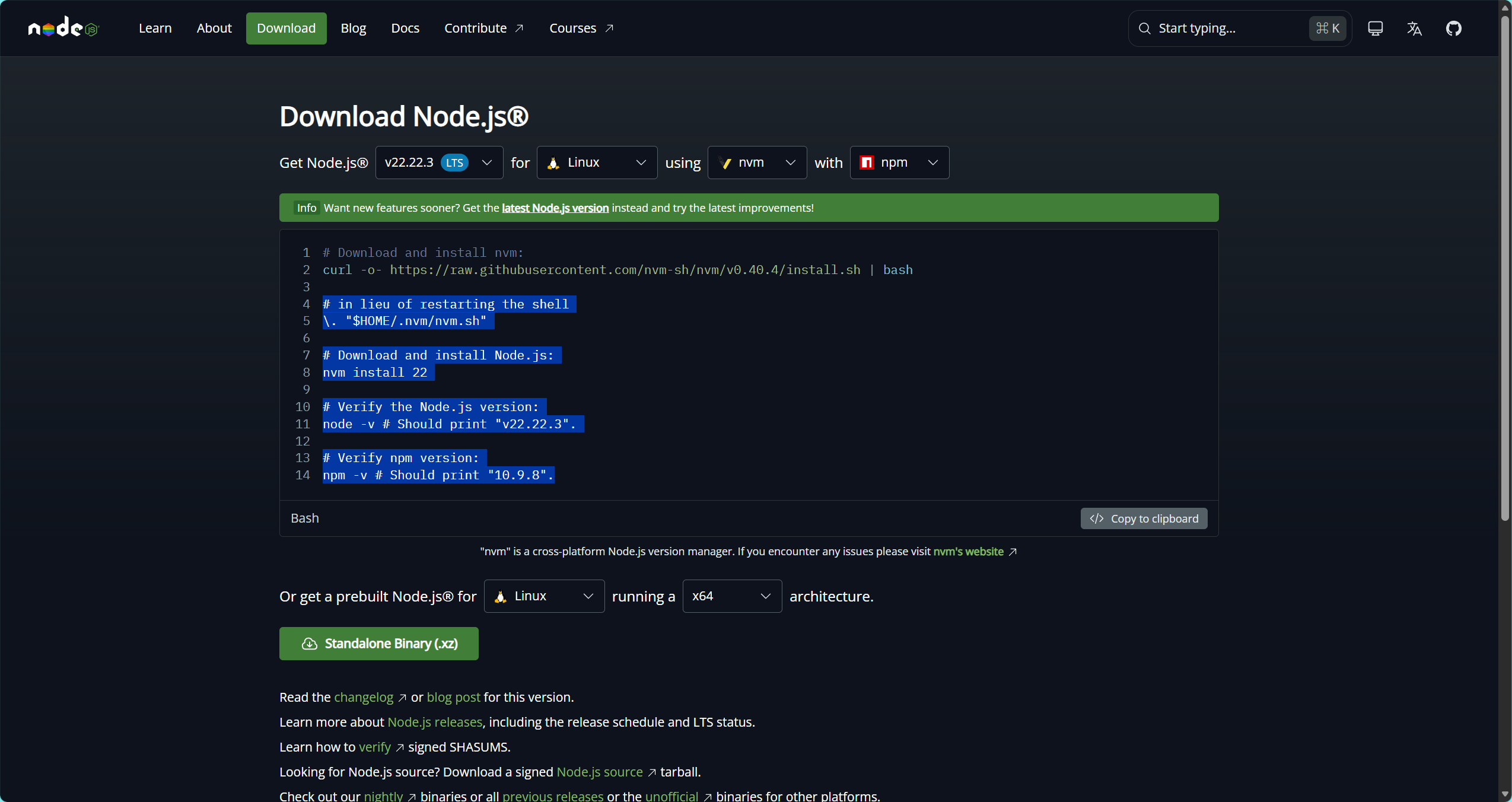
访问官网:Node.js — Download Node.js®
安装LTS
# Download and install nvm:
curl -o- https://raw.githubusercontent.com/nvm-sh/nvm/v0.40.4/install.sh | bash

# in lieu of restarting the shell
\. "$HOME/.nvm/nvm.sh"

# Download and install Node.js:
nvm install 22

# Verify the Node.js version:
node -v # Should print "v22.22.3".

# Verify npm version:
npm -v # Should print "10.9.8".
3.使用国内的镜像源
# 使用 GitCode 镜像(稳定推荐)
git clone https://gitcode.com/GitHub_Trending/he/hermes-agent.git ~/.hermes/hermes-agent

# 或使用 Gitee 镜像(备选)
git clone https://gitee.com/mirrors/hermes-agent.git ~/.hermes/hermes-agent
我使用第一个
4.安装
cd ~/.hermes/hermes-agent && bash scripts/install.sh5.Linux警告内容:
- 警告内容:
Playwright does not support automatic dependency installation on RPM-based systems.(Playwright 不支持在基于 RPM 的系统上自动安装依赖。)
解决方案:
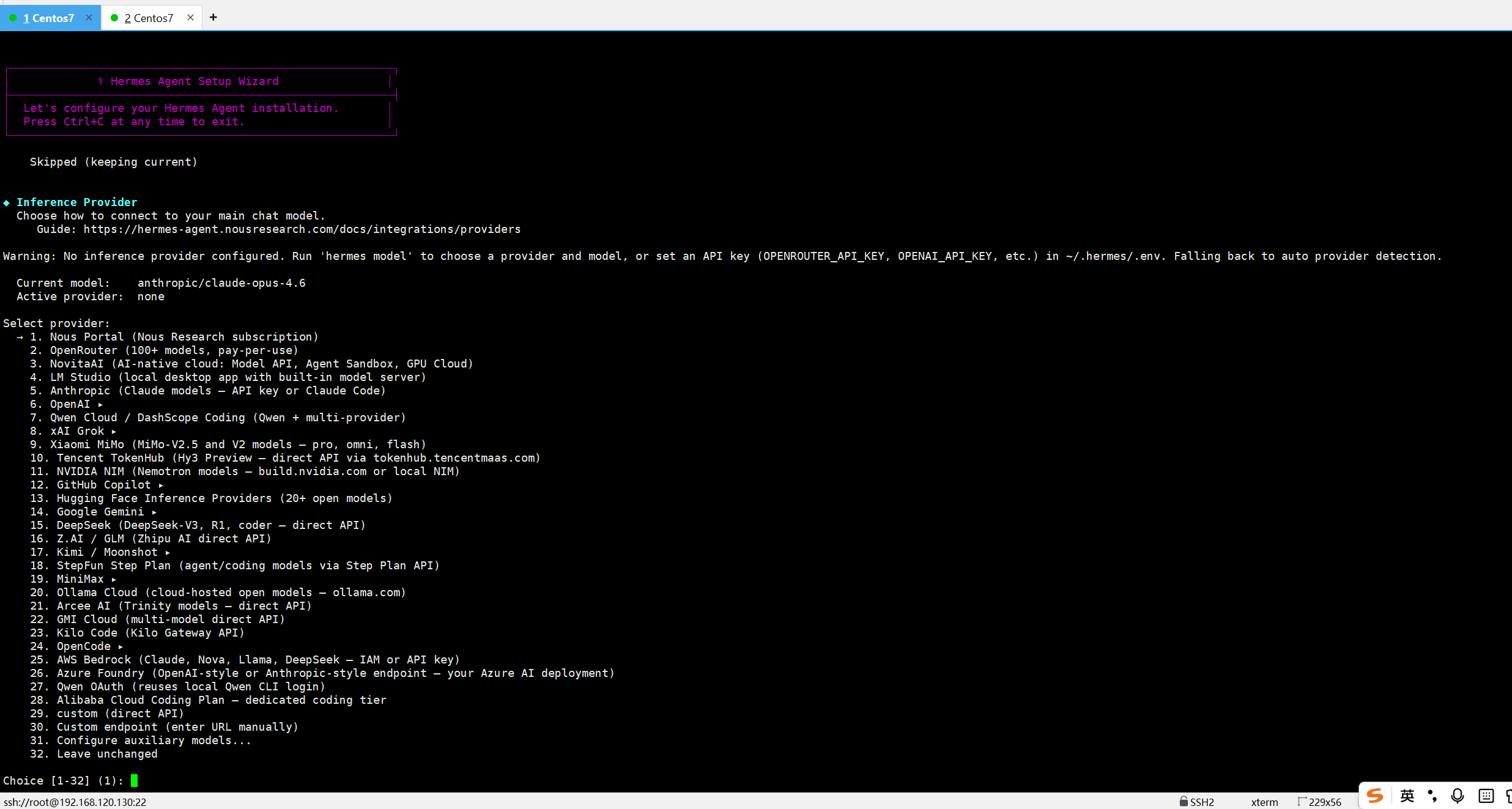
sudo dnf install nss atk at-spi2-core cups-libs libdrm libxkbcommon mesa-libgbm pango cairo alsa-lib安装成功以后是这样的让你配置模型

AtomGit 是由开放原子开源基金会联合 CSDN 等生态伙伴共同推出的新一代开源与人工智能协作平台。平台坚持“开放、中立、公益”的理念,把代码托管、模型共享、数据集托管、智能体开发体验和算力服务整合在一起,为开发者提供从开发、训练到部署的一站式体验。
更多推荐



 5
5 0
0- 0


 已为社区贡献3条内容

所有评论(0)