AI配色生成器的原理与艺术应用:从色彩理论到算法实践的创新融合
·
AI配色生成器的原理与艺术应用:从色彩理论到算法实践的创新融合
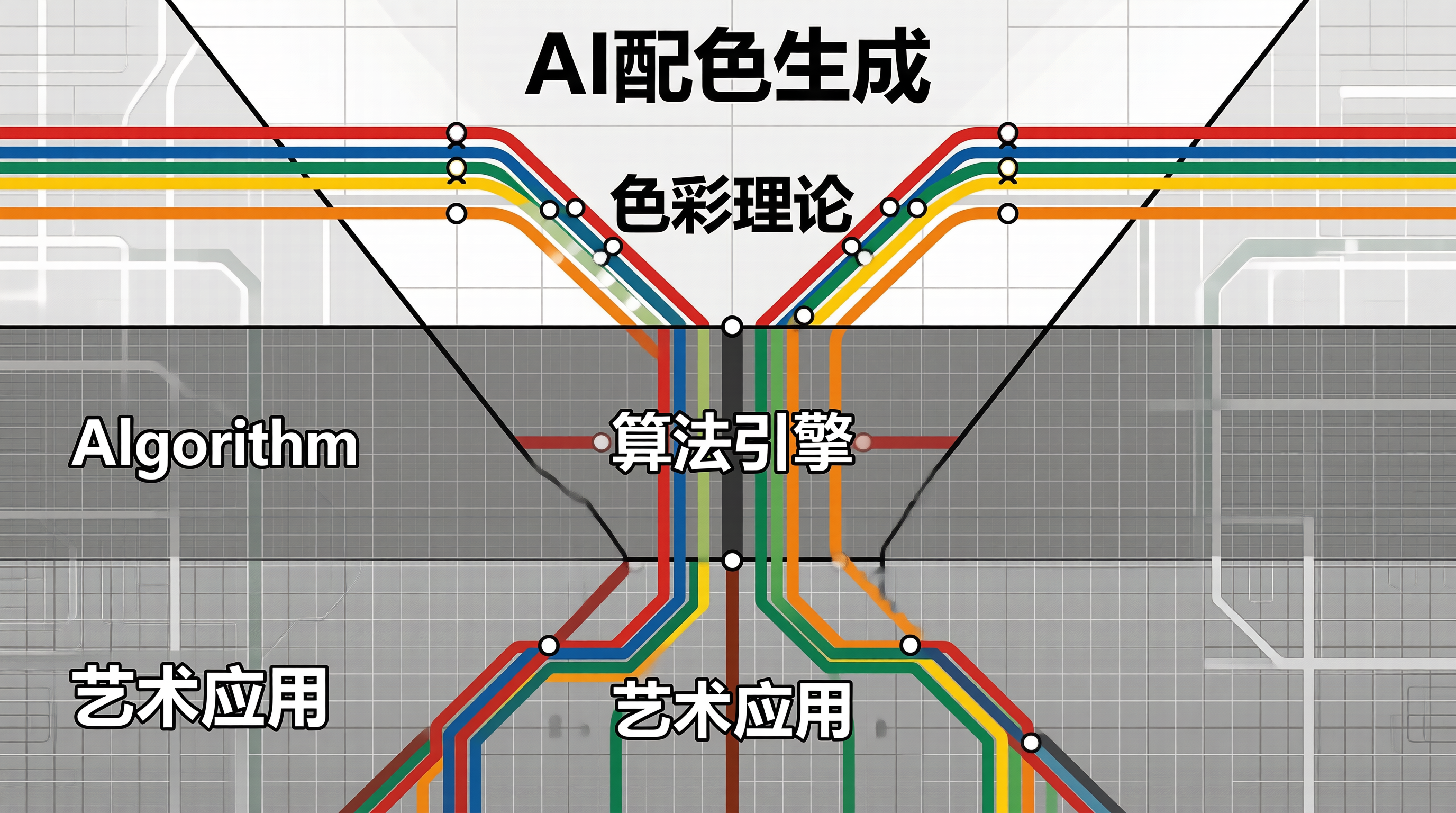
色彩是设计中最具情感力量的语言,而AI则是掌握这门语言的新生代诗人。当算法遇见色彩,新的美学维度正在被打开。
AI配色生成器的核心原理
AI配色生成器不是简单的随机颜色组合,而是基于色彩理论的深度学习系统。它能够理解色彩之间的关系、文化含义和设计语境。
色彩理论的基础
传统色彩理论建立在色相环的基础上,定义了多种配色规则:
// 色彩理论规则引擎
class ColorTheoryEngine {
  constructor() {
    this.rules = {
      complementary: {
        name: '互补色',
        description: '色相环上相对的颜色',
        angle: 180,
        harmony: '高对比,视觉冲击强'
      },
      analogous: {
        name: '类似色',
        description: '色相环上相邻的颜色',
        angle: 30,
        harmony: '柔和统一,视觉舒适'
      },
      triadic: {
        name: '三角色',
        description: '色相环上间隔120度的三种颜色',
        angle: 120,
        harmony: '均衡丰富,色彩饱满'
      },
      splitComplementary: {
        name: '分裂互补色',
        description: '基色对面的两种相邻颜色',
        angle: 150,
        harmony: '对比柔和,变化丰富'
      },
      tetradic: {
        name: '矩形色',
        description: '两组互补色构成的矩形',
        angle: 60,
        harmony: '色彩丰富,需要平衡'
      }
    };
  }

  generatePaletteFromHue(baseHue, rule, count = 5) {
    const config = this.rules[rule];
    if (!config) return null;

    const colors = [];
    for (let i = 0; i < count; i++) {
      const hue = (baseHue + config.angle * i) % 360;
      colors.push({
        hue,
        saturation: 60 + Math.random() * 20,
        lightness: 45 + Math.random() * 15,
        rule: config.name
      });
    }

    return this.hslToHexBatch(colors);
  }

  hslToHexBatch(colors) {
    return colors.map(({ hue, saturation, lightness }) => {
      const s = saturation / 100;
      const l = lightness / 100;
      const c = (1 - Math.abs(2 * l - 1)) * s;
      const x = c * (1 - Math.abs((hue / 60) % 2 - 1));
      const m = l - c / 2;

      let r, g, b;
      if (hue < 60) { r = c; g = x; b = 0; }
      else if (hue < 120) { r = x; g = c; b = 0; }
      else if (hue < 180) { r = 0; g = c; b = x; }
      else if (hue < 240) { r = 0; g = x; b = c; }
      else if (hue < 300) { r = x; g = 0; b = c; }
      else { r = c; g = 0; b = x; }

      const toHex = (v) =>
        Math.round((v + m) * 255).toString(16).padStart(2, '0');

      return `#${toHex(r)}${toHex(g)}${toHex(b)}`;
    });
  }
}
深度学习配色模型
AI配色模型通过学习海量精心设计的配色方案,理解色彩组合的规律:
- 数据采集:收集顶级设计师的配色方案及其应用场景
- 特征提取:提取色相、饱和度、明度、对比度等色彩特征
- 模式学习:学习不同语境下的色彩组合规则
- 生成输出:基于学习到的模式生成新的配色方案
品牌色系统的AI生成
从品牌关键词到色彩方案,AI需要理解品牌的性格定位:
| 品牌关键词 | 色相范围 | 饱和度 | 色彩性格 |
|---|---|---|---|
| 科技 | 210-220 | 60-80% | 蓝色系,理性创新 |
| 健康 | 140-160 | 50-70% | 绿色系,自然生机 |
| 金融 | 220-230 | 40-60% | 深蓝色系,稳重可靠 |
| 教育 | 30-50 | 50-65% | 橙色系,温暖积极 |
| 创意 | 280-320 | 65-85% | 紫色系,艺术灵感 |
| 时尚 | 340-360 | 70-90% | 红色系,潮流大胆 |
品牌色系统的AI生成
// 品牌色生成器
class BrandColorGenerator {
  constructor() {
    this.keywordColorMap = {
      '科技': { hues: [210, 220], saturation: [60, 80], description: '蓝色系' },
      '健康': { hues: [140, 160], saturation: [50, 70], description: '绿色系' },
      '金融': { hues: [220, 230], saturation: [40, 60], description: '深蓝色系' },
      '教育': { hues: [30, 50], saturation: [50, 65], description: '橙色系' },
      '创意': { hues: [280, 320], saturation: [65, 85], description: '紫色系' },
      '时尚': { hues: [340, 360], saturation: [70, 90], description: '红色系' }
    };
  }

  async generateFromBrandKeywords(keywords, options = {}) {
    const brandProfile = this.analyzeKeywords(keywords);
    const primaryPalette = this.generatePrimary(brandProfile, options);
    const secondaryPalette = this.generateSecondary(primaryPalette);
    const neutralPalette = this.generateNeutrals();

    return {
      brand: keywords,
      profile: brandProfile,
      palette: {
        primary: primaryPalette,
        secondary: secondaryPalette,
        neutral: neutralPalette,
        semantic: this.generateSemanticColors(primaryPalette[0])
      },
      alternatives: this.generateAlternatives(brandProfile, 3)
    };
  }

  analyzeKeywords(keywords) {
    const profile = {
      dominantHue: 210,
      saturationRange: [50, 70],
      warmthScore: 0.5
    };

    for (const keyword of keywords) {
      const mapping = this.keywordColorMap[keyword];
      if (mapping) {
        profile.dominantHue = (profile.dominantHue + mapping.hues[0]) / 2;
        profile.saturationRange = [
          (profile.saturationRange[0] + mapping.saturation[0]) / 2,
          (profile.saturationRange[1] + mapping.saturation[1]) / 2
        ];
        profile.warmthScore = keyword === '时尚' || keyword === '教育' ?
          profile.warmthScore + 0.2 : profile.warmthScore - 0.1;
      }
    }

    return profile;
  }

  generateSemanticColors(primaryHex) {
    const baseHue = this.hexToHue(primaryHex);
    return {
      success: this.hslToHex((baseHue + 120) % 360, 55, 50),
      warning: this.hslToHex((baseHue + 50) % 360, 75, 55),
      error: this.hslToHex((baseHue + 180) % 360, 65, 50),
      info: this.hslToHex(baseHue, 45, 55)
    };
  }

  hexToHue(hex) {
    const r = parseInt(hex.slice(1, 3), 16) / 255;
    const g = parseInt(hex.slice(3, 5), 16) / 255;
    const b = parseInt(hex.slice(5, 7), 16) / 255;
    const max = Math.max(r, g, b);
    const min = Math.min(r, g, b);
    const delta = max - min;
    if (delta === 0) return 0;
    let hue = 0;
    if (max === r) hue = ((g - b) / delta) % 6;
    else if (max === g) hue = (b - r) / delta + 2;
    else hue = (r - g) / delta + 4;
    return Math.round(hue * 60);
  }

  hslToHex(h, s, l) {
    s /= 100;
    l /= 100;
    const c = (1 - Math.abs(2 * l - 1)) * s;
    const x = c * (1 - Math.abs((h / 60) % 2 - 1));
    const m = l - c / 2;
    let r, g, b;
    if (h < 60) { r = c; g = x; b = 0; }
    else if (h < 120) { r = x; g = c; b = 0; }
    else if (h < 180) { r = 0; g = c; b = x; }
    else if (h < 240) { r = 0; g = x; b = c; }
    else if (h < 300) { r = x; g = 0; b = c; }
    else { r = c; g = 0; b = x; }
    const toHex = (v) => Math.round((v + m) * 255).toString(16).padStart(2, '0');
    return `#${toHex(r)}${toHex(g)}${toHex(b)}`;
  }
}
AI配色生成的实际应用
设计系统中的色彩令牌生成
/* AI生成的色彩令牌系统 */
:root {
  /* 主色板 */
  --ai-primary: #667eea;
  --ai-primary-light: #8d9ff0;
  --ai-primary-dark: #4e60c6;

  /* 辅助色板 */
  --ai-secondary: #764ba2;
  --ai-secondary-light: #9e6fca;
  --ai-secondary-dark: #5a3a82;

  /* 强调色 */
  --ai-accent: #f093fb;
  --ai-accent-subtle: #f8d4fd;

  /* 中性色 */
  --ai-background: #f8f9ff;
  --ai-surface: #ffffff;
  --ai-text-primary: #1a1a2e;
  --ai-text-secondary: #6b7280;

  /* 语义色 */
  --ai-success: #52c41a;
  --ai-warning: #faad14;
  --ai-error: #ff4d4f;
  --ai-info: #1890ff;
}
色彩无障碍的AI自适应
AI配色生成器自动确保生成的配色方案满足WCAG无障碍标准:
- 对比度自动校验:确保正文文本对比度 ≥ 4.5:1
- 色盲友好调整:避免红绿搭配等容易混淆的组合
- 明度平衡:确保所有色彩组合在灰度化后仍可区分
动态配色与个性化
AI配色系统的核心优势在于能够根据用户偏好和场景上下文动态调整配色:
/* 基于用户情绪的配色切换 */
[data-mood="calm"] {
  --ai-primary: #6c9bcf;
  --ai-secondary: #8ab4d6;
}

[data-mood="energetic"] {
  --ai-primary: #ff6b6b;
  --ai-secondary: #ffa502;
}

[data-mood="professional"] {
  --ai-primary: #2c3e50;
  --ai-secondary: #34495e;
}
艺术化配色探索
AI不仅能够生成符合规范的配色,还能探索人类设计师难以想象的色彩组合。通过调整生成参数中的随机性,AI可以产生令人惊喜的创意配色:
| 创作模式 | 随机性 | 适用场景 | 示例效果 |
|---|---|---|---|
| 保守模式 | 低 | 企业品牌 | 安全可靠的配色 |
| 平衡模式 | 中 | 通用设计 | 美观实用的配色 |
| 探索模式 | 高 | 创意概念 | 大胆新颖的配色 |
| 随机模式 | 极高 | 灵感启发 | 出人意料的配色 |
graph TD
    A[提示词输入] --> B[AI模型]
    B --> C[图像生成]
    C --> D[质量评估]
    D --> E{达标?}
    E -->|是| F[输出结果]
    E -->|否| G[参数调整]
    G --> B
总结
AI配色生成器将色彩理论、深度学习与设计美学融为一体。它不仅能够快速生成符合品牌调性和无障碍标准的配色方案,还能在探索模式下激发设计师的创意灵感。当AI管理了色彩的技术性工作,设计师可以更专注于色彩的情感表达和艺术创造。
色彩是设计的灵魂,AI是解读这灵魂的新语言。当我们让算法学习色彩的诗意,每一组配色都不再是随机的组合,而是一次精心设计的情感对话。

AtomGit 是由开放原子开源基金会联合 CSDN 等生态伙伴共同推出的新一代开源与人工智能协作平台。平台坚持“开放、中立、公益”的理念,把代码托管、模型共享、数据集托管、智能体开发体验和算力服务整合在一起,为开发者提供从开发、训练到部署的一站式体验。
更多推荐
 12
12 0
0- 0


 已为社区贡献73条内容

所有评论(0)