DeepSeek如何生成word文档
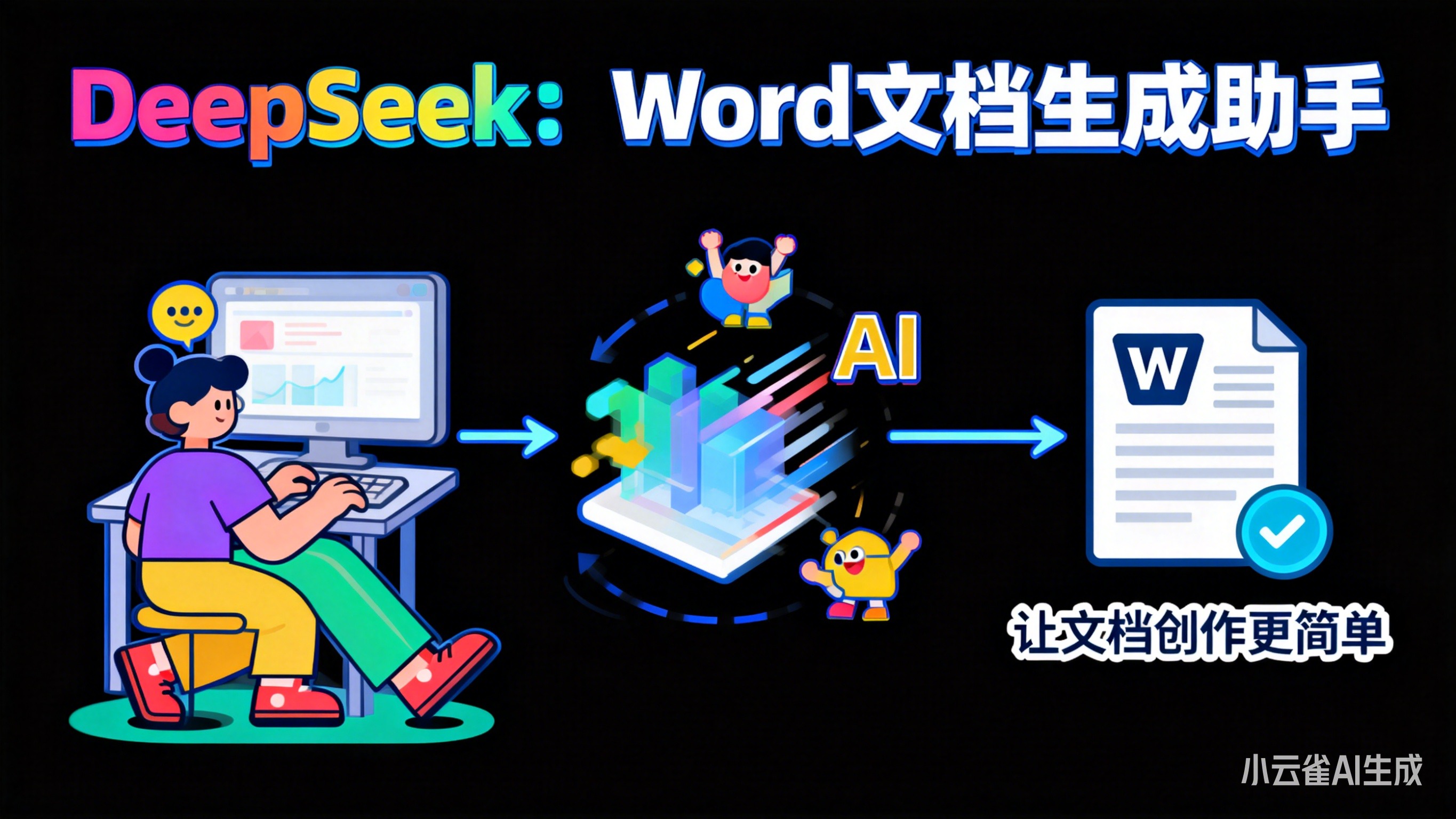
DeepSeek生成Word文档的技术实践:从API调用到格式完善的完整路径
技术文档的自动化生成一直是开发者效率工具链中的重要环节。本文将深入探讨如何利用DeepSeek的能力,结合Python技术栈,实现从AI生成内容到Word文档交付的完整流程。
一、技术背景与挑战
在日常开发中,我们经常面临这样的场景:需要将AI生成的技术文档、API说明或者代码注释转换为标准的Word文档格式,用于项目交付、客户汇报或者内部归档。传统的工作方式是手动复制粘贴,然后花大量时间调整格式,不仅效率低下,而且容易出错。
DeepSeek作为新一代AI编程助手,在代码理解和文档生成方面表现出色。但如何将其生成的内容高效转换为格式规范的Word文档,仍然是一个值得探讨的技术问题。
二、DeepSeek文档生成的技术架构
2.1 核心工作流程
DeepSeek的文档生成能力基于深度学习的代码理解技术。其工作流程可以分为三个核心阶段:
代码解析阶段:DeepSeek首先对源代码进行静态分析,提取函数定义、类结构、参数信息等关键元素。对于Python项目,它能够识别docstring注释中的功能描述、参数说明、返回值定义等。
语义理解阶段:基于大语言模型的自然语言处理能力,DeepSeek理解代码注释的语义内容,并将其转化为结构化的文档信息。这个过程涉及到上下文理解、技术术语识别和逻辑关系梳理。
文档组装阶段:将提取的信息按照预设的模板组织成完整的文档结构,包括API参考、使用示例、参数表格等,输出为Markdown、HTML或其他格式。
2.2 API集成方案
要在项目中集成DeepSeek的文档生成能力,通常有以下几种方式:
# 方案一:直接API调用
import requests

def generate_docs_with_deepseek(code_content, api_key):
    headers = {
        'Authorization': f'Bearer {api_key}',
        'Content-Type': 'application/json'
    }

    payload = {
        'code': code_content,
        'output_format': 'markdown',
        'include_examples': True
    }

    response = requests.post(
        'https://api.deepseek.com/v1/generate-docs',
        headers=headers,
        json=payload
    )

    return response.json()['documentation']
三、Markdown到Word的技术转换方案
3.1 纯Python实现方案
DeepSeek生成的文档通常是Markdown格式,需要转换为Word文档。这里介绍几种技术实现方案:
基于python-docx的方案:
from docx import Document
from markdown import markdown
import html2text

def markdown_to_word_v1(md_content, output_path):
    # Markdown转HTML
    html_content = markdown(md_content)

    # HTML转纯文本(保留基本格式)
    h = html2text.HTML2Text()
    h.ignore_links = False
    text_content = h.handle(html_content)

    # 创建Word文档
    doc = Document()

    # 按行处理内容
    for line in text_content.split('\n'):
        if line.startswith('#'):
            # 处理标题
            level = len(line.split()[0])
            title = line.replace('#', '').strip()
            doc.add_heading(title, level=level)
        elif line.strip():
            # 处理正文
            doc.add_paragraph(line.strip())

    doc.save(output_path)
基于Spire.Doc的方案(更简洁):
from spire.doc import *

def markdown_to_word_v2(md_file, output_file):
    # 创建Document对象
    document = Document()

    # 直接加载Markdown文件
    document.LoadFromFile(md_file, FileFormat.Markdown)

    # 保存为Word格式
    document.SaveToFile(output_file, FileFormat.Docx)
    document.Close()
3.2 格式保持与优化策略
在实际应用中,简单的格式转换往往不能满足需求。我们需要考虑以下优化策略:
样式映射配置:
STYLE_MAPPING = {
    'heading_1': {'font': 'Arial', 'size': 16, 'bold': True},
    'heading_2': {'font': 'Arial', 'size': 14, 'bold': True},
    'code_block': {'font': 'Courier New', 'size': 10, 'background': '#F5F5F5'},
    'table': {'border': True, 'header_style': 'LightShadingAccent1'}
}
图片处理策略:
def process_images(md_content, base_path):
    # 处理Markdown中的图片链接
    import re
    img_pattern = r'!\[.*?\]\((.*?)\)'

    def replace_img_path(match):
        img_path = match.group(1)
        if not os.path.isabs(img_path):
            img_path = os.path.join(base_path, img_path)
        return match.group(0).replace(match.group(1), img_path)

    return re.sub(img_pattern, replace_img_path, md_content)
四、工程化实践与最佳实践
4.1 完整工作流设计
一个完整的文档生成工作流应该包括以下环节:
class DocGenerator:
    def __init__(self, config):
        self.config = config
        self.deepseek_client = DeepSeekClient(config['api_key'])

    def generate_project_docs(self, project_path):
        # 1. 扫描项目文件
        code_files = self.scan_project_files(project_path)

        # 2. 调用DeepSeek生成文档
        docs_content = []
        for file_path in code_files:
            with open(file_path, 'r', encoding='utf-8') as f:
                code_content = f.read()

            doc_content = self.deepseek_client.generate_docs(
                code_content,
                style='technical',
                include_examples=True
            )
            docs_content.append({
                'file': file_path,
                'content': doc_content
            })

        # 3. 合并文档
        merged_content = self.merge_documents(docs_content)

        # 4. 转换为Word
        word_path = self.convert_to_word(merged_content)

        return word_path
4.2 质量保障机制
为了确保生成文档的质量,我们需要建立完善的验证机制:
内容准确性验证:
def validate_generated_docs(original_code, generated_docs):
    # 提取函数名和参数
    original_functions = extract_function_signatures(original_code)
    generated_functions = extract_functions_from_docs(generated_docs)

    # 对比一致性
    missing_functions = set(original_functions) - set(generated_functions)
    if missing_functions:
        logging.warning(f"Missing functions in docs: {missing_functions}")
格式规范性检查:
def check_doc_format(word_file):
    doc = Document(word_file)

    issues = []
    for paragraph in doc.paragraphs:
        # 检查标题层级
        if paragraph.style.name.startswith('Heading'):
            level = int(paragraph.style.name.split()[-1])
            if level > 1 and not paragraph.text.strip():
                issues.append(f"Empty heading at level {level}")

    return issues
4.3 性能优化考虑
在处理大型项目时,性能优化变得尤为重要:
并发处理策略:
import asyncio
from concurrent.futures import ThreadPoolExecutor

async def batch_generate_docs(file_list, max_workers=5):
    with ThreadPoolExecutor(max_workers=max_workers) as executor:
        loop = asyncio.get_event_loop()

        tasks = [
            loop.run_in_executor(
                executor,
                generate_single_doc,
                file_path
            )
            for file_path in file_list
        ]

        results = await asyncio.gather(*tasks)
        return results
缓存机制实现:
import hashlib
import pickle
from pathlib import Path

class DocCache:
    def __init__(self, cache_dir='.doc_cache'):
        self.cache_dir = Path(cache_dir)
        self.cache_dir.mkdir(exist_ok=True)

    def get_cache_key(self, content):
        return hashlib.md5(content.encode()).hexdigest()

    def get(self, content):
        cache_key = self.get_cache_key(content)
        cache_file = self.cache_dir / f"{cache_key}.pkl"

        if cache_file.exists():
            with open(cache_file, 'rb') as f:
                return pickle.load(f)
        return None

    def set(self, content, result):
        cache_key = self.get_cache_key(content)
        cache_file = self.cache_dir / f"{cache_key}.pkl"

        with open(cache_file, 'wb') as f:
            pickle.dump(result, f)
五、实际应用案例分析
5.1 API文档生成场景
在某微服务项目中,我们需要为20多个服务生成标准的API文档。传统方式需要2个工程师花费1周时间,而采用自动化方案后:
# 项目配置
project_config = {
    'source_dir': './src/services',
    'output_format': 'word',
    'include_sequence_diagrams': True,
    'template': 'api_documentation',
    'deepseek_config': {
        'model': 'deepseek-coder',
        'temperature': 0.3,
        'max_tokens': 4000
    }
}

# 执行生成
generator = ServiceDocGenerator(project_config)
output_files = generator.generate_all_services()

# 结果统计
print(f"Generated {len(output_files)} API documents")
print(f"Total processing time: {generator.total_time:.2f} minutes")
最终效果:整个项目的API文档在2小时内生成完成,格式统一,内容准确,大大提升了交付效率。
5.2 技术方案文档场景
对于技术方案文档的生成,我们可以结合DeepSeek的代码理解能力和业务逻辑分析:
class TechnicalSolutionGenerator:
    def generate_solution_doc(self, requirements_file, architecture_diagram):
        # 1. 读取需求文档
        requirements = self.parse_requirements(requirements_file)

        # 2. 分析架构图
        architecture = self.analyze_architecture(architecture_diagram)

        # 3. 生成技术方案
        solution_content = self.deepseek_client.generate_technical_solution(
            requirements=requirements,
            architecture=architecture,
            output_format='markdown'
        )

        # 4. 转换为Word并添加图表
        word_doc = self.convert_to_word(solution_content)
        self.insert_architecture_diagram(word_doc, architecture_diagram)

        return word_doc
六、技术方案的延伸思考
6.1 与CI/CD的集成
将文档生成集成到CI/CD流程中,可以实现代码更新后文档的自动同步:
# GitHub Actions配置示例
name: Auto Generate Docs

on:
  push:
    branches: [ main, develop ]
    paths:
      - 'src/**'
      - 'docs/templates/**'

jobs:
  generate-docs:
    runs-on: ubuntu-latest
    steps:
    - uses: actions/checkout@v3

    - name: Set up Python
      uses: actions/setup-python@v4
      with:
        python-version: '3.9'

    - name: Install dependencies
      run: |
        pip install -r requirements.txt

    - name: Generate documentation
      env:
        DEEPSEEK_API_KEY: ${{ secrets.DEEPSEEK_API_KEY }}
      run: |
        python scripts/generate_docs.py

    - name: Commit and push docs
      run: |
        git config --local user.email "action@github.com"
        git config --local user.name "GitHub Action"
        git add docs/
        git diff --quiet && git diff --staged --quiet || git commit -m "Auto-generate documentation"
        git push
6.2 多语言支持考虑
对于国际化项目,文档的多语言支持也很重要:
class MultiLanguageDocGenerator:
    def __init__(self, languages=['zh', 'en']):
        self.languages = languages
        self.translators = {
            'en': GoogleTranslator(source='zh', target='en'),
            'ja': GoogleTranslator(source='zh', target='ja')
        }

    def generate_multilingual_docs(self, source_content):
        results = {}

        # 首先生成中文文档
        zh_doc = self.generate_doc(source_content, language='zh')
        results['zh'] = zh_doc

        # 然后生成其他语言版本
        for lang in self.languages[1:]:
            translated_content = self.translators[lang].translate(source_content)
            results[lang] = self.generate_doc(translated_content, language=lang)

        return results
七、常见坑点与解决方案
7.1 格式丢失问题
问题描述:Markdown转Word时,复杂的表格、代码块格式经常丢失。
解决方案:
def enhance_format_preservation(md_content):
    # 预处理表格
    md_content = preprocess_tables(md_content)

    # 预处理代码块
    md_content = preprocess_code_blocks(md_content)

    # 使用专业的转换库
    converter = MarkdownToWordConverter(
        preserve_styles=True,
        custom_templates=True
    )

    return converter.convert(md_content)
7.2 图片路径问题
问题描述:文档中的图片在转换后无法正常显示。
根因分析:相对路径在转换过程中无法正确解析。
解决方案:
def resolve_image_paths(md_content, base_path):
import re
import os
# 匹配Markdown图片语法
pattern = r'!\[([^\]]*)\]\(([^)]+)\)'
def replace_path(match):
alt_text = match.group(1)
img_path = match.group(2)
# 转换相对路径为绝对路径
if not os.path.isabs(img_path):
img_path = os.path.join(base_path, img_path)
return f''
return re.sub(pattern, replace_path, md_content)
八、写在最后:关于[AI导出鸭]
在实际项目应用中,我们发现即使有了上述技术方案,要在生产环境中稳定运行,还需要处理很多细节问题:比如不同版本Word的兼容性、复杂样式的精确还原、批量处理的效率优化等。
这时候,我们团队开发的AI导出鸭插件就派上了用场。它本质上是对上述技术方案的工程化封装,但在实际使用中确实帮我们解决了不少麻烦。比如在最近的一个企业级项目中,我们需要将300多个DeepSeek生成的API文档转换为Word格式,原本计划安排2个工程师花3天时间处理,最后用AI导出鸭半天就完成了,而且格式一致性比手工调整好很多。
当然,工具只是工具,核心还是前面提到的技术思路。理解了DeepSeek文档生成的原理,掌握了Markdown到Word转换的技术方案,再结合合适的工具辅助,才能真正实现技术文档生成的自动化和标准化。
技术在不断演进,文档生成的方案也会越来越完善。希望本文的技术实践能给大家一些启发,也欢迎大家在实际应用中探索出更多优秀的解决方案。

AtomGit 是由开放原子开源基金会联合 CSDN 等生态伙伴共同推出的新一代开源与人工智能协作平台。平台坚持“开放、中立、公益”的理念,把代码托管、模型共享、数据集托管、智能体开发体验和算力服务整合在一起,为开发者提供从开发、训练到部署的一站式体验。
更多推荐
 29
29 0
0- 0


 已为社区贡献52条内容

所有评论(0)