多模态输入——让 AI 看图理解图片
如今的大模型不再局限于文本对话——GPT‑4o、通义千问视觉版(Qwen‑VL)、Gemini 都支持图片输入。把一张图丢给模型,它能理解图中的内容并回答相关问题。
这一节,我们就在 Spring AI 中实现多模态输入,让应用真正“看懂”世界。

一、多模态的应用场景
先说说这个能力能用来做什么,不然写完代码大家不知道往哪用:
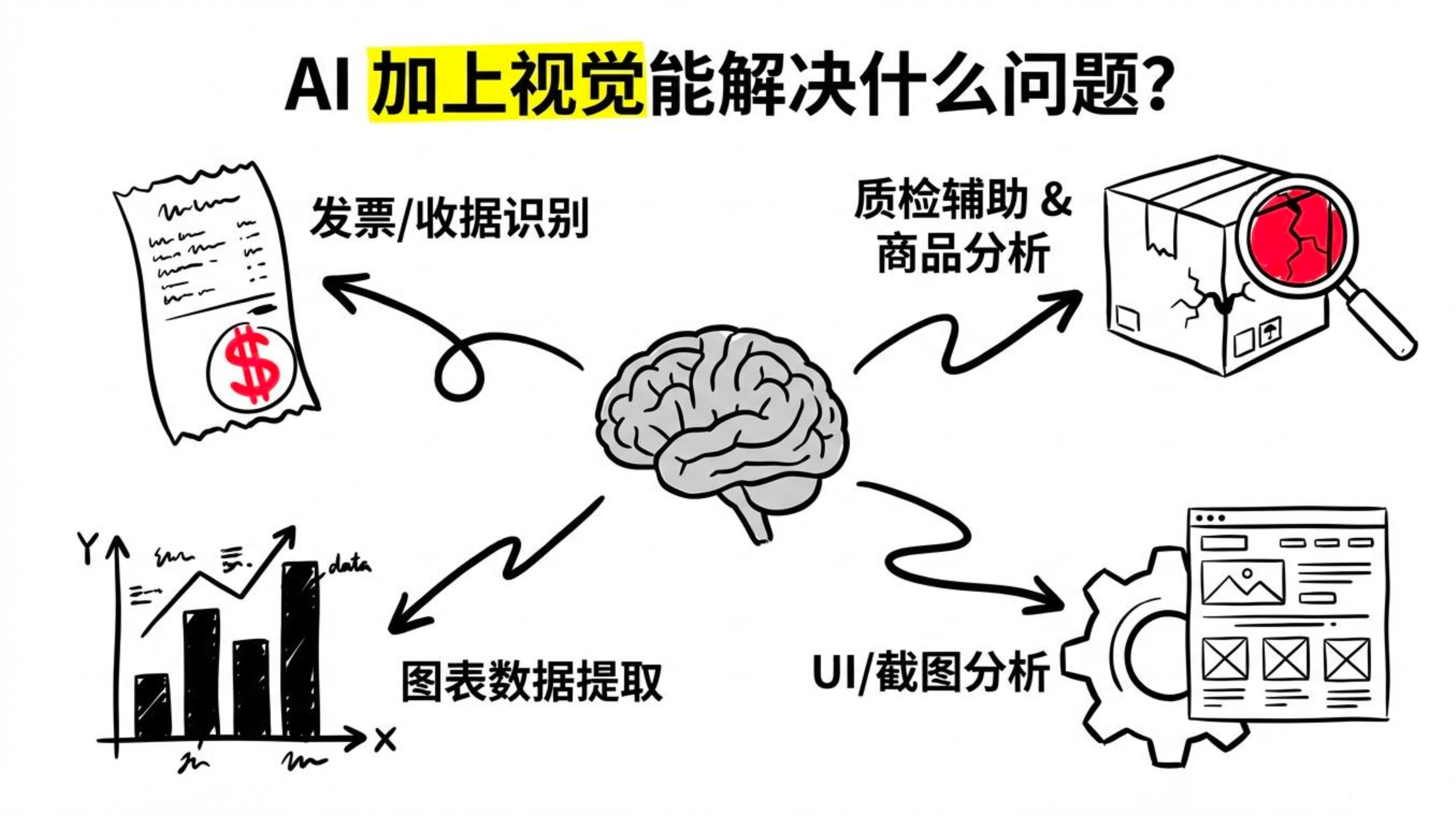
| 场景 | 说明 |
|---|---|
| 发票/收据识别 | 上传发票图片,自动提取金额、日期、商家信息 |
| 商品图片分析 | 用户上传商品图,自动识别品牌、型号、成色 |
| 图表数据提取 | 上传报表截图,提取其中的数据 |
| UI/截图分析 | 分析页面截图,提取信息或定位界面问题 |
| 文档 OCR + 理解 | 不只是识别文字,还能理解文档的语义 |
| 质检辅助 | 上传产品图片,判断是否有缺陷 |
有了这些场景的认知,我们再来看代码实现。
二、基础用法:传图片 URL
最简单的方式是传入一个可公开访问的图片 URL。
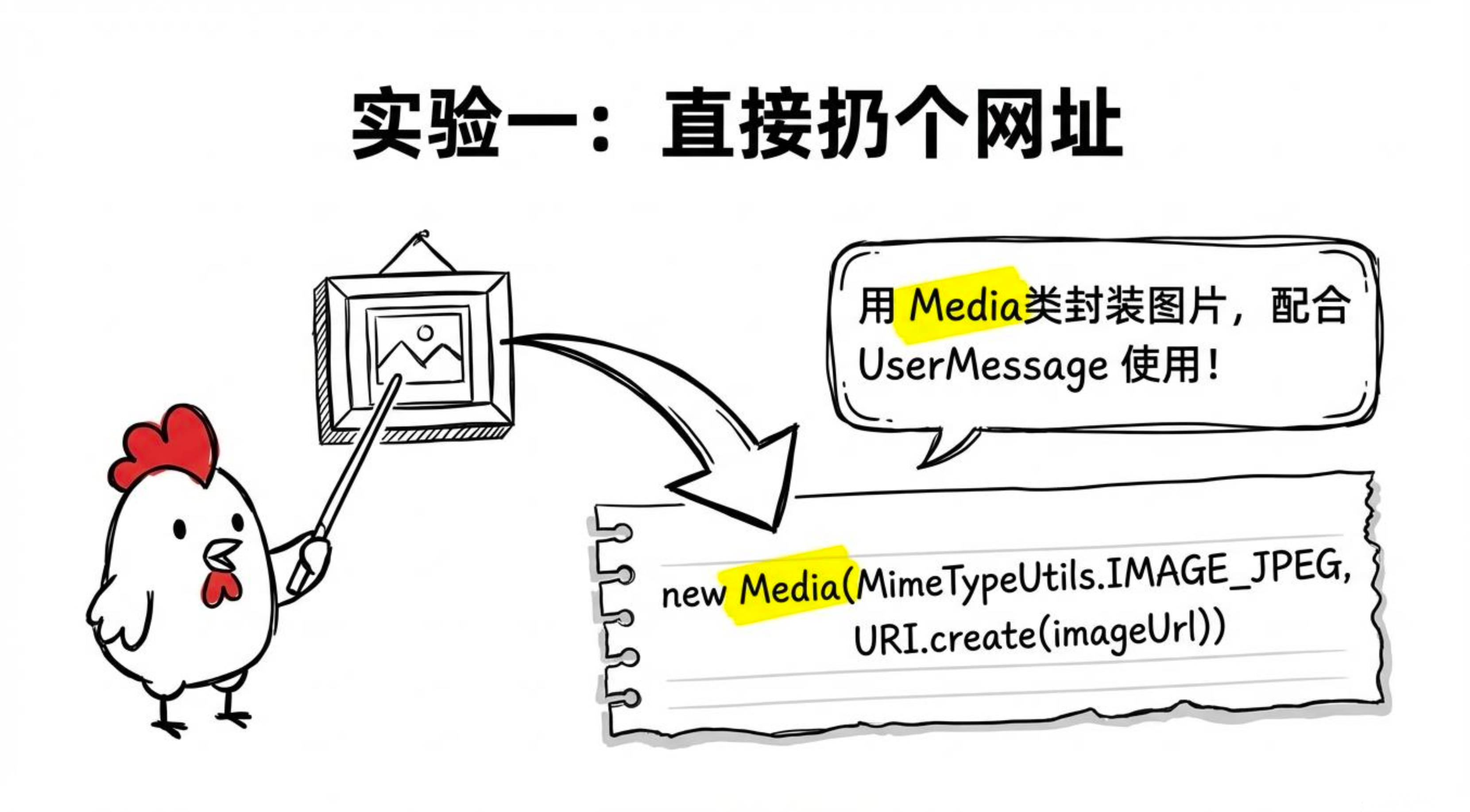
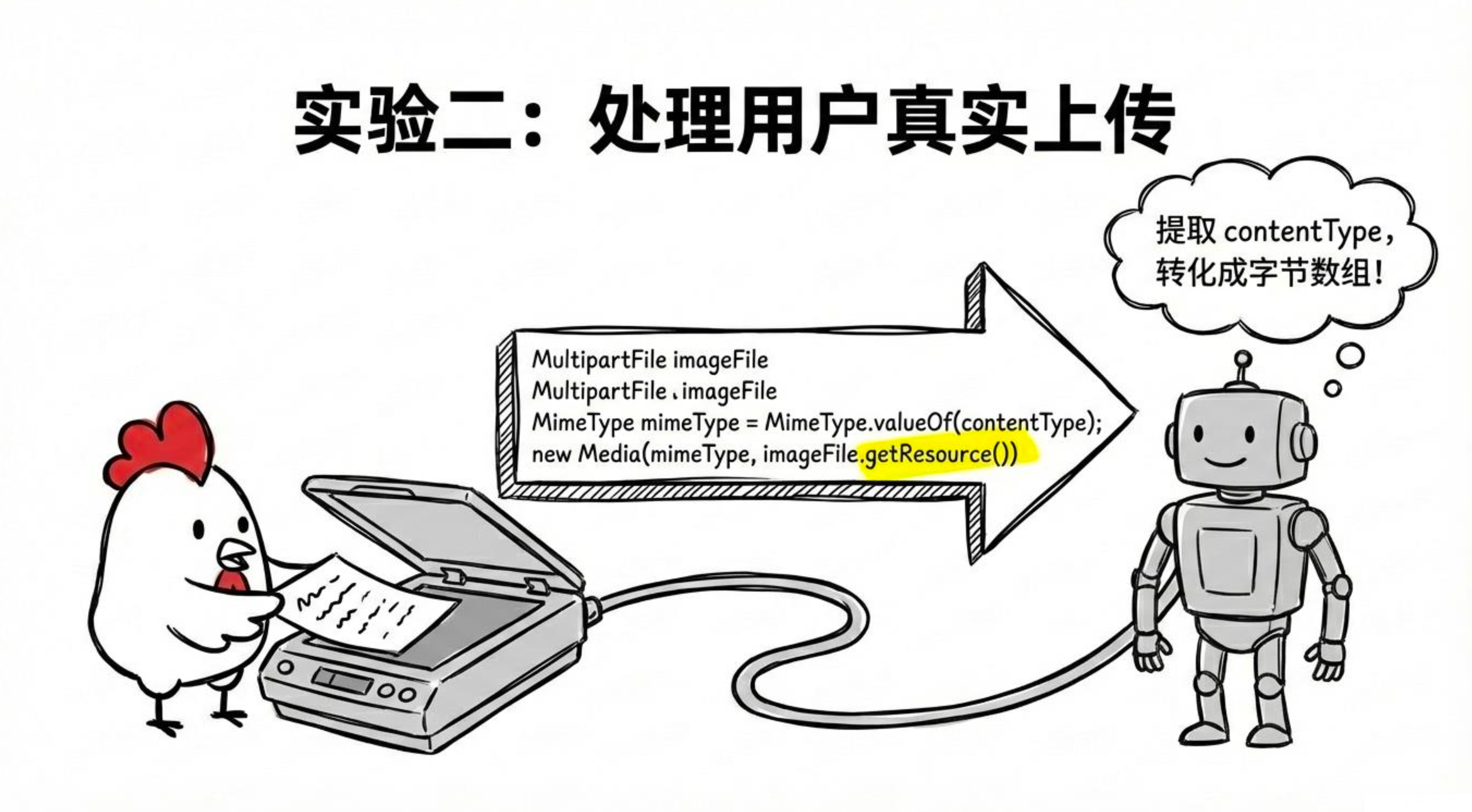
下面是一个完整的 VisionController,提供三个核心接口:
-
单张图片 URL 分析
-
上传图片文件分析
-
多张图片对比
package com.studying.controller.ptoto;

import com.alibaba.cloud.ai.dashscope.chat.DashScopeChatModel;
import com.alibaba.cloud.ai.dashscope.chat.DashScopeChatOptions;
import org.springframework.ai.chat.client.ChatClient;
import org.springframework.ai.chat.messages.UserMessage;
import org.springframework.ai.content.Media;
import org.springframework.util.MimeType;
import org.springframework.util.MimeTypeUtils;
import org.springframework.web.bind.annotation.*;
import org.springframework.web.multipart.MultipartFile;
import java.net.URI;
import java.util.ArrayList;
import java.util.List;

@RestController
@RequestMapping("/api/vision")
public class VisionController {

    private final ChatClient chatClient;

    public VisionController(DashScopeChatModel dashScopeChatModel) {
        this.chatClient = ChatClient.builder(dashScopeChatModel).build();
    }

    // 视觉模型通用配置
    private static final DashScopeChatOptions VL_OPTIONS = DashScopeChatOptions.builder()
            .withModel("qwen-vl-max")      // 必须用视觉模型,qwen-max 不支持图片
            .withMultiModel(true)          // 必须设置,否则请求会打到文本端点
            .build();

    // 1. 传图片 URL 分析
    @GetMapping("/analyze-url")
    public String analyzeImageUrl(
            @RequestParam String imageUrl,
            @RequestParam(defaultValue = "请描述这张图片的内容") String question) {

        Media media = Media.builder()
                .mimeType(MimeTypeUtils.IMAGE_JPEG)
                .data(URI.create(imageUrl))
                .build();

        UserMessage message = UserMessage.builder()
                .text(question)
                .media(media)
                .build();

        return chatClient.prompt()
                .messages(message)
                .options(VL_OPTIONS)
                .call()
                .content();
    }

    // 2. 上传图片文件分析
    @PostMapping("/analyze-upload")
    public String analyzeUploadedImage(
            @RequestParam("image") MultipartFile imageFile,
            @RequestParam(defaultValue = "请描述这张图片的内容") String question) throws Exception {

        MimeType mimeType = MimeType.valueOf(
                imageFile.getContentType() != null ? imageFile.getContentType() : "image/jpeg");

        Media media = Media.builder()
                .mimeType(mimeType)
                .data(imageFile.getResource())
                .build();

        UserMessage message = UserMessage.builder()
                .text(question)
                .media(media)
                .build();

        return chatClient.prompt()
                .messages(message)
                .options(VL_OPTIONS)
                .call()
                .content();
    }

    // 3. 多张图片对比
    @PostMapping("/compare-images")
    public String compareImages(
            @RequestParam("images") List<MultipartFile> images,
            @RequestParam String question) throws Exception {

        List<Media> mediaList = new ArrayList<>();
        for (MultipartFile image : images) {
            MimeType mimeType = MimeType.valueOf(
                    image.getContentType() != null ? image.getContentType() : "image/jpeg");
            mediaList.add(Media.builder()
                    .mimeType(mimeType)
                    .data(image.getResource())
                    .build());
        }

        UserMessage message = UserMessage.builder()
                .text(question)
                .media(mediaList)
                .build();

        return chatClient.prompt()
                .messages(message)
                .options(VL_OPTIONS)
                .call()
                .content();
    }
}
如果文件超出限制可配置:(Spring Boot 默认文件上传大小限制为 1MB(max-file-size),请求总大小限制为 10MB(max-request-size))
spring:
  servlet:
    multipart:
      max-file-size: 100MB        # 单个文件最大大小
      max-request-size: 100MB     # 请求总大小
测试命令
# 传 URL
curl "http://localhost:8080/api/vision/analyze-url?imageUrl=https://example.com/photo.jpg&question=图片里有什么"

# 上传图片文件
curl -X POST "http://localhost:8080/api/vision/analyze-upload" \
  -F "image=@/path/to/photo.jpg" \
  -F "question=描述这张图片"

# 多张图片对比
curl -X POST "http://localhost:8080/api/vision/compare-images" \
  -F "images=@before.jpg" \
  -F "images=@after.jpg" \
  -F "question=对比这两张图片的差异"
三、实战:发票识别(结构化输出)
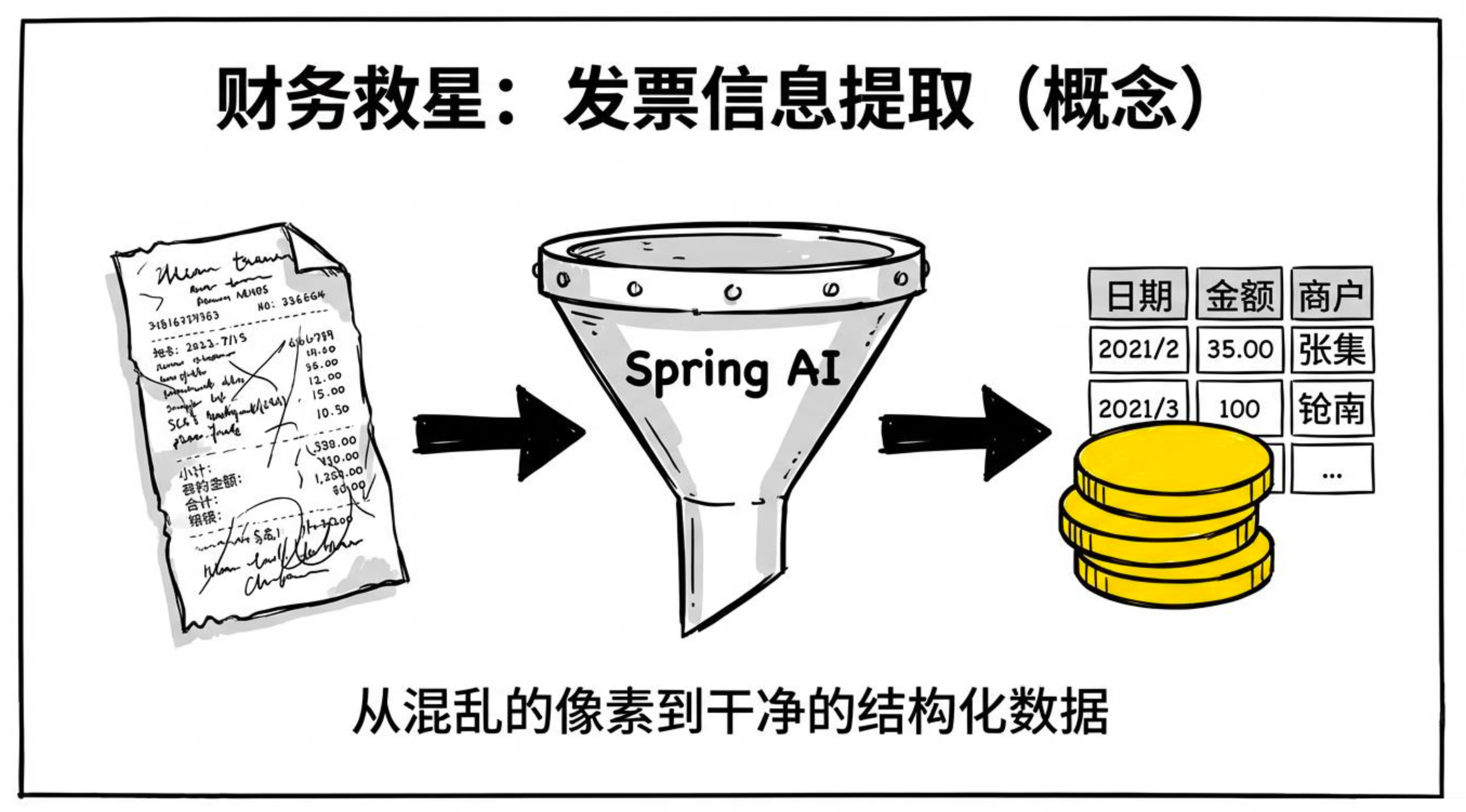
财务报销场景中,我们需要从发票图片里提取出结构化的字段,而不是自由文本。
Spring AI 支持将模型的输出直接映射为 Java record,非常方便。
package com.studying.controller.ptoto;

import com.alibaba.cloud.ai.dashscope.chat.DashScopeChatModel;
import com.alibaba.cloud.ai.dashscope.chat.DashScopeChatOptions;
import com.fasterxml.jackson.annotation.JsonPropertyDescription;
import org.springframework.ai.chat.client.ChatClient;
import org.springframework.ai.chat.messages.UserMessage;
import org.springframework.ai.content.Media;
import org.springframework.util.MimeType;
import org.springframework.web.bind.annotation.*;
import org.springframework.web.multipart.MultipartFile;

@RestController
@RequestMapping("/api/invoice")
public class InvoiceController {

    private final ChatClient chatClient;

    public InvoiceController(DashScopeChatModel dashScopeChatModel) {
        this.chatClient = ChatClient.builder(dashScopeChatModel)
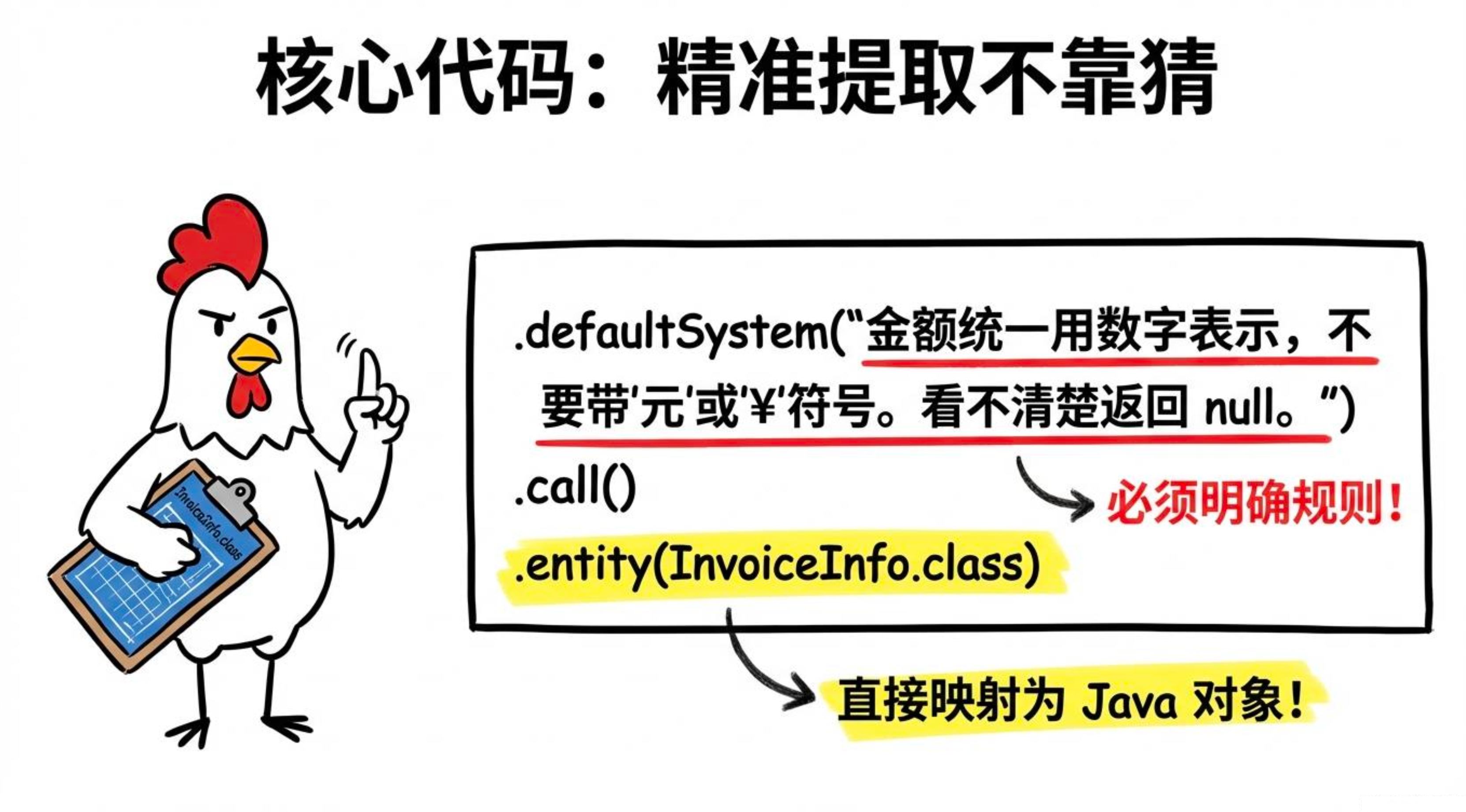
                .defaultSystem("""
                        你是一个发票信息提取助手。
                        精确提取发票上的信息,不要猜测,看不清楚的字段返回 null。
                        金额统一用数字表示,不要带"元"或"¥"符号。
                        """)
                .build();
    }

    record InvoiceInfo(
        @JsonPropertyDescription("发票号码")
        String invoiceNumber,

        @JsonPropertyDescription("开票日期,格式 yyyy-MM-dd")
        String invoiceDate,

        @JsonPropertyDescription("销售方名称(卖家)")
        String sellerName,

        @JsonPropertyDescription("销售方税号")
        String sellerTaxId,

        @JsonPropertyDescription("购买方名称(买家)")
        String buyerName,

        @JsonPropertyDescription("购买方税号")
        String buyerTaxId,

        @JsonPropertyDescription("不含税金额,纯数字")
        Double amountExcludingTax,

        @JsonPropertyDescription("税额,纯数字")
        Double taxAmount,

        @JsonPropertyDescription("价税合计(含税总金额),纯数字")
        Double totalAmount,

        @JsonPropertyDescription("货物或服务名称")
        String items
    ) {}

    @PostMapping("/extract")
    public InvoiceInfo extractInvoice(@RequestParam("file") MultipartFile file) throws Exception {

        MimeType mimeType = MimeType.valueOf(
                file.getContentType() != null ? file.getContentType() : "image/jpeg");

        Media media = Media.builder()
                .mimeType(mimeType)
                .data(file.getResource())
                .build();

        UserMessage message = UserMessage.builder()
                .text("请提取这张发票上的所有信息")
                .media(media)
                .build();

        return chatClient.prompt()
                .messages(message)
                .options(DashScopeChatOptions.builder()
                        .withModel("qwen-vl-max")
                        .withMultiModel(true)
                        .build())
                .call()
                .entity(InvoiceInfo.class);
    }
}
测试:
curl -X POST "http://localhost:8080/api/invoice/extract" -F "file=@invoice.jpg"返回的 JSON 会直接映射为 InvoiceInfo 对象,前端可以直接使用。
四、实战:商品图片分析
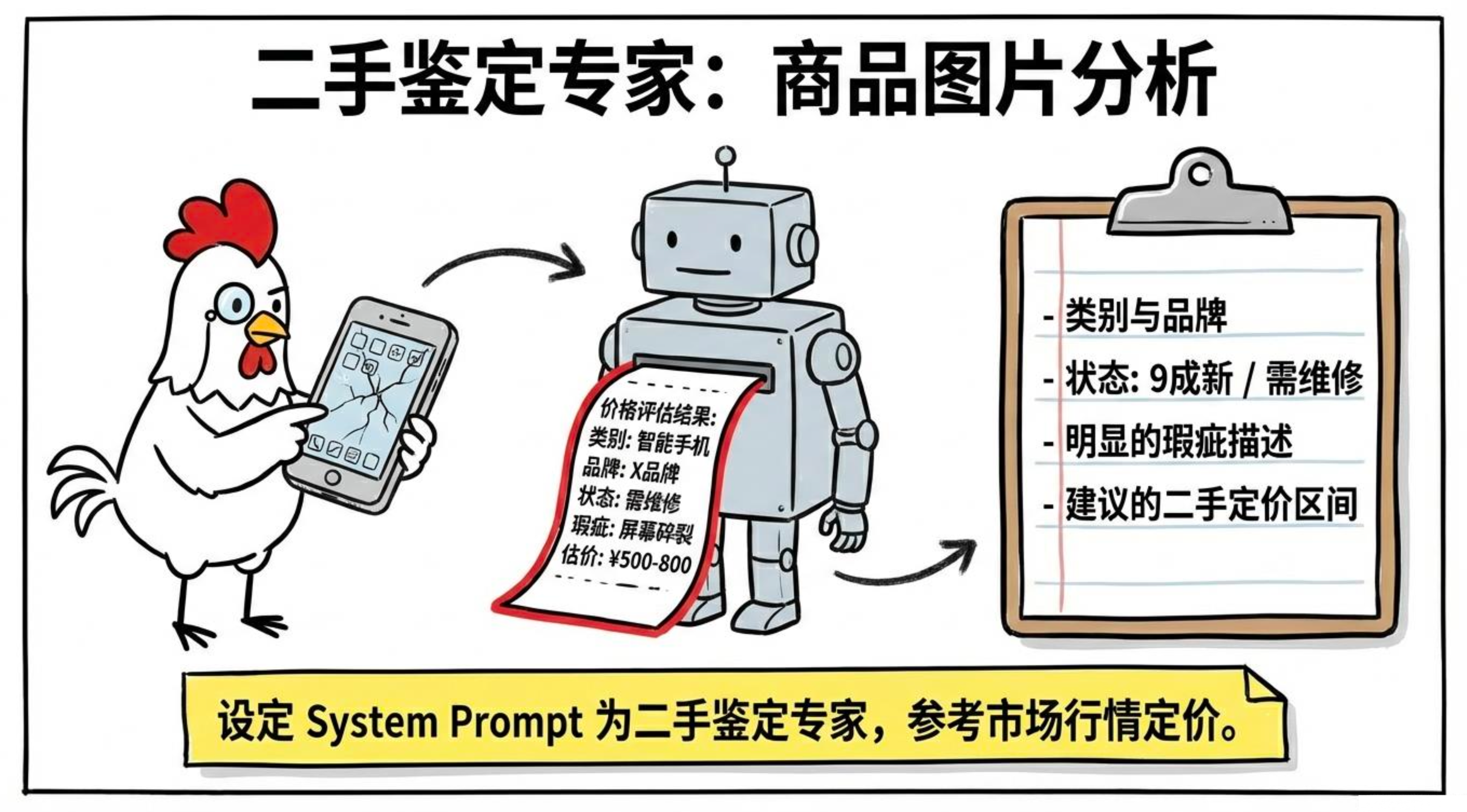
电商场景中,用户上传二手商品图片,我们需要自动分析成色、特征、瑕疵并给出建议定价。
package com.studying.controller.ptoto;

import com.alibaba.cloud.ai.dashscope.chat.DashScopeChatModel;
import com.alibaba.cloud.ai.dashscope.chat.DashScopeChatOptions;
import com.fasterxml.jackson.annotation.JsonPropertyDescription;
import org.springframework.ai.chat.client.ChatClient;
import org.springframework.ai.chat.messages.UserMessage;
import org.springframework.ai.content.Media;
import org.springframework.util.MimeType;
import org.springframework.web.bind.annotation.*;
import org.springframework.web.multipart.MultipartFile;
import java.util.List;

@RestController
@RequestMapping("/api/product")
public class ProductAnalysisController {

    private final ChatClient chatClient;

    public ProductAnalysisController(DashScopeChatModel dashScopeChatModel) {
        this.chatClient = ChatClient.builder(dashScopeChatModel)
                .defaultSystem("你是一个二手商品鉴定专家,擅长评估商品价值和状态。定价参考市场行情,客观准确。")
                .build();
    }

    record ProductAnalysis(
        @JsonPropertyDescription("商品类别,如:手机/笔记本/衣服")
        String category,

        @JsonPropertyDescription("品牌(如果能识别的话)")
        String brand,

        @JsonPropertyDescription("商品状态:全新/9成新/7-8成新/5-6成新/需维修")
        String condition,

        @JsonPropertyDescription("识别到的主要特征,最多5条")
        List<String> features,

        @JsonPropertyDescription("明显的瑕疵描述,没有则为空列表")
        List<String> defects,

        @JsonPropertyDescription("建议的二手定价区间,格式:最低价-最高价,单位元")
        String suggestedPriceRange,

        @JsonPropertyDescription("商品描述,适合用于二手交易平台的文案,100字以内")
        String description
    ) {}

    @PostMapping("/analyze")
    public ProductAnalysis analyzeProduct(@RequestParam("image") MultipartFile imageFile) throws Exception {

        MimeType mimeType = MimeType.valueOf(
                imageFile.getContentType() != null ? imageFile.getContentType() : "image/jpeg");

        Media media = Media.builder()
                .mimeType(mimeType)
                .data(imageFile.getResource())
                .build();

        UserMessage message = UserMessage.builder()
                .text("请分析这个二手商品的状况,并给出合理的定价建议")
                .media(media)
                .build();

        return chatClient.prompt()
                .messages(message)
                .options(DashScopeChatOptions.builder()
                        .withModel("qwen-vl-max")
                        .withMultiModel(true)
                        .build())
                .call()
                .entity(ProductAnalysis.class);
    }
}测试:
curl -X POST "http://localhost:8080/api/product/analyze" -F "image=@product.jpg"五、通义千问视觉版的配置要点
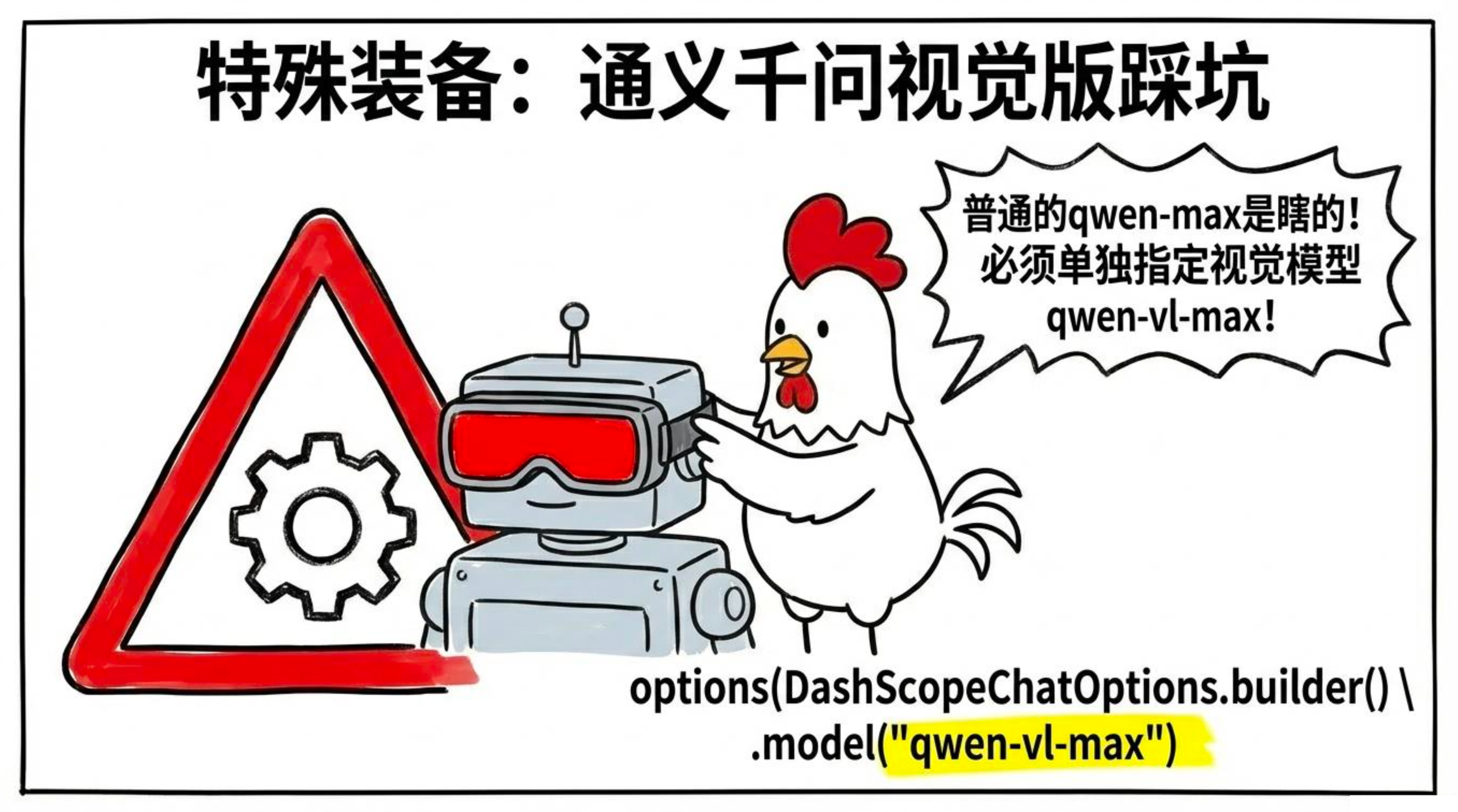
使用 DashScope 视觉模型时,有两个必填项,少一个就会报错:
| 配置项 | 作用 |
|---|---|
model |
必须为 qwen-vl-max 或 qwen-vl-plus,普通 qwen-max 不支持图片 |
multi-model |
必须设为 true,否则请求会发送到文本端点,导致 url error |
5.1在 application.yml 中全局配置(项目只用视觉模型时)
spring:
  ai:
    dashscope:
      api-key: ${DASHSCOPE_API_KEY}
      chat:
        options:
          model: qwen-vl-max
          multi-model: true   # 缺少这行会报错
5.2在代码中动态指定(同一项目混用文本和图片请求时)
DashScopeChatOptions.builder()
        .withModel("qwen-vl-max")
        .withMultiModel(true)
        .build()
六、图片大小与格式限制
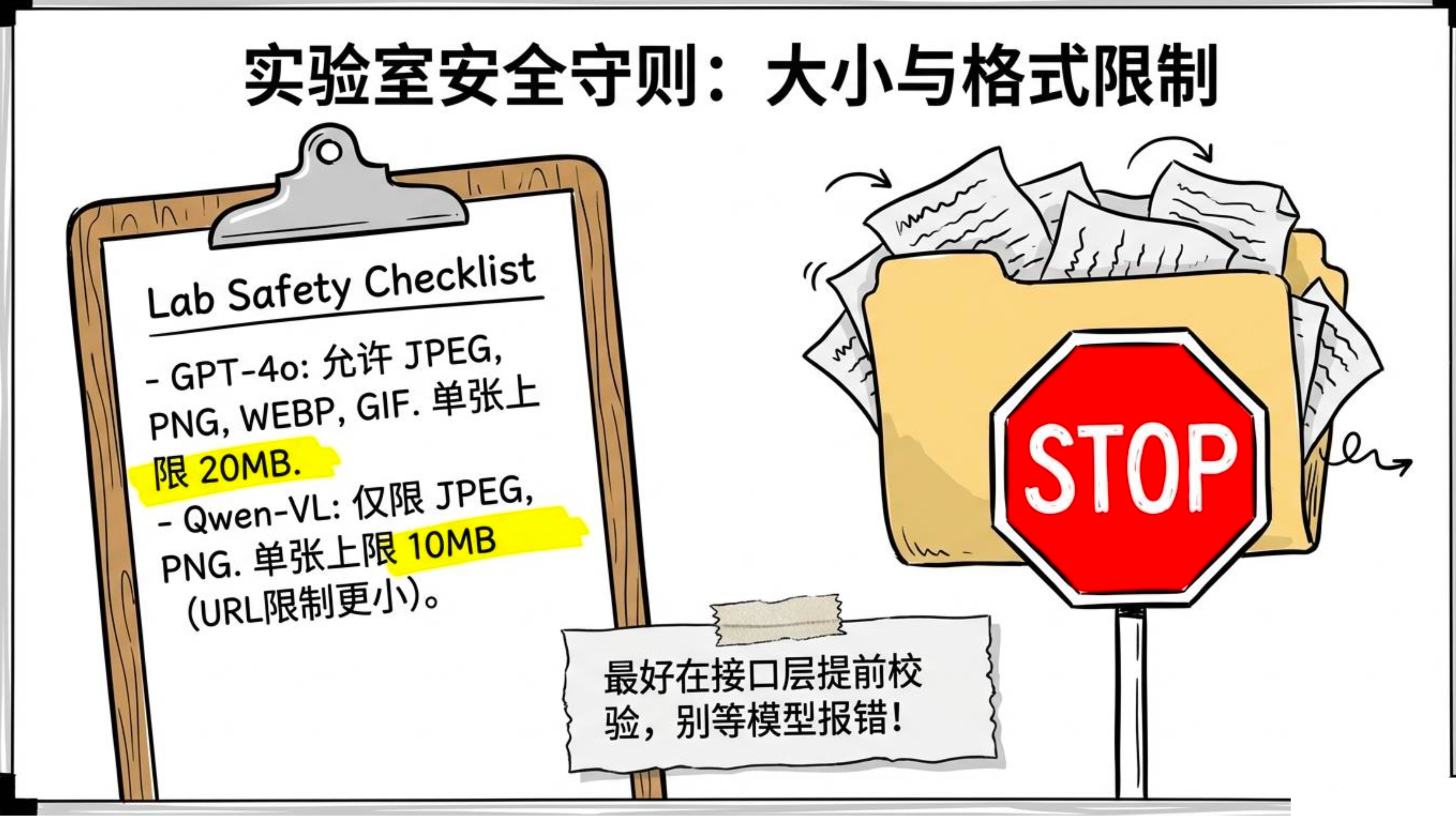
不同模型对图片的限制不同,开发时最好在接口层提前校验:
| 模型 | 支持格式 | 大小限制 |
|---|---|---|
| GPT‑4o | JPEG, PNG, GIF, WEBP | 单张 20 MB |
| Qwen‑VL | JPEG, PNG | 单张 10 MB(URL 更小) |
我们可以写一个通用的校验方法,在 Controller 中复用:
private void validateImage(MultipartFile file) {
    // 大小校验
    if (file.getSize() > 10 * 1024 * 1024) {
        throw new IllegalArgumentException("图片大小不能超过 10MB");
    }
    // 格式校验
    String contentType = file.getContentType();
    if (contentType == null || !List.of("image/jpeg", "image/png", "image/webp")
            .contains(contentType)) {
        throw new IllegalArgumentException("只支持 JPEG、PNG、WEBP 格式");
    }
}
在每个多模态接口(如 extractInvoice、analyzeProduct)中,调用该方法即可。
七、小结
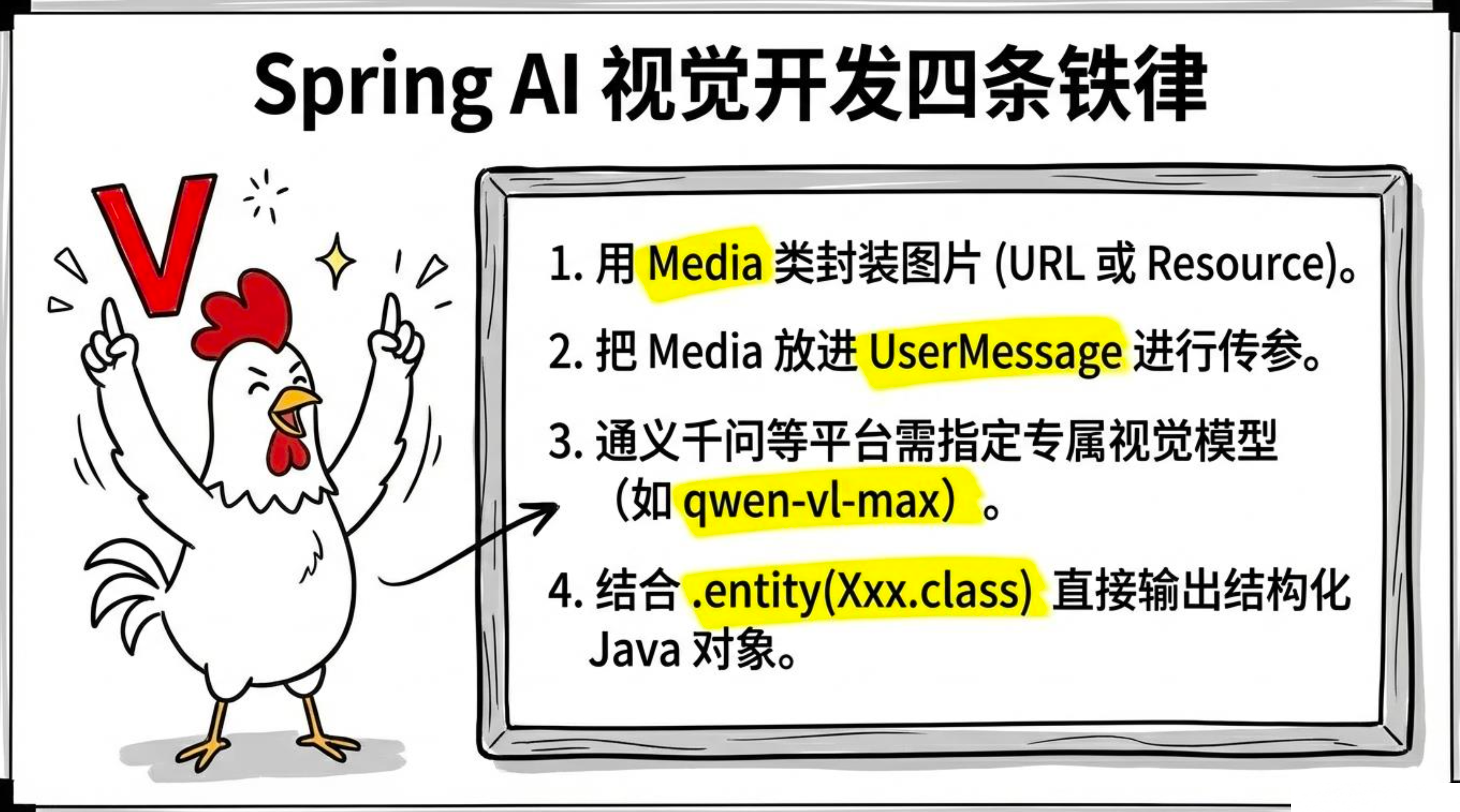
Spring AI 的多模态支持让我们能轻松地将视觉能力集成到业务中。通过 ChatClient + UserMessage + Media 的组合,无论是单图分析、多图对比,还是结构化输出,代码都非常简洁。而通义千问视觉版(Qwen‑VL)在国内部署的稳定性和合规性上更有优势,非常适合企业级应用。

AtomGit 是由开放原子开源基金会联合 CSDN 等生态伙伴共同推出的新一代开源与人工智能协作平台。平台坚持“开放、中立、公益”的理念,把代码托管、模型共享、数据集托管、智能体开发体验和算力服务整合在一起,为开发者提供从开发、训练到部署的一站式体验。
更多推荐
 8
8 0
0- 0


 已为社区贡献32条内容

所有评论(0)