DeepSeek V4 API接入指南:从申请到调用完整教程
本文手把手教你申请DeepSeek V4 API,包含完整代码示例、调用方法、常见问题。看完直接上手。
一、DeepSeek V4 API是什么?
DeepSeek V4 API是深度求索官方提供的编程接口,让你可以通过代码调用DeepSeek V4大模型的能力。
能干什么?
- 代码生成:自动生成Python、JavaScript等代码
- 文本生成:写文章、翻译、摘要
- 对话能力:构建AI助手、客服机器人
- 推理能力:数学计算、逻辑分析
为什么要用API?
- 比网页版更稳定
- 可以集成到自己的应用里
- 批量处理更高效
二、API申请步骤
Step 1:注册账号
- 访问 DeepSeek 开放平台:https://platform.deepseek.com
- 用手机号或邮箱注册
- 完成实名认证(需要身份证)
Step 2:创建API Key
-
登录后进入「API Keys」页面
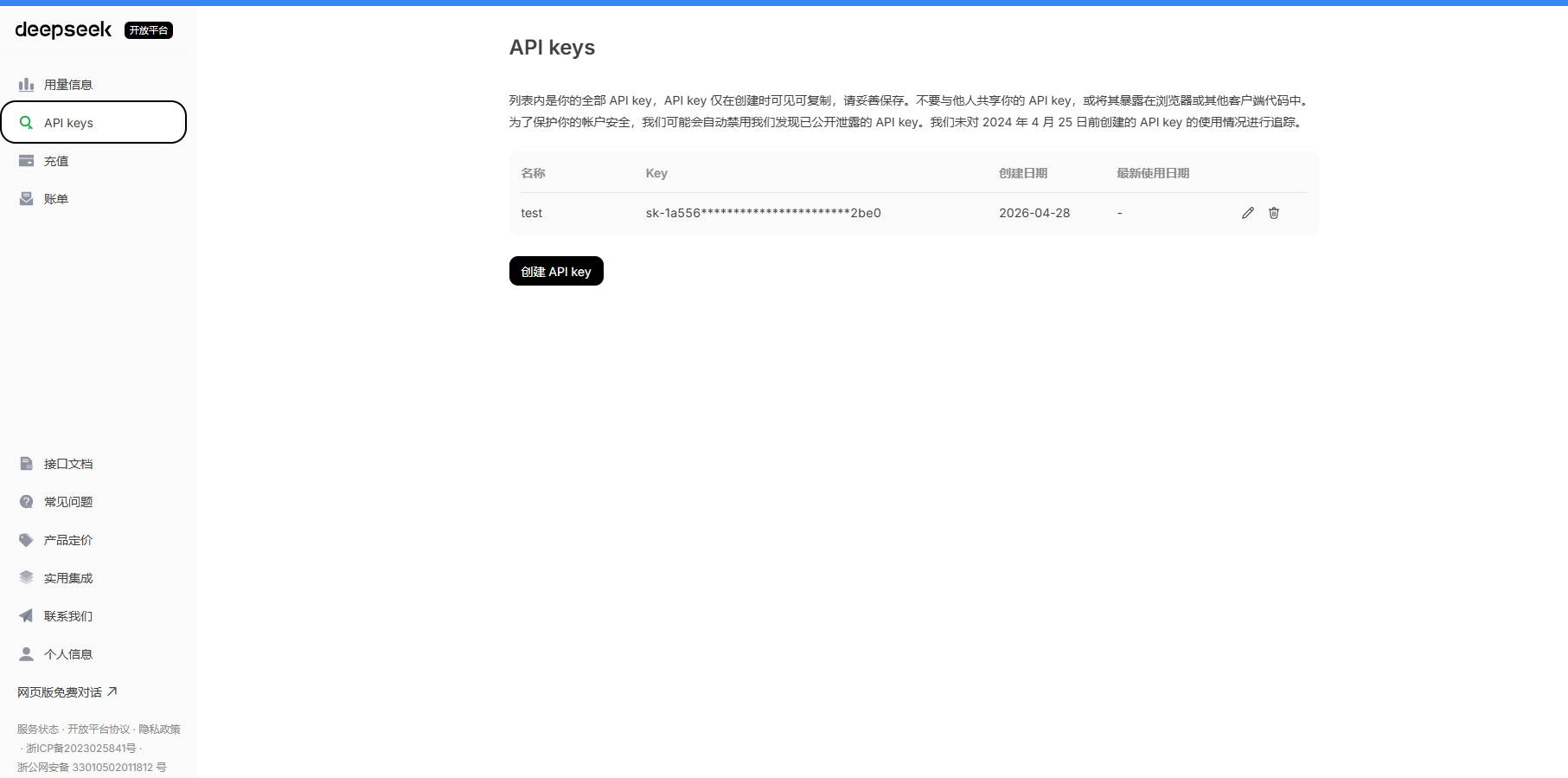
-
点击「创建API Key」
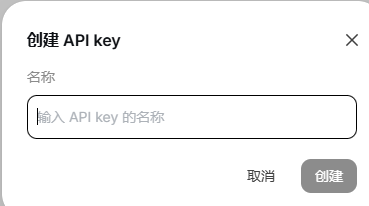
-
给Key起个名字(比如"个人项目")
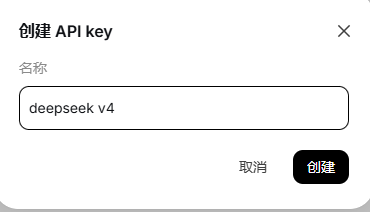
-
立即复制保存,Key只显示一次
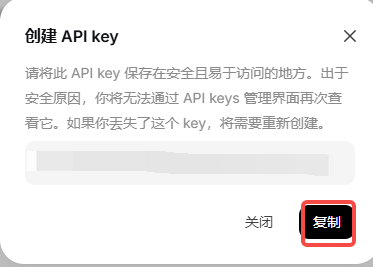
⚠️ 重要:API Key相当于密码,不要泄露,不要上传到GitHub
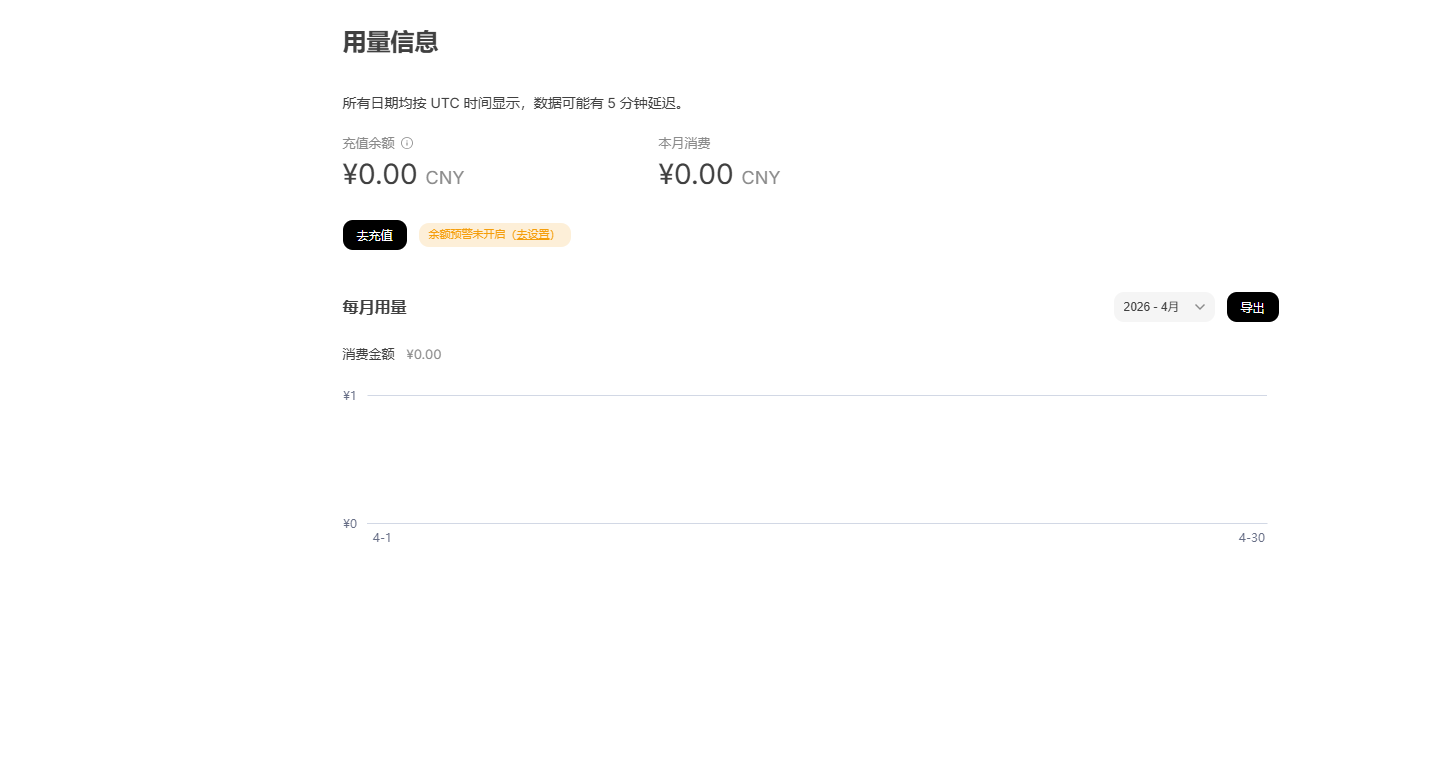
Step 3:查看额度
-
进入「账户余额」页面
-
新用户有免费额度(通常10元)
-
用完需要充值,价格约0.001-0.002元/千token
三、API调用代码示例
Python调用示例
import requests
import json

# 配置
API_KEY = "your-api-key-here"  # 替换为你的API Key
API_URL = "https://api.deepseek.com/v1/chat/completions"

def chat_with_deepseek(prompt):
    """
    调用DeepSeek V4 API进行对话
    """
    headers = {
        "Content-Type": "application/json",
        "Authorization": f"Bearer {API_KEY}"
    }

    data = {
        "model": "deepseek-chat",  # 使用V4模型
        "messages": [
            {"role": "system", "content": "你是一个 helpful 的AI助手"},
            {"role": "user", "content": prompt}
        ],
        "temperature": 0.7,  # 创造性程度,0-1之间
        "max_tokens": 2000   # 最大返回token数
    }

    try:
        response = requests.post(API_URL, headers=headers, json=data)
        response.raise_for_status()  # 检查HTTP错误

        result = response.json()
        return result['choices'][0]['message']['content']

    except requests.exceptions.RequestException as e:
        return f"请求出错: {str(e)}"


# 测试:代码生成
if __name__ == "__main__":
    prompt = "用Python写一个计算斐波那契数列的函数,要求使用动态规划优化"

    print("=" * 50)
    print("发送请求...")
    print(f"Prompt: {prompt}")
    print("=" * 50)

    response = chat_with_deepseek(prompt)
    print("\nDeepSeek V4 回复:")
    print(response)
流式输出(实时显示)
import requests
import json

API_KEY = "your-api-key-here"
API_URL = "https://api.deepseek.com/v1/chat/completions"

def chat_stream(prompt):
    """
    流式调用,实时显示结果
    """
    headers = {
        "Content-Type": "application/json",
        "Authorization": f"Bearer {API_KEY}"
    }

    data = {
        "model": "deepseek-chat",
        "messages": [
            {"role": "user", "content": prompt}
        ],
        "stream": True,  # 开启流式输出
        "temperature": 0.7
    }

    response = requests.post(API_URL, headers=headers, json=data, stream=True)

    print("AI: ", end="", flush=True)
    for line in response.iter_lines():
        if line:
            line = line.decode('utf-8')
            if line.startswith('data: '):
                json_str = line[6:]  # 去掉 "data: " 前缀
                if json_str == '[DONE]':
                    break
                try:
                    chunk = json.loads(json_str)
                    content = chunk['choices'][0]['delta'].get('content', '')
                    print(content, end="", flush=True)
                except:
                    pass
    print()


# 测试流式输出
if __name__ == "__main__":
    chat_stream("写一首关于编程的诗")
带上下文的对话
import requests

API_KEY = "your-api-key-here"
API_URL = "https://api.deepseek.com/v1/chat/completions"

class DeepSeekChat:
    def __init__(self):
        self.messages = []  # 保存对话历史

    def chat(self, user_input):
        # 添加用户消息
        self.messages.append({"role": "user", "content": user_input})

        headers = {
            "Content-Type": "application/json",
            "Authorization": f"Bearer {API_KEY}"
        }

        data = {
            "model": "deepseek-chat",
            "messages": self.messages,
            "temperature": 0.7
        }

        response = requests.post(API_URL, headers=headers, json=data)
        result = response.json()

        # 获取AI回复
        ai_reply = result['choices'][0]['message']['content']

        # 添加AI回复到历史
        self.messages.append({"role": "assistant", "content": ai_reply})

        return ai_reply

    def clear_history(self):
        """清空对话历史"""
        self.messages = []


# 使用示例
if __name__ == "__main__":
    chat = DeepSeekChat()

    # 第一轮对话
    print("用户: Python是什么?")
    print(f"AI: {chat.chat('Python是什么?')}")

    # 第二轮(带上下文)
    print("\n用户: 它有什么优点?")
    print(f"AI: {chat.chat('它有什么优点?')}")  # AI知道"它"指Python

    # 第三轮(继续上下文)
    print("\n用户: 写一个Hello World")
    print(f"AI: {chat.chat('写一个Hello World')}")
四、API参数详解
| 参数 | 类型 | 说明 | 示例 |
|---|---|---|---|
| model | string | 模型名称 | “deepseek-chat” |
| messages | array | 对话消息列表 | [{“role”: “user”, “content”: “你好”}] |
| temperature | float | 创造性,0-2,越大越随机 | 0.7 |
| max_tokens | integer | 最大返回token数 | 2000 |
| stream | boolean | 是否流式输出 | false |
| top_p | float | 核采样,0-1 | 1.0 |
role类型:
system:系统提示,设定AI角色user:用户输入assistant:AI回复
五、常见错误及解决
❌ 错误1:401 Unauthorized
{"error": "Invalid API Key"}
原因:API Key错误或过期
解决:检查Key是否正确,重新创建
❌ 错误2:429 Too Many Requests
{"error": "Rate limit exceeded"}
原因:请求太频繁
解决:降低调用频率,或升级账户
❌ 错误3:Insufficient Balance
{"error": "Insufficient balance"}
原因:余额不足
解决:充值账户
❌ 错误4:Timeout
原因:网络问题或请求太大
解决:检查网络,减小max_tokens
六、不想写代码?一键接入方案
如果你不想折腾API申请、写代码、处理报错,可以试试 EasyClaw。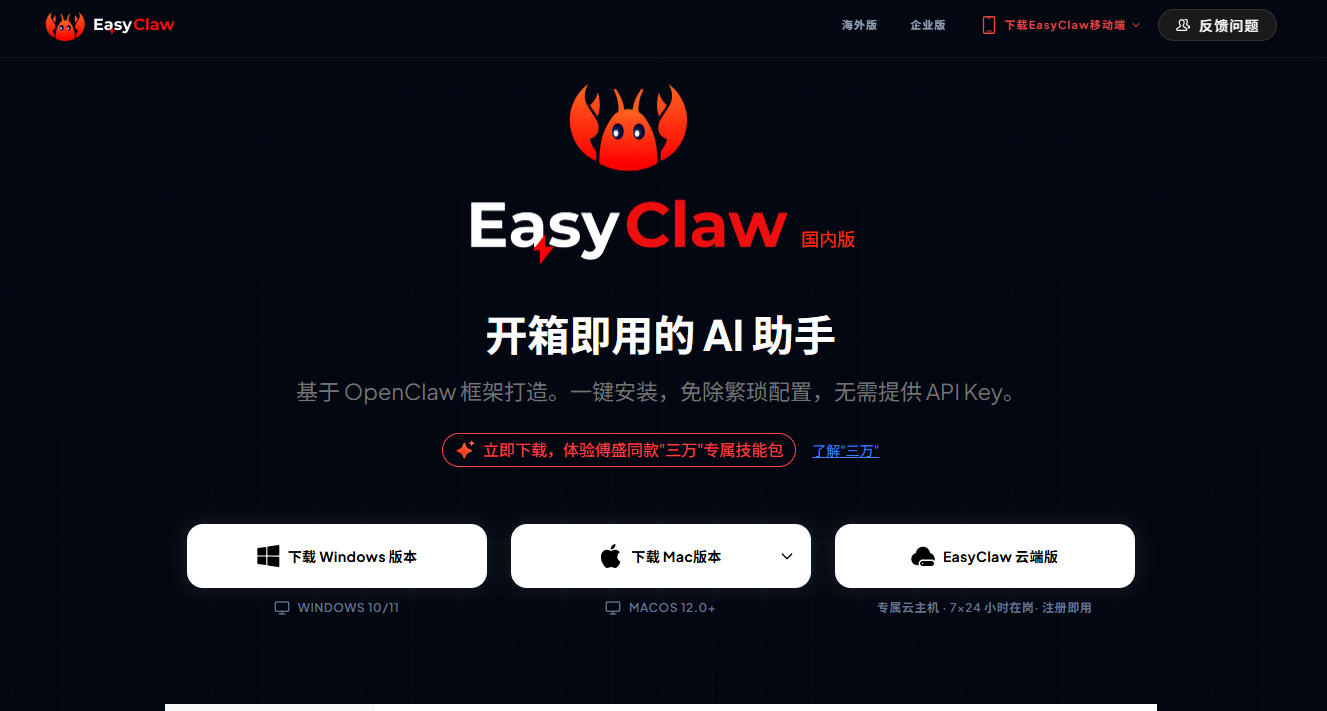
EasyClaw已经内置DeepSeek V4 API,开箱即用: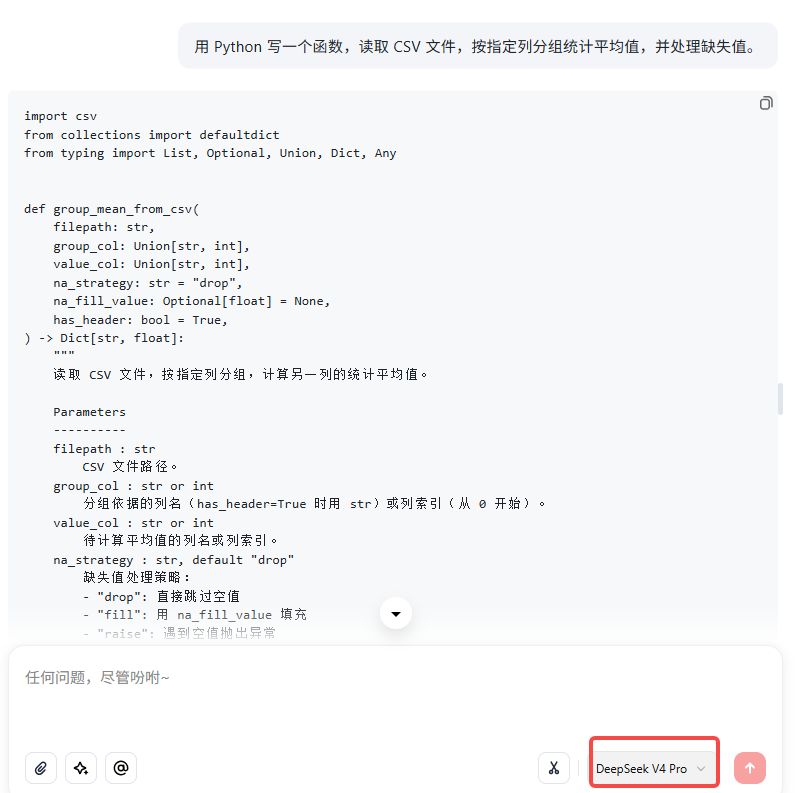
✅ 免API配置 - 不用申请Key,不用充值
✅ 免写代码 - 界面直接对话,代码一键复制
✅ 免环境配置 - 下载安装就能用
✅ 支持多平台 - 可连接飞书,团队协作
适合谁:
- 想快速体验DeepSeek V4,不想折腾API的开发者
- 非技术人员,不会写代码
- 需要团队协作,共享AI助手
对比传统API接入:
| 方式 | 申请Key | 写代码 | 配置环境 | 充值 | 适合人群 |
|---|---|---|---|---|---|
| 官方API | ✅ 需要 | ✅ 需要 | ✅ 需要 | ✅ 需要 | 技术开发者 |
| EasyClaw | ❌ 不需要 | ❌ 不需要 | ❌ 不需要 | ❌ 不需要 | 所有人 |
下载地址: EasyClaw | 已接入DeepSeek v4 下载即用
七、总结
本文解决了什么问题:
- DeepSeek V4 API怎么申请?→ 注册→认证→创建Key
- 怎么调用?→ Python代码示例,复制即用
- 常见问题?→ 4个典型错误及解决方案
- 不想折腾怎么办?→ EasyClaw免配置直接使用
如果你需要批量调用、集成到项目里,建议用官方API。
如果你只想快速体验、不想折腾配置,直接下载EasyClaw。
下载地址: EasyClaw | 已接入DeepSeek v4 下载即用
有用就点个赞,有问题评论区交流!

AtomGit 是由开放原子开源基金会联合 CSDN 等生态伙伴共同推出的新一代开源与人工智能协作平台。平台坚持“开放、中立、公益”的理念,把代码托管、模型共享、数据集托管、智能体开发体验和算力服务整合在一起,为开发者提供从开发、训练到部署的一站式体验。
更多推荐


 6
6 0
0- 0


 已为社区贡献102条内容

所有评论(0)