|
JavaScript
import express from 'express';
import cors from 'cors';
import OpenAI from 'openai';
const app = express();
const port = 3000;
app.use(express.json());
app.use(cors());
// ========== 阿里云百炼配置(请替换自己的信息) ==========
const openai = new OpenAI({
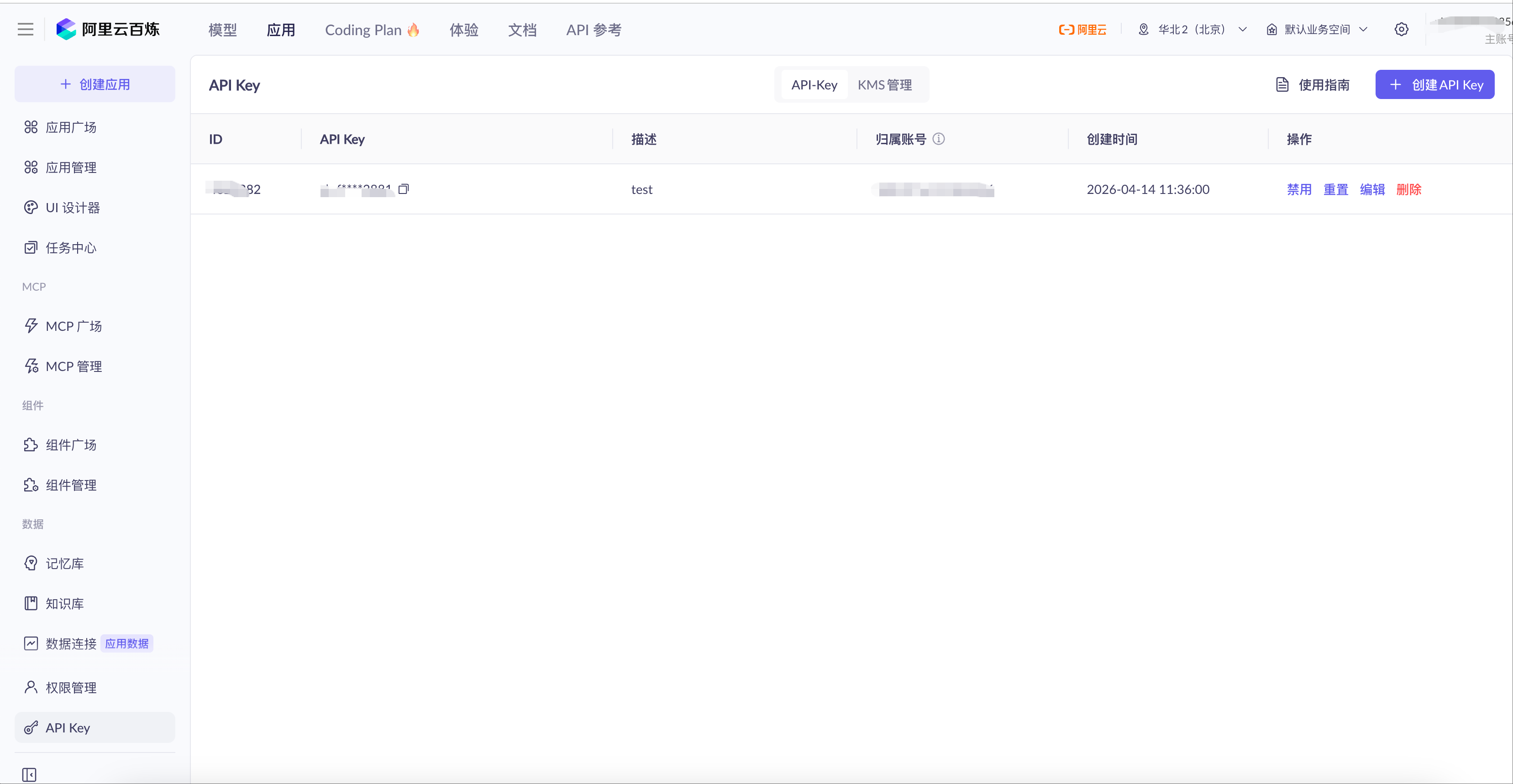
apiKey: '此处填写你自己的API Key',
baseURL: 'https://dashscope.aliyuncs.com/compatible-mode/v1'
});
const REQUEST_TIMEOUT = 60000;
// 聊天接口
app.post('/api/chat', validateChatRequest, async (req, res) => {
const abortController = new AbortController();
const timeoutId = setTimeout(() => abortController.abort(), REQUEST_TIMEOUT);
try {
const { query } = req.body;
setupSSEHeaders(res);
sendSSEMessage(res, { status: 'started' });
const stream = await openai.chat.completions.create({
model: 'deepseek-v3.2',
messages: [{ role: 'user', content: query }],
enable_thinking: true,
stream: true,
stream_options: { include_usage: true }
}, {
signal: abortController.signal
});
clearTimeout(timeoutId);
await handleStreamResponse(res, stream);
res.end();
} catch (error) {
clearTimeout(timeoutId);
handleStreamError(res, error);
}
});
// SSE 响应头
function setupSSEHeaders(res) {
res.setHeader('Content-Type', 'text/event-stream');
res.setHeader('Cache-Control', 'no-cache, no-transform');
res.setHeader('Connection', 'keep-alive');
res.setHeader('X-Accel-Buffering', 'no');
res.flushHeaders();
}
// 发送 SSE 消息
function sendSSEMessage(res, data) {
res.write(`data: ${JSON.stringify(data)}\n\n`);
}
// 处理流式返回
async function handleStreamResponse(res, stream) {
let reasoningContent = '';
let answerContent = '';
let isAnswering = false;
sendSSEMessage(res, { type: 'thinking_start', message: '思考过程' });
for await (const chunk of stream) {
if (!chunk.choices?.length) {
if (chunk.usage) {
sendSSEMessage(res, { type: 'usage', usage: chunk.usage });
}
continue;
}
const delta = chunk.choices[0].delta;
if (delta.reasoning_content !== undefined && delta.reasoning_content !== null) {
if (!isAnswering) {
reasoningContent += delta.reasoning_content;
sendSSEMessage(res, { type: 'thinking', content: delta.reasoning_content });
}
}
if (delta.content !== undefined && delta.content) {
if (!isAnswering) {
isAnswering = true;
sendSSEMessage(res, { type: 'answer_start', message: '回复内容' });
}
answerContent += delta.content;
sendSSEMessage(res, { type: 'answer', content: delta.content });
}
}
sendSSEMessage(res, {
type: 'completed',
reasoning: reasoningContent,
answer: answerContent
});
}
// 错误处理
function handleStreamError(res, error) {
console.error('错误:', error);
if (error.name === 'AbortError') {
sendSSEMessage(res, { error: '请求超时,请重试' });
} else {
sendSSEMessage(res, { error: error.message });
}
res.end();
}
// 参数校验
function validateChatRequest(req, res, next) {
const { query } = req.body;
if (!query || typeof query !== 'string') {
return res.status(400).json({ error: '请输入有效内容' });
}
const t = query.trim();
if (t.length === 0) return res.status(400).json({ error: '内容不能为空' });
if (t.length > 4000) return res.status(400).json({ error: '长度不能超过4000字符' });
req.body.query = t;
next();
}
// 健康检查
app.get('/api/health', (req, res) => {
res.json({ status: 'ok' });
});
// 启动服务
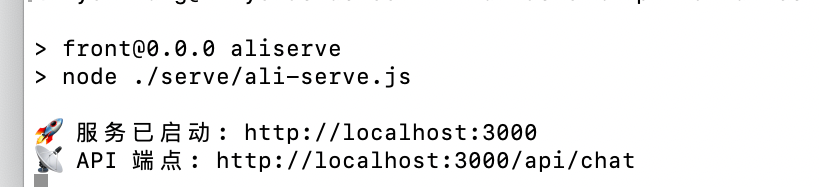
app.listen(port, () => {
console.log(`�� 服务已启动: http://localhost:${port}`);
console.log(`�� API 端点: http://localhost:${port}/api/chat`);
}); |



 11
11 0
0


 已为社区贡献1条内容

所有评论(0)