windowns Ollama 下载,安装,本地部署大模型
一、相关链接
Ollama官网
irm https://ollama.com/install.ps1 | iex
paste this in PowerShell, or download Ollama
下载Ollama
最新版本0.18.3
搜索模型
如搜索:deepseek,Qwen,gemma
https://ollama.com/library/deepseek-r1
有不同参数的模型。
二、安装、配置Ollama
1.
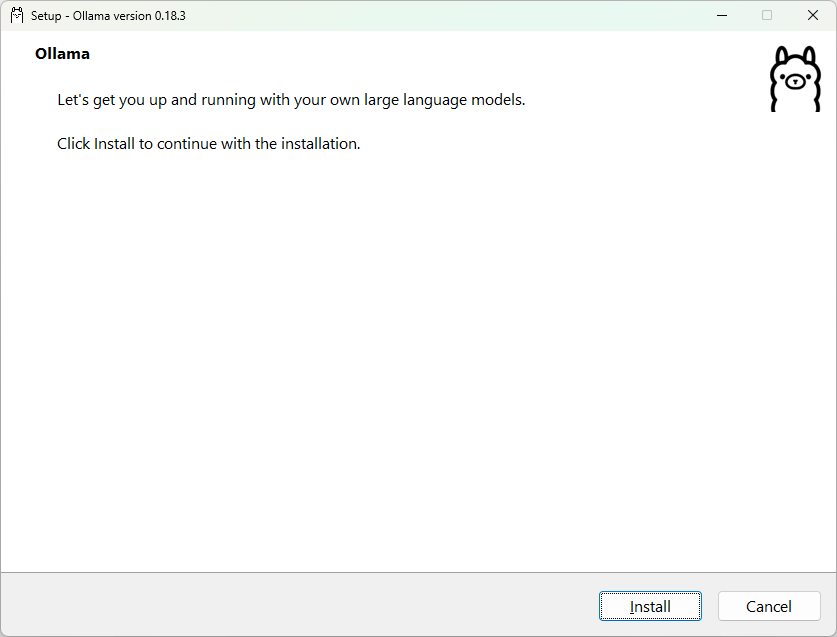
2.
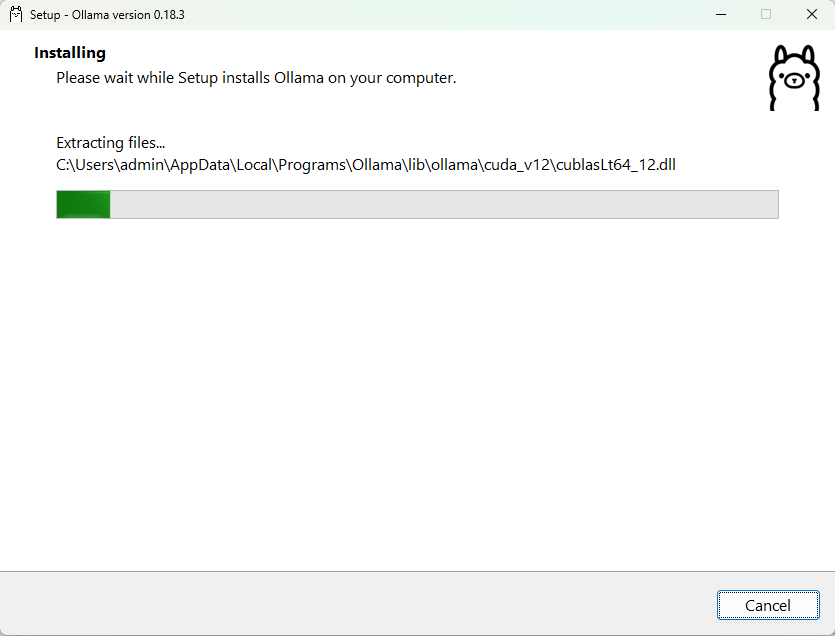
3.
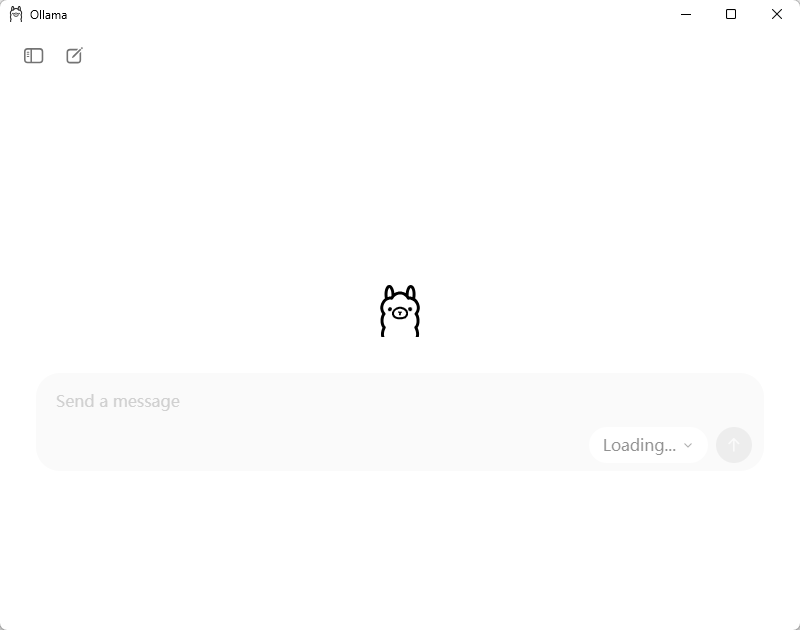
4.
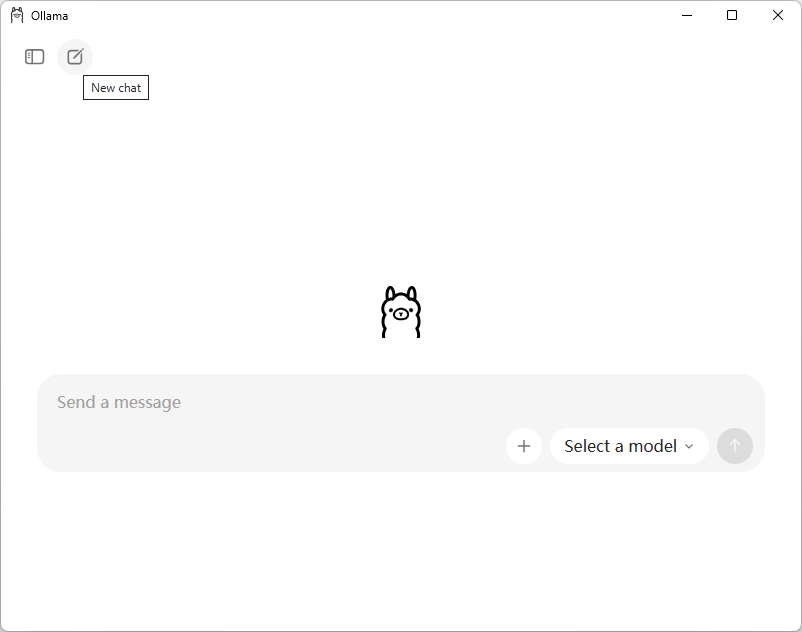
5.
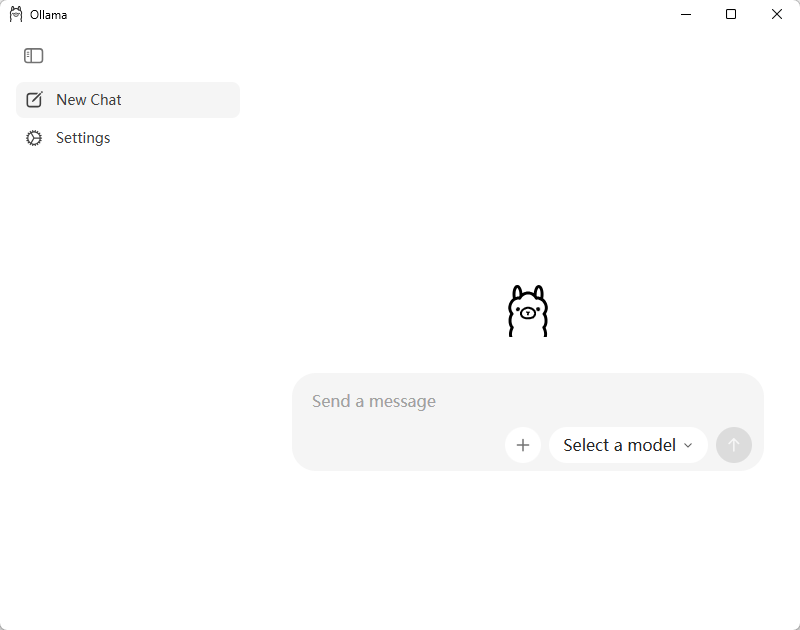
6.
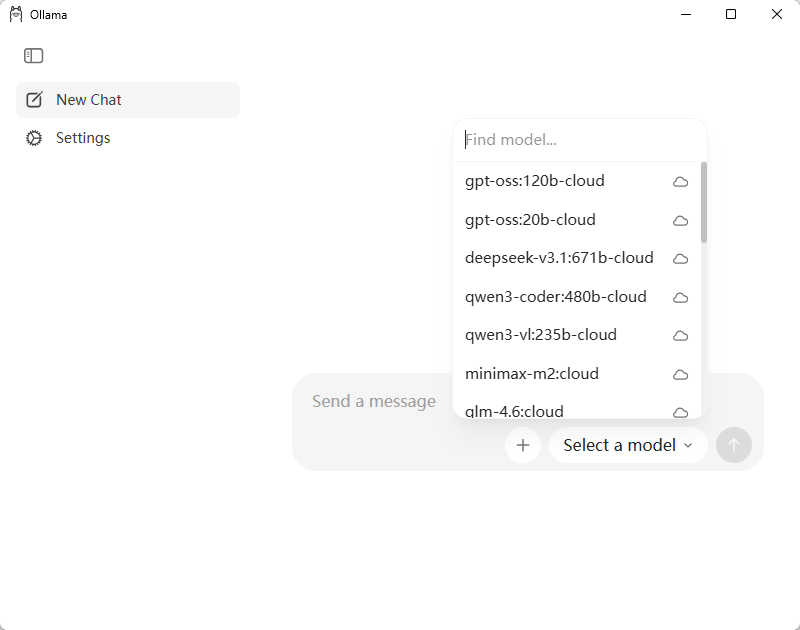
7.
8.
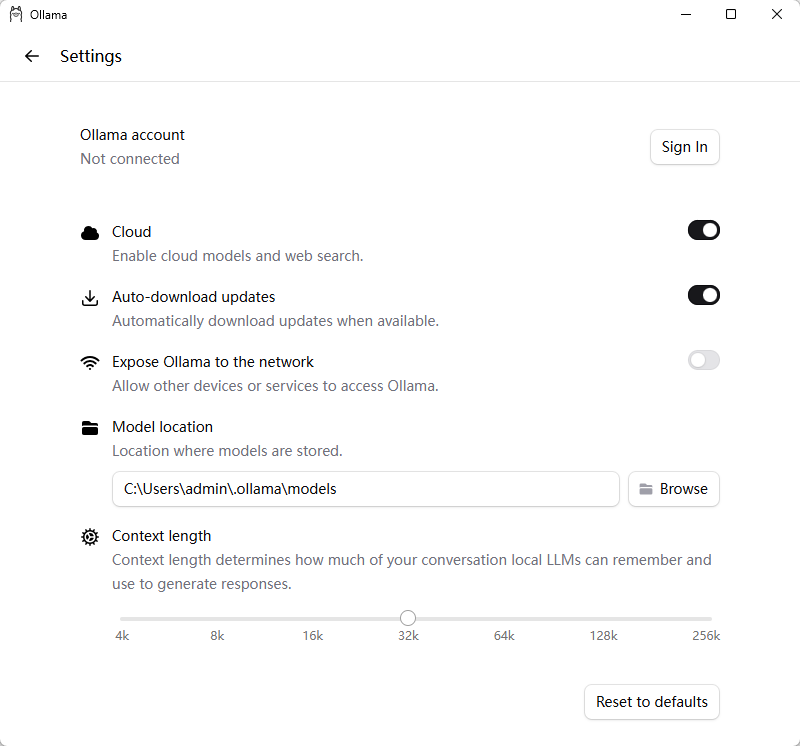
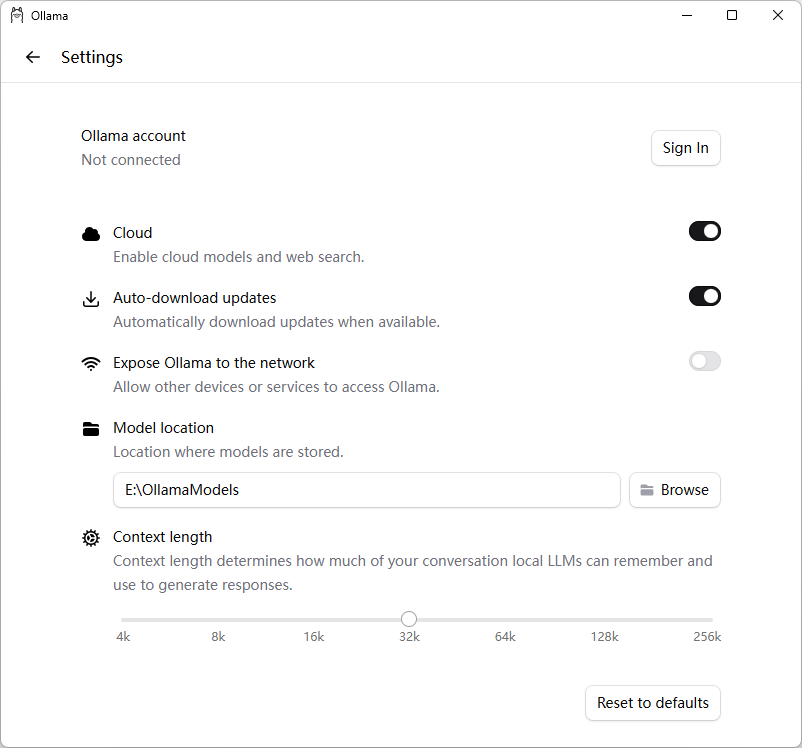
9.更换模型存储位置
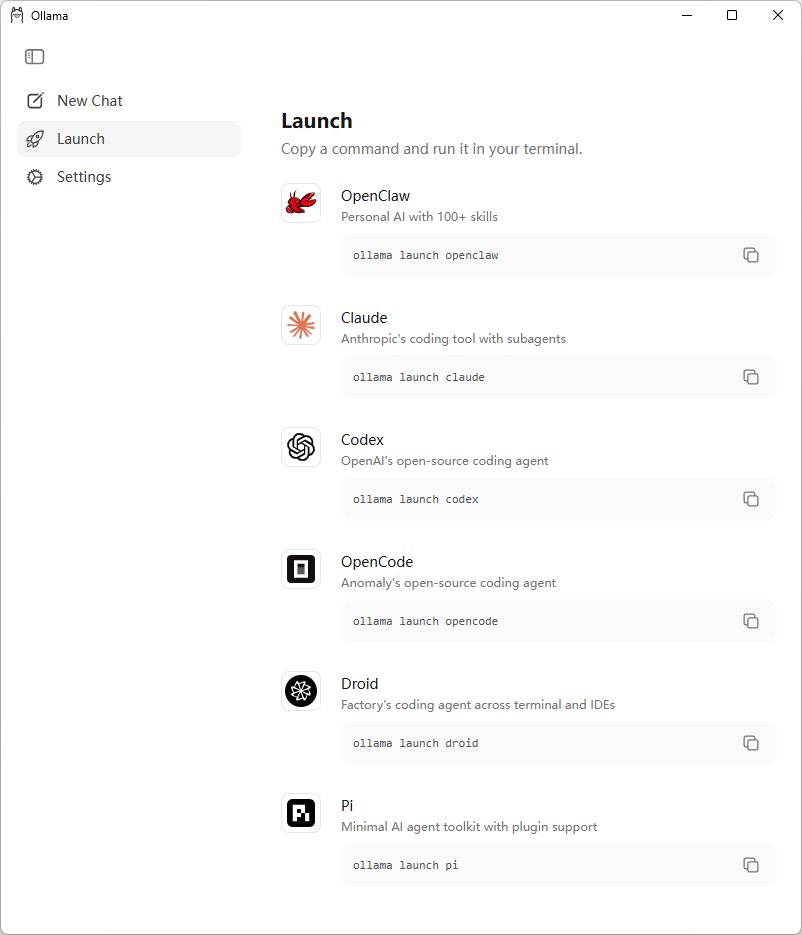
10. Launch
三、运行个模型
cmd
运行=拉取+启动
C:\Users\admin>ollama run deepseek-r1:1.5b
pulling manifest
pulling aabd4debf0c8: 100% ▕██████████████████████████████████████████████████████████▏ 1.1 GB
pulling c5ad996bda6e: 100% ▕██████████████████████████████████████████████████████████▏ 556 B
pulling 6e4c38e1172f: 100% ▕██████████████████████████████████████████████████████████▏ 1.1 KB
pulling f4d24e9138dd: 100% ▕██████████████████████████████████████████████████████████▏ 148 B
pulling a85fe2a2e58e: 100% ▕██████████████████████████████████████████████████████████▏ 487 B
verifying sha256 digest
writing manifest
success
>>> 你好
你好!很高兴见到你,有什么我可以帮忙的吗?无论是问题、建议还是闲聊,我都在这儿呢!😊
>>> /?
Available Commands:
/set Set session variables
/show Show model information
/load <model> Load a session or model
/save <model> Save your current session
/clear Clear session context
/bye Exit
/?, /help Help for a command
/? shortcuts Help for keyboard shortcuts
Use """ to begin a multi-line message.
>>> Send a message (/? for help)
>>> /bye
先拉取
ollama pull deepseek-r1:1.5b
再运行
ollama run deepseek-r1:1.5b
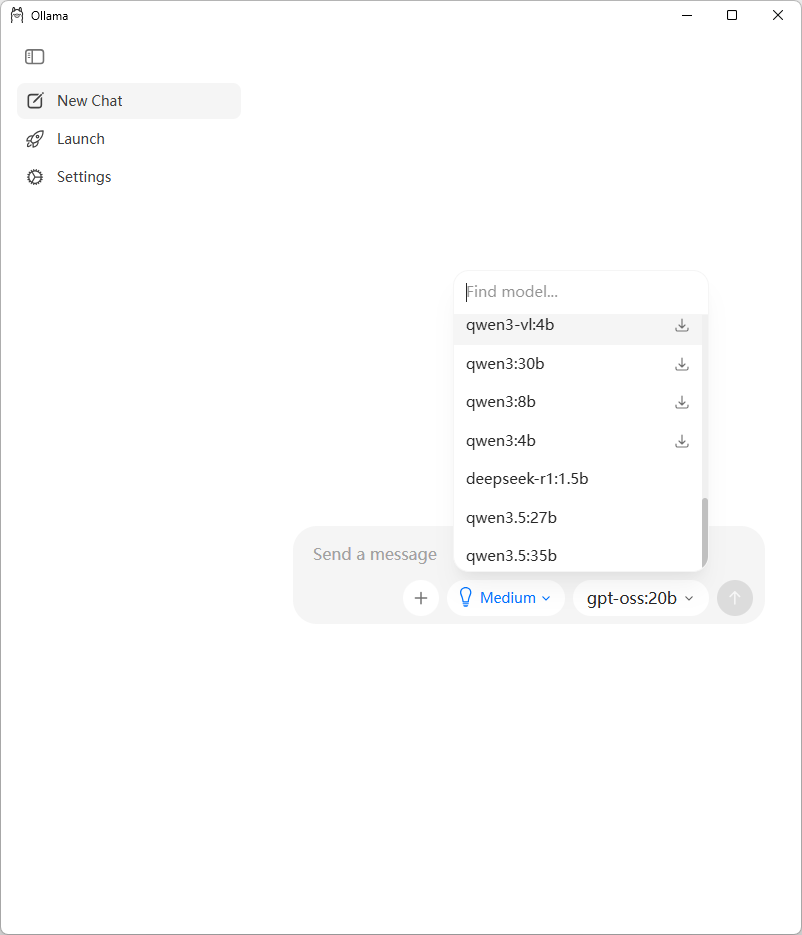
下面的3个是本地装过的模型
四、Ollama命令提示
ollama命令帮助
C:\Users\admin>ollama --help
Large language model runner

Usage:
  ollama [flags]
  ollama [command]

Available Commands:
  serve       Start Ollama
  create      Create a model
  show        Show information for a model
  run         Run a model
  stop        Stop a running model
  pull        Pull a model from a registry
  push        Push a model to a registry
  signin      Sign in to ollama.com
  signout     Sign out from ollama.com
  list        List models
  ps          List running models
  cp          Copy a model
  rm          Remove a model
  launch      Launch the Ollama menu or an integration
  help        Help about any command

Flags:
  -h, --help         help for ollama
      --nowordwrap   Don't wrap words to the next line automatically
      --verbose      Show timings for response
  -v, --version      Show version information

Use "ollama [command] --help" for more information about a command.
Ollama命令提示(交互式)
C:\Users\admin>ollama
Ollama 0.20.0

▸ Chat with a model
    Start an interactive chat with a model

  Launch Claude Code (not installed)
    Anthropic's coding tool with subagents

  Launch Codex (not installed)
    OpenAI's open-source coding agent

  Launch OpenClaw (install)
    Personal AI with 100+ skills

  More...
    Show additional integrations


↑/↓ navigate • enter launch • → configure • esc quit

-------------------------------------------------------------------------------------------

C:\Users\admin>ollama
Select model to run: Type to filter...

  Recommended
  ▸ glm-4.7-flash
      Reasoning and code generation locally, ~25GB, (not downloaded)
    qwen3.5
      Reasoning, coding, and visual understanding locally, ~11GB, (not downloaded)
    kimi-k2.5:cloud
      Multimodal reasoning with subagents
    qwen3.5:cloud
      Reasoning, coding, and agentic tool use with vision
    glm-5:cloud
      Reasoning and code generation
    minimax-m2.7:cloud
      Fast, efficient coding and real-world productivity

  More
    deepseek-r1:1.5b
    qwen3.5:27b
    qwen3.5:35b

↑/↓ navigate • enter select • ← back
五、常用命令
列出本地模型
C:\Users\admin>ollama list
NAME ID SIZE MODIFIED
deepseek-r1:1.5b e0979632db5a 1.1 GB 9 minutes ago
qwen3.5:35b 3460ffeede54 23 GB 3 days ago
qwen3.5:27b 7653528ba5cb 17 GB 4 days ago
查看运行中的模型
C:\Users\admin>ollama ps
NAME ID SIZE PROCESSOR CONTEXT UNTIL
deepseek-r1:1.5b e0979632db5a 2.8 GB 100% GPU 32768 21 seconds from now
# 停止运行中的模型
ollama stop
ollama stop deepseek-r1:1.5b
# 启动服务(命令行启动,与应用程序启动不太一样)(不常用)
ollama serve (模型存储位置还得再设置一下)
# 再次运行
ollama run --verbose deepseek-r1:1.5b (不设置模型存储位置,会下载到默认模型存储位置)
--verbose 显示统计信息
C:\Users\admin>ollama run --verbose deepseek-r1:1.5b
>>> 你好
你好!很高兴见到你,有什么我可以帮忙的吗?

total duration:       303.208ms
load duration:        42.5447ms
prompt eval count:    4 token(s)
prompt eval duration: 32.7748ms
prompt eval rate:     122.04 tokens/s
eval count:           17 token(s)
eval duration:        213.5049ms
eval rate:            79.62 tokens/s
>>> /bye
六、模型存储位置设置
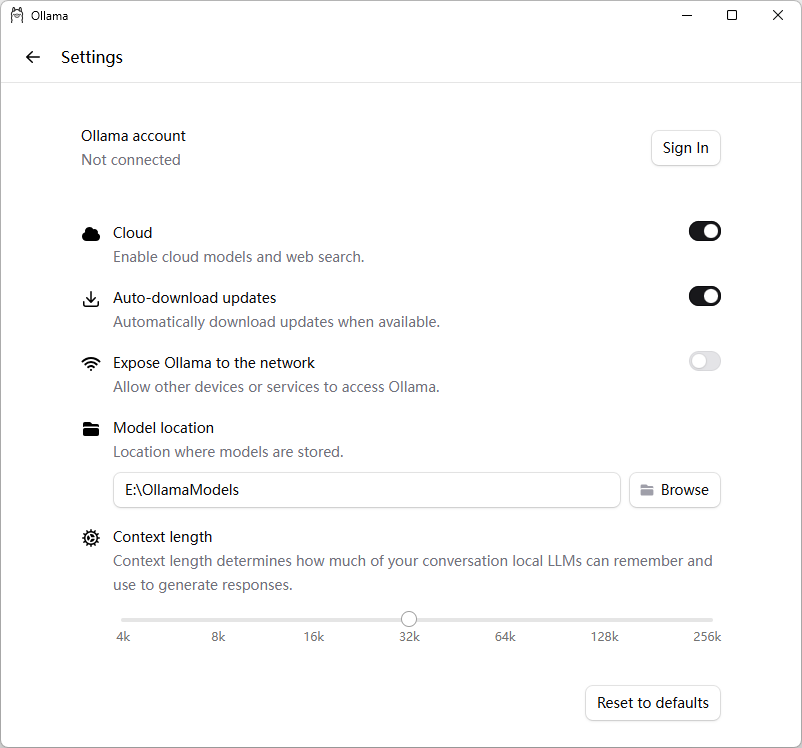
1、应用程序启动的
2、命令行启动的
临时生效:
set OLLAMA_MODELS=E:\OllamaModels
ollama serve
或配置环境变量
OLLAMA_MODELS=E:\OllamaModels
3、相关目录
日志目录:C:\Users\admin\AppData\Local\Ollama
应用程序目录:C:\Users\admin\AppData\Local\Programs\Ollama
默认模型存储位置:C:\Users\admin\.ollama\models
新的模型存储位置:E:\OllamaModels
七、查看统计信息
方法 1:用命令行 ollama run --verbose(最直接)
ollama run --verbose deepseek-r1:1.5b
每次回复后都会显示统计。
方法 2:在命令行会话内临时开启 / 关闭
进入 ollama run 后,用内置命令切换:
>>> /set verbose   # 开启统计
>>> /set quiet     # 关闭统计(默认)
八、关闭思考
deepseek 关闭思考,在ollama中,在代码中
https://blog.csdn.net/haveqing/article/details/151162448
九、其他
Ollama's new app

AtomGit 是由开放原子开源基金会联合 CSDN 等生态伙伴共同推出的新一代开源与人工智能协作平台。平台坚持“开放、中立、公益”的理念,把代码托管、模型共享、数据集托管、智能体开发体验和算力服务整合在一起,为开发者提供从开发、训练到部署的一站式体验。
更多推荐



 13
13 0
0- 0


 已为社区贡献5条内容

所有评论(0)