X-AnyLabelImg安装与使用
1 介绍
1.1 概念
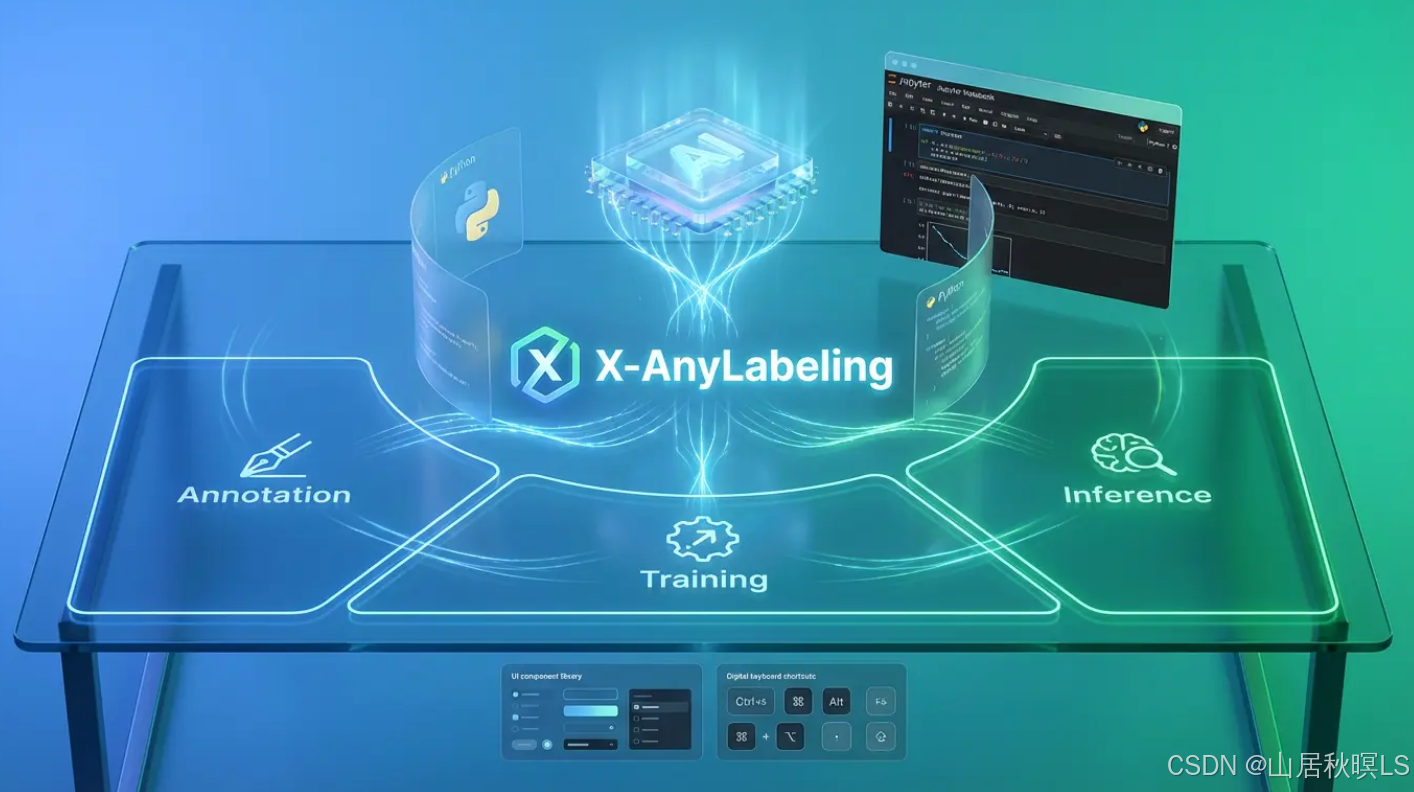
X-AnyLabeling 是一款基于AI推理引擎和丰富功能特性于一体的强大辅助标注工具,其专注于实际应用,致力于为多模态数据工程师提供工业级的一站式解决方案,可自动快速进行各种复杂任务的标定。支持远程推理服务、支持GPU、FFmpeg加速推理、支持一键预测所有图像、支持图像和视频处理、支持自定义模型和二次开发、支持一键导入和导出多种标签格式,如 COCO\VOC\YOLO\DOTA\MOT\MASK\PPOCR\MMGF\VLM-R1 等;支持多种图像标注样式,包括 多边形、矩形、长方体、旋转框、圆形、线条、点,以及 文本检测、识别 和 KIE 标注;支持各类视觉任务,如图像分类、目标检测、实例分割、姿态估计、旋转检测、多目标跟踪、光学字符识别、图像文本描述、车道线检测、分割一切、视觉问答等。
1.2 功能
自动训练、自动标注、检测一切、分割一切、可提示概念定位、视觉问答、聊天机器人、图像分类器、OCR识别、新增支持从矩形生成 3D Cuboid 对象标注。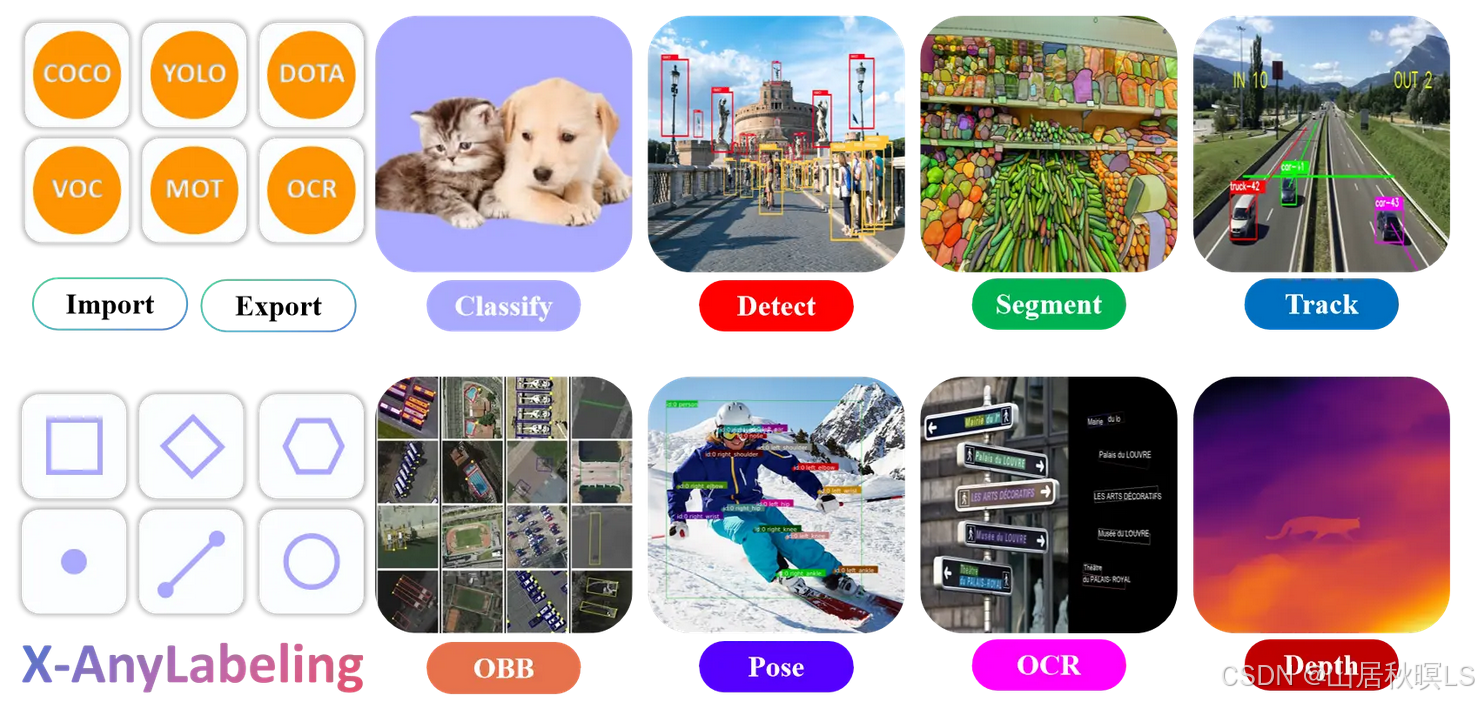
任务类别 支持模型
🖼️ 图像分类 YOLOv5-Cls, YOLOv8-Cls, YOLO11-Cls, InternImage, PULC
🎯 目标检测 YOLOv5/6/7/8/9/10, YOLO11/12/26, YOLOX, YOLO-NAS, D-FINE, DAMO-YOLO, Gold_YOLO, RT-DETR, RF-DETR, DEIMv2
🖌️ 实例分割 YOLOv5-Seg, YOLOv8-Seg, YOLO11-Seg, YOLO26-Seg, Hyper-YOLO-Seg, RF-DETR-Seg
🏃 姿态估计 YOLOv8-Pose, YOLO11-Pose, YOLO26-Pose, DWPose, RTMO
👣 目标跟踪 Bot-SORT, ByteTrack, SAM2/3-Video
🔄 旋转目标检测 YOLOv5-Obb, YOLOv8-Obb, YOLO11-Obb, YOLO26-Obb
📏 深度估计 Depth Anything
🧩 分割一切 SAM 1/2/3, SAM-HQ, SAM-Med2D, EdgeSAM, EfficientViT-SAM, MobileSAM
✂️ 图像抠图 RMBG 1.4/2.0
💡 候选框提取 UPN
🏷️ 图像标记 RAM, RAM++
📄 光学字符识别 PP-OCRv4, PP-OCRv5, PP-DocLayoutV3, PaddleOCR-VL-1.5
🗣️ 视觉基础模型 Rex-Omni, Florence2
👁️ 视觉语言模型 Qwen3-VL, Gemini, ChatGPT, GLM
🛣️ 车道线检测 CLRNet
📍 Grounding CountGD, GeCO, Grounding DINO, YOLO-World, YOLOE
📚 其他 👉 model_zoo 👈
2 安装
1 创建虚拟环境(推荐)
# 创建虚拟环境(推荐)
# CPU Environment [Windows/Linux/macOS]
conda create --name x-anylabeling-cpu python=3.10 -y
conda activate x-anylabeling-cpu

# CUDA 11.x Environment [Windows/Linux]
conda create --name x-anylabeling-cu11 python=3.11 -y
conda activate x-anylabeling-cu11

# CUDA 12.x Environment [Windows/Linux]
conda create --name x-anylabeling-cu12 python=3.12 -y
conda activate x-anylabeling-cu12
- pip Installation
# CPU [Windows/Linux/macOS]
pip install x-anylabeling-cvhub[cpu]

# CUDA 12.x is the default GPU option [Windows/Linux]
pip install x-anylabeling-cvhub[gpu]

# CUDA 11.x [Windows/Linux]
pip install x-anylabeling-cvhub[gpu-cu11]
- 安装xanylabeling
git clone https://github.com/CVHub520/X-AnyLabeling.git
cd X-AnyLabeling

# CPU [Windows/Linux/macOS]
pip install -e .[cpu]

# CUDA 12.x is the default GPU option [Windows/Linux]
pip install -e .[gpu]

# CUDA 11.x [Windows/Linux]
pip install -e .[gpu-cu11]
- 打开xanylabeling
xanylabeling
- 报错
(x-anylabeling-cu12) ls@ls-Shadow-SH16-73:~/x_AnylabelImg/X-AnyLabeling-main$ xanylabeling
2026-03-11 09:49:55,650 | INFO    | app:main:276 - 🚀 X-AnyLabeling v4.0.0-beta.2 launched!
2026-03-11 09:49:55,650 | INFO    | app:main:279 - ⭐ If you like it, give us a star: https://github.com/CVHub520/X-AnyLabeling
2026-03-11 09:49:55,660 | INFO    | config:get_config:108 - 🔧️ Initializing config from local file: /home/ls/.xanylabelingrc
qt.qpa.plugin: From 6.5.0, xcb-cursor0 or libxcb-cursor0 is needed to load the Qt xcb platform plugin.
qt.qpa.plugin: Could not load the Qt platform plugin "xcb" in "" even though it was found.
This application failed to start because no Qt platform plugin could be initialized. Reinstalling the application may fix this problem.

Available platform plugins are: vnc, xcb, linuxfb, minimal, vkkhrdisplay, minimalegl, eglfs, wayland, wayland-egl, offscreen.

已中止 (核心已转储)
sudo apt-get update
sudo apt-get install libxcb-cursor0
# reference:  https://blog.csdn.net/weixin_44335538/article/details/135292413
7.```bash
8.
```bash

AtomGit 是由开放原子开源基金会联合 CSDN 等生态伙伴共同推出的新一代开源与人工智能协作平台。平台坚持“开放、中立、公益”的理念,把代码托管、模型共享、数据集托管、智能体开发体验和算力服务整合在一起,为开发者提供从开发、训练到部署的一站式体验。
更多推荐

 8
8 0
0- 0


 已为社区贡献1条内容

所有评论(0)