Flutter for OpenHarmony 身体健康状况记录App实战 - 添加饮水记录实现
前言
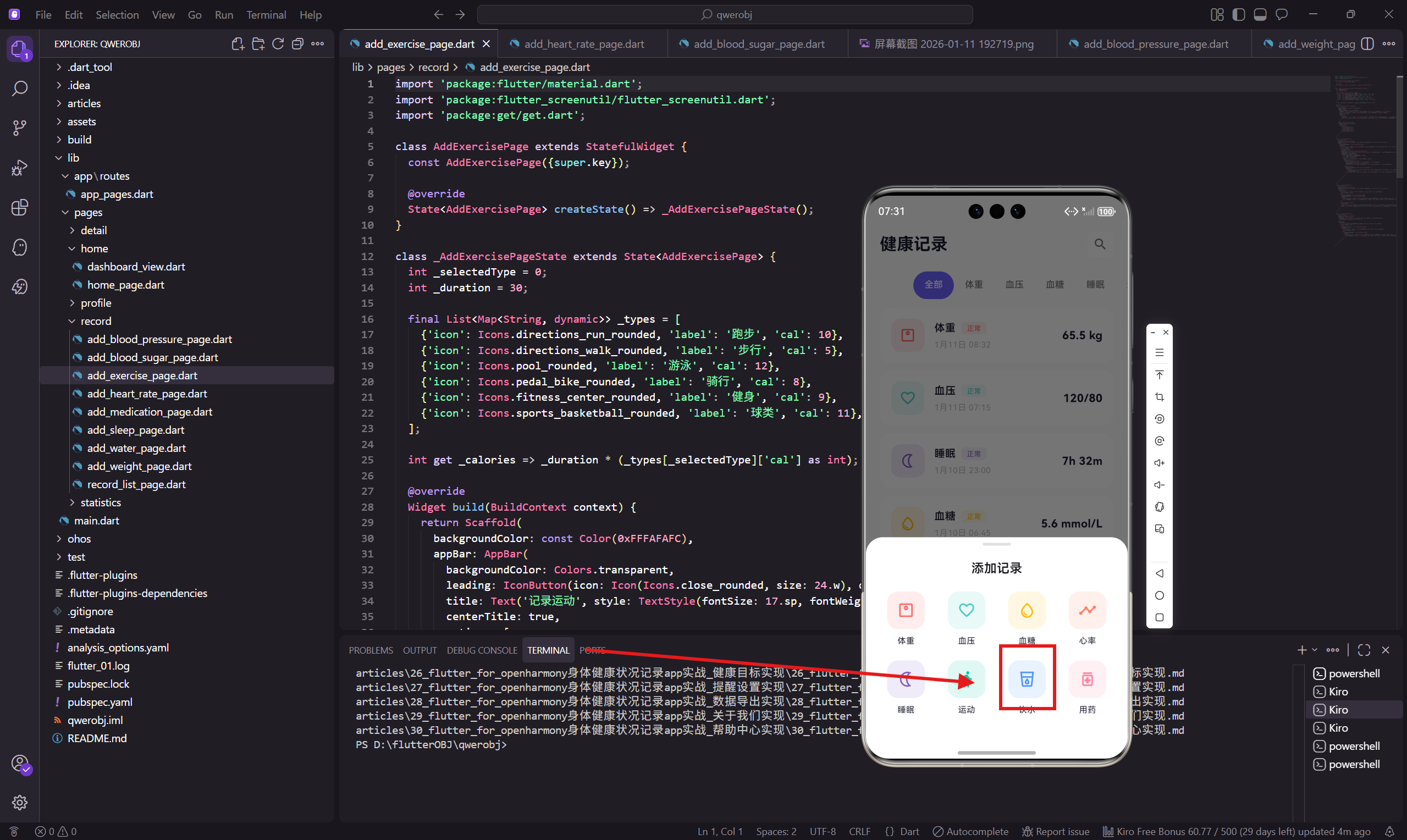
每天喝足够的水对健康很重要,一般建议成年人每天喝 2000ml 左右。饮水记录页面会显示今日饮水进度,让用户直观看到距离目标还差多少。
这个页面的特点是有进度条和快速选择按钮,方便用户快速记录常见的饮水量。
状态变量
饮水记录需要当前添加量、今日累计量和目标量三个数据。
class AddWaterPage extends StatefulWidget {
const AddWaterPage({super.key});
State<AddWaterPage> createState() => _AddWaterPageState();
}
class _AddWaterPageState extends State<AddWaterPage> {
int _amount = 250;
int _todayTotal = 1500;
final int _goal = 2000;
_amount 是本次要添加的饮水量,默认 250ml(一杯水)。_todayTotal 是今日已记录的总量,实际项目中应该从数据库读取。_goal 是每日目标,可以在设置中修改。
进度卡片
用渐变背景的卡片展示今日饮水进度。
  Widget _buildProgressCard() {
    final progress = (_todayTotal + _amount) / _goal;
    return Container(
      padding: EdgeInsets.all(24.w),
      decoration: BoxDecoration(
        gradient: const LinearGradient(
          colors: [Color(0xFF4D96FF), Color(0xFF6BA8FF)]
        ),
        borderRadius: BorderRadius.circular(24.r),
      ),
      child: Column(
        children: [
          Icon(Icons.water_drop_rounded, size: 40.w, color: Colors.white70),
          SizedBox(height: 12.h),
          Text('今日饮水', style: TextStyle(
            fontSize: 13.sp,
            color: Colors.white70
          )),
          SizedBox(height: 4.h),
          Row(
            mainAxisAlignment: MainAxisAlignment.center,
            crossAxisAlignment: CrossAxisAlignment.end,
            children: [
              Text('${_todayTotal + _amount}', style: TextStyle(
                fontSize: 36.sp,
                fontWeight: FontWeight.w700,
                color: Colors.white
              )),
              Padding(
                padding: EdgeInsets.only(bottom: 6.h),
                child: Text(' / $_goal ml', style: TextStyle(
                  fontSize: 14.sp,
                  color: Colors.white70
                ))
              ),
            ],
          ),
进度计算包含了本次要添加的量,这样用户可以预览添加后的效果。蓝色渐变是饮水在整个App中的主题色。
进度条
用 LinearProgressIndicator 显示完成进度。
          SizedBox(height: 16.h),
          ClipRRect(
            borderRadius: BorderRadius.circular(6.r),
            child: LinearProgressIndicator(
              value: progress.clamp(0.0, 1.0),
              minHeight: 8.h,
              backgroundColor: Colors.white30,
              valueColor: const AlwaysStoppedAnimation(Colors.white),
            ),
          ),
          SizedBox(height: 8.h),
          Text('${(progress * 100).toInt()}% 完成', style: TextStyle(
            fontSize: 12.sp,
            color: Colors.white70
          )),
        ],
      ),
    );
  }
ClipRRect 给进度条加上圆角。.clamp(0.0, 1.0) 确保进度值在 0-1 之间,超过目标时显示 100%。
白色进度条在蓝色背景上很醒目,百分比文字让用户一眼看到完成情况。
饮水量选择器
用滑块选择本次添加的饮水量。
  Widget _buildAmountSelector() {
    return Container(
      padding: EdgeInsets.all(20.w),
      decoration: BoxDecoration(
        color: Colors.white,
        borderRadius: BorderRadius.circular(20.r)
      ),
      child: Column(
        children: [
          Text('添加饮水量', style: TextStyle(
            fontSize: 14.sp,
            color: Colors.grey[500]
          )),
          SizedBox(height: 12.h),
          Row(
            mainAxisAlignment: MainAxisAlignment.center,
            crossAxisAlignment: CrossAxisAlignment.end,
            children: [
              Text('$_amount', style: TextStyle(
                fontSize: 48.sp,
                fontWeight: FontWeight.w700,
                color: const Color(0xFF1A1A2E)
              )),
              Padding(
                padding: EdgeInsets.only(bottom: 8.h),
                child: Text(' ml', style: TextStyle(
                  fontSize: 16.sp,
                  color: Colors.grey[500]
                ))
              ),
            ],
          ),
          SizedBox(height: 20.h),
          SliderTheme(
            data: SliderTheme.of(context).copyWith(
              activeTrackColor: const Color(0xFF4D96FF),
              inactiveTrackColor: Colors.grey[200],
              thumbColor: const Color(0xFF4D96FF),
              trackHeight: 6.h,
              thumbShape: RoundSliderThumbShape(enabledThumbRadius: 12.r)
            ),
            child: Slider(
              value: _amount.toDouble(),
              min: 50,
              max: 1000,
              divisions: 19,
              onChanged: (v) => setState(() => _amount = v.toInt())
            ),
          ),
        ],
      ),
    );
  }
范围 50-1000ml,divisions: 19 把范围分成 19 份,每份约 50ml。这样滑块会吸附到 50 的倍数上。
快速选择按钮
提供常见饮水量的快捷按钮。
  Widget _buildQuickAdd() {
    final amounts = [100, 200, 250, 500];
    return Container(
      padding: EdgeInsets.all(16.w),
      decoration: BoxDecoration(
        color: Colors.white,
        borderRadius: BorderRadius.circular(16.r)
      ),
      child: Column(
        crossAxisAlignment: CrossAxisAlignment.start,
        children: [
          Text('快速选择', style: TextStyle(
            fontSize: 14.sp,
            fontWeight: FontWeight.w500,
            color: const Color(0xFF1A1A2E)
          )),
          SizedBox(height: 12.h),
          Row(
            children: amounts.map((a) => Expanded(
              child: GestureDetector(
                onTap: () => setState(() => _amount = a),
                child: Container(
                  margin: EdgeInsets.only(right: a == amounts.last ? 0 : 10.w),
                  padding: EdgeInsets.symmetric(vertical: 12.h),
                  decoration: BoxDecoration(
                    color: _amount == a ? const Color(0xFF4D96FF) : Colors.grey[100],
                    borderRadius: BorderRadius.circular(10.r),
                  ),
                  child: Center(
                    child: Text('$a ml', style: TextStyle(
                      fontSize: 13.sp,
                      color: _amount == a ? Colors.white : Colors.grey[600],
                      fontWeight: FontWeight.w500
                    ))
                  ),
                ),
              ),
            )).toList(),
          ),
        ],
      ),
    );
  }
}
100ml(小杯)、200ml(中杯)、250ml(标准杯)、500ml(大杯)是最常见的饮水量。点击按钮会同时更新滑块的位置。
选中的按钮用蓝色背景,和滑块颜色一致。
饮水提醒
可以结合提醒功能,定时提醒用户喝水:
// 每隔2小时提醒一次
void scheduleWaterReminder() {
  // 使用 flutter_local_notifications 插件
  // 设置重复提醒
}
这个功能可以在提醒设置页面配置。
小结
饮水记录页面的特点:
- 显示今日饮水进度和目标
- 进度条直观展示完成情况
- 滑块选择饮水量
- 快速选择按钮提高效率
- 蓝色主题色,和App中其他饮水相关内容一致
进度展示是这个页面的亮点,让用户有明确的目标感,更有动力完成每日饮水目标。
下一篇会讲添加用药记录页面,用药记录需要输入药品名称和剂量。
欢迎加入开源鸿蒙跨平台社区:https://openharmonycrossplatform.csdn.net

AtomGit 是由开放原子开源基金会联合 CSDN 等生态伙伴共同推出的新一代开源与人工智能协作平台。平台坚持“开放、中立、公益”的理念,把代码托管、模型共享、数据集托管、智能体开发体验和算力服务整合在一起,为开发者提供从开发、训练到部署的一站式体验。
更多推荐

 8
8 0
0- 0


 已为社区贡献30条内容

所有评论(0)