PX4仿真环境的常见错误解决(Linux系统右键打不开terminal,RLException: [posix_sitl.launch] is neither a launch file in p)
问题1:
如果出现linux系统打不来终端的情况,但是其他的总段的可以打开,比如teminator可以打开.
错误原因:你可能在某些情况下执行了LC_ALL=C的操作。
首先想办法打开其他的终端:比如xfrc,terminator等。没有的话就
sudo apt-get install ✨ 进行安装。
✨打开本地环境配置
sudo gedit /etc/default/locale
删除
LC_ALL=C
然后重启电脑,问题得到解决。
问题2::RLException: [posix_sitl.launch] is neither a launch file in package [px4] nor is [px4] a launch file name The traceback for the exception was written to the log file location。
这主要是由于你环境配置的原因,只要将
source ~/catkin_ws/devel/setup.bash
source ~/PX4-Autopilot/Tools/setup_gazebo.bash ~/PX4-Autopilot ~/PX4-Autopilot/build/px4_sitl_default
export ROS_PACKAGE_PATH=$ROS_PACKAGE_PATH:~/PX4-Autopilot
export ROS_PACKAGE_PATH=$ROS_PACKAGE_PATH:~/PX4-Autopilot/Tools/sitl_gazebo
放到bashrc的最后面,记住一定要是最后面,就可以解决问题。特别是安装了conda环境的。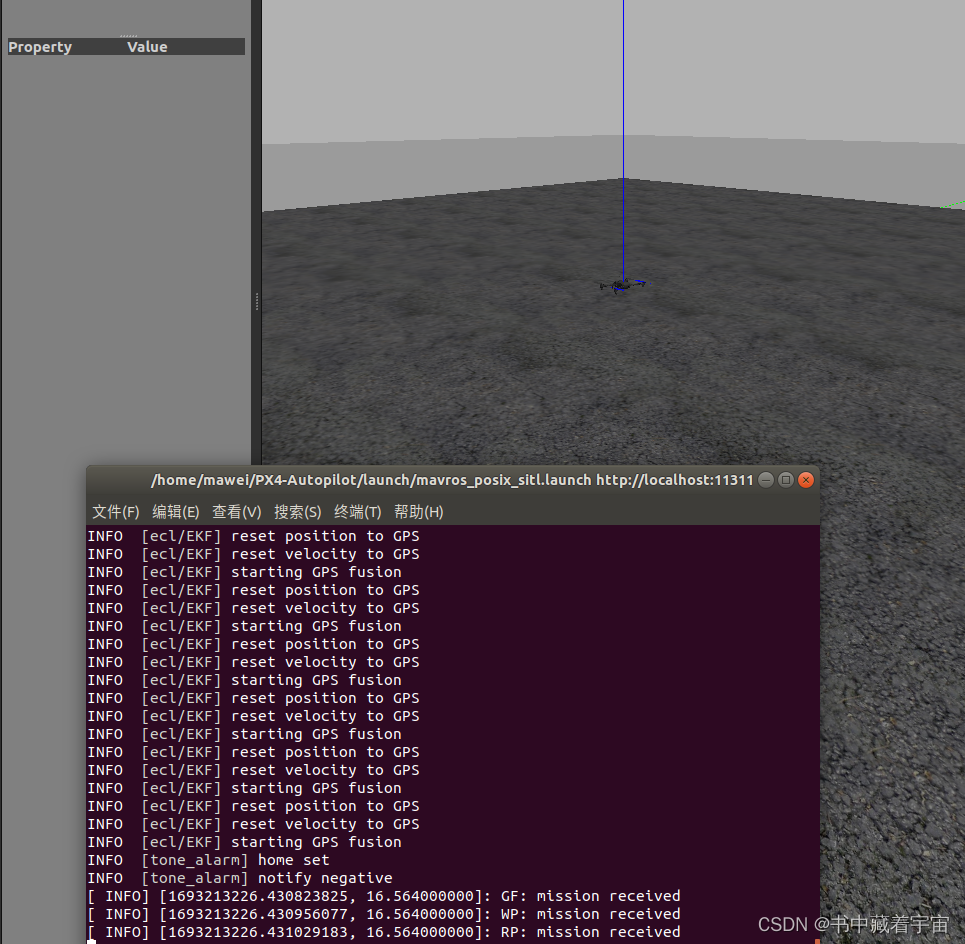

AtomGit 是由开放原子开源基金会联合 CSDN 等生态伙伴共同推出的新一代开源与人工智能协作平台。平台坚持“开放、中立、公益”的理念,把代码托管、模型共享、数据集托管、智能体开发体验和算力服务整合在一起,为开发者提供从开发、训练到部署的一站式体验。
更多推荐


 1
1 0
0- 0


 已为社区贡献1条内容

所有评论(0)