Numpy版本查看、降级、卸载和安装(自定义版本)
·
碰到的问题如下所示:
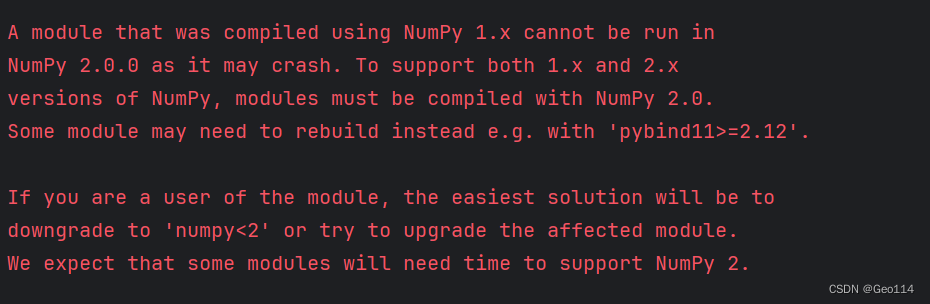
A module that was compiled using NumPy 1.x cannot be run in
NumPy 2.0.0 as it may crash. To support both 1.x and 2.x
versions of NumPy, modules must be compiled with NumPy 2.0.
Some module may need to rebuild instead e.g. with 'pybind11>=2.12'.
If you are a user of the module, the easiest solution will be to
downgrade to 'numpy<2' or try to upgrade the affected module.
We expect that some modules will need time to support NumPy 2.
我们可以
查看已安装的Numpy的版本:
pip show numpy1、卸载Numpy:
pip uninstall numpy2、查看可以安装的Numpy版本:
pip index versions numpy 3、选择一个你想要的版本安装:
pip install -U numpy==1.9.0
# 1.9.0是自定的版本号
安装过程中 可能出现的问题
error: subprocess-exited-with-error
可以尝试检查网络问题(有没有使用魔法)
或者 更新setuptool
pip install --upgrade setuptools
4、这里也可以直接跳过步骤2,3直接尝试
pip install -U numpy<2
AtomGit 是由开放原子开源基金会联合 CSDN 等生态伙伴共同推出的新一代开源与人工智能协作平台。平台坚持“开放、中立、公益”的理念,把代码托管、模型共享、数据集托管、智能体开发体验和算力服务整合在一起,为开发者提供从开发、训练到部署的一站式体验。
更多推荐


 38
38 0
0- 0


 已为社区贡献1条内容

所有评论(0)